tldraw offline puts the whiteboard back on your disk
tldraw shipped a free desktop whiteboard on 16 July. Files stay local, and a coding agent can open one and draw on the canvas with you.
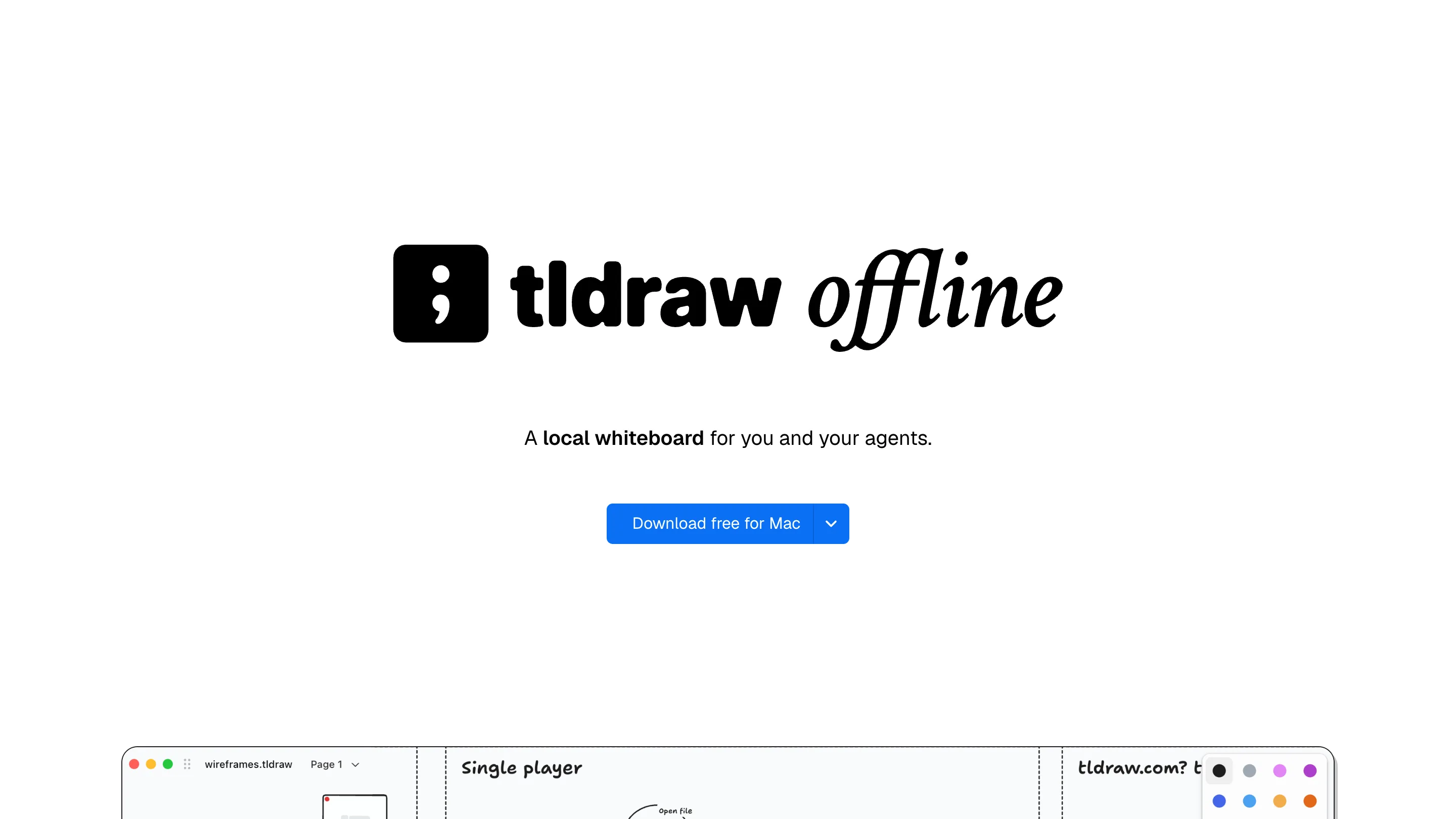
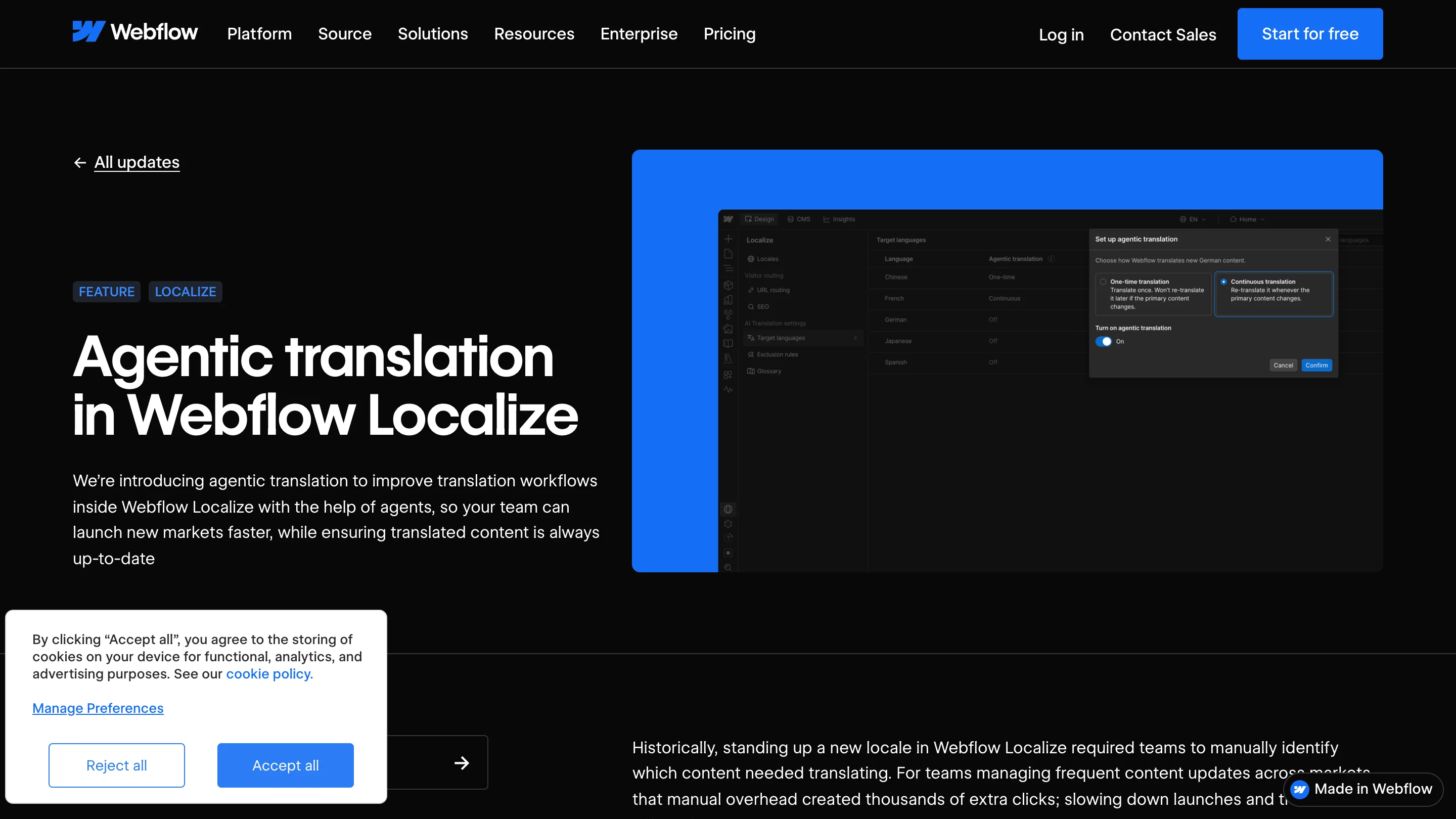
tldraw put its canvas on the desktop on 16 July. tldraw offline is free, it runs with no account and no server, and every file lives on your own disk. The part worth an hour of your afternoon is what happens when a coding agent opens one of those files.
What you get when you download it
The app is the same canvas tldraw has been building for years: arrow, draw, text, frame, embed, and the geometry snapping that made it worth using in the first place. What changed is where the document lives. Web tldraw kept your room on a server behind a URL. tldraw offline keeps it in a .tldraw file sitting next to your other work, with the canvas data, the images you pasted, and any scripts bundled into that one file. macOS, Windows and Linux.
For a designer that fixes a mundane problem first. Wireframes and flow sketches are the artefacts you least want on someone else's infrastructure, and they're the ones most likely to end up in a shared browser tab anyway, because opening Figma for a five-minute sketch feels heavy. A local file with no login is the right weight for that work.
The file is a small program
Two ideas run underneath the release. An exec is code that runs once: generate forty shapes, relabel every arrow, lay out a grid. A script is code that sticks to the file and reloads every time you open it.
The second one is where this gets interesting. A script can change how the canvas behaves, read outside data, or talk to other software on your machine. Steve Ruiz demos a live architecture diagram that reads a repo, and the shape of it generalises: a moodboard that refreshes from a folder, a wireframe whose components redraw when a token changes, a canvas that sorts its own shapes.
On the web, running raw JavaScript inside a shared room is a security problem, so tldraw never did it. On your own machine that risk mostly goes away, and the app hands the editor API straight to whatever is asking.
What an agent does with a canvas
Point Claude Code, Codex, Pi or OpenCode at the folder and it can read the open canvas, add and move shapes, and write scripts back into the file. That's a different working relationship than the design-to-code chat every tool shipped this year. You aren't describing a screen and getting a screen back. You're both editing the same document, and the diagram is the shared thing rather than the prompt.
The practical version today: sketch six boxes for an onboarding flow, ask the agent to expand the two you care about, keep drawing over the top. Or hand it a wireframe and let it read the geometry instead of your description of the geometry.
Where it stops short
There's no collaboration. No accounts means no second cursor on the canvas, and for whiteboarding that's half the reason the category exists. The .tldraw format is new, so a file you make today doesn't open in the web version. Component libraries, variables, anything resembling a design system: none of it is here, and none of it is meant to be.
Figma and FigJam stay where they are. What this takes over is the sketchbook, the scratch Miro board nobody ever cleaned up, and the diagram you drew twice because the first one lived in a Slack thread. Small job, done well. The scripting is what gives it somewhere to grow. Free, from tldraw.