Framer interactive shaders make an image bend under your cursor
Ripple is the first Framer shader that reacts to the pointer. It distorts an image with spring-tracked water motion, and it takes a drag from the Insert panel.
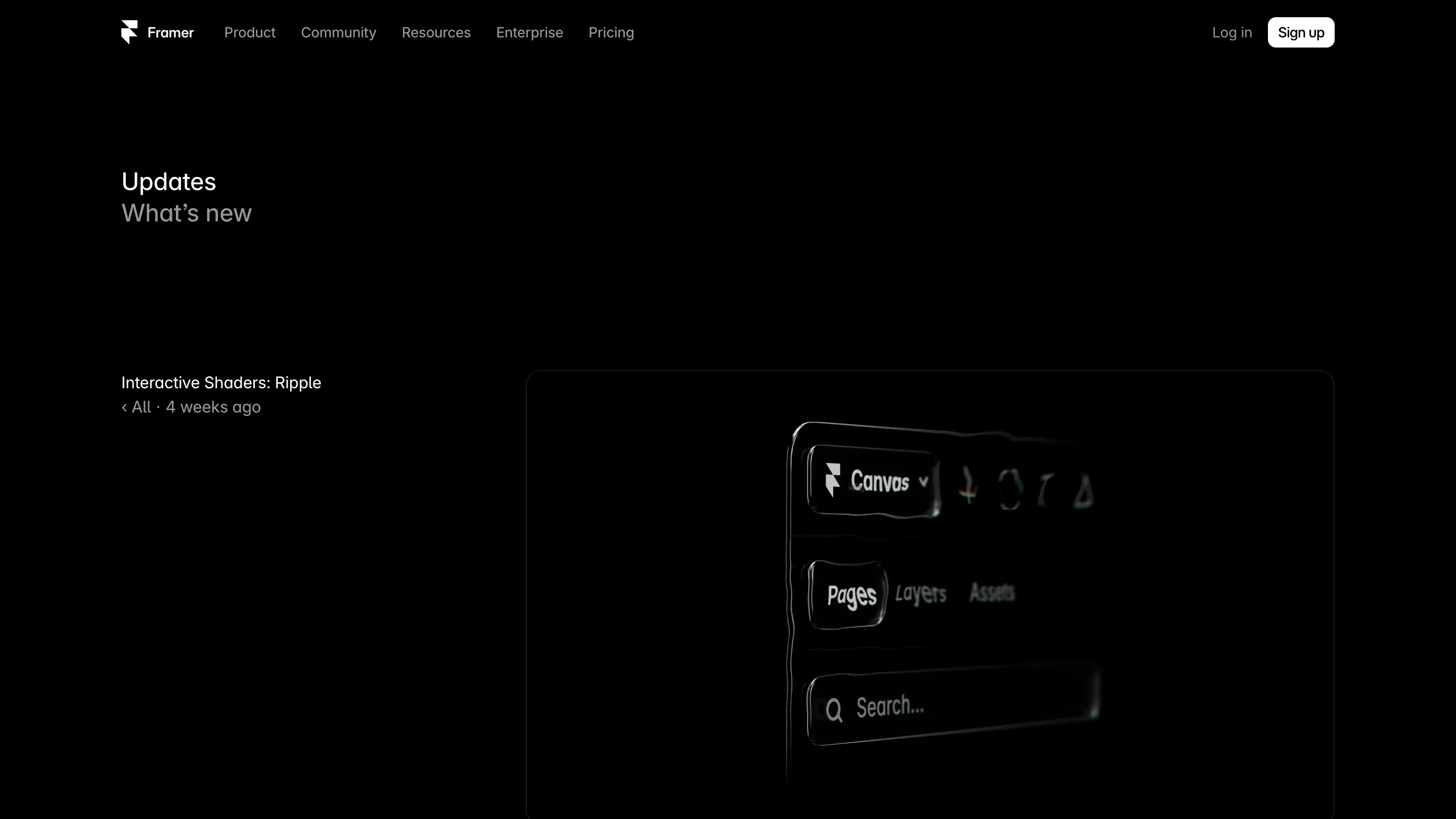
Framer shipped a shader that follows your mouse. It's called Ripple, and it takes any image layer and pushes water-like distortion out from wherever the cursor sits. Drag it in from the Insert panel, drop an image behind it, and the effect runs. No WebGL code, no canvas element, no third-party component.
That matters more than the effect itself. Framer interactive shaders are the first ones in the set that read input. Everything before them, the animated gradients and the particle fields, ran on their own clock and looked the same whether or not anyone was on the page.
Spring tracking is the part worth studying
The cursor doesn't drag the ripple center rigidly. Framer runs the tracking through a spring, the same physics its transitions have used for years, so the distortion trails the pointer and settles instead of snapping to it. Move fast and the ripple lags behind, then catches up with a little overshoot.
That's a small decision with a big result. Rigid tracking on a distortion effect reads as a bug, because nothing physical moves that way. A spring gives the surface mass. You get the sense of pushing something rather than repainting it.
The controls are ripple size, intensity, and motion. Size sets the radius of the disturbance, intensity how far pixels get pushed, motion how long the water keeps moving after the cursor leaves. Turn intensity down far enough and you get a faint lens wobble that most visitors will feel without naming. Turn it up and you get a swimming pool.
Where it sits in the shader set
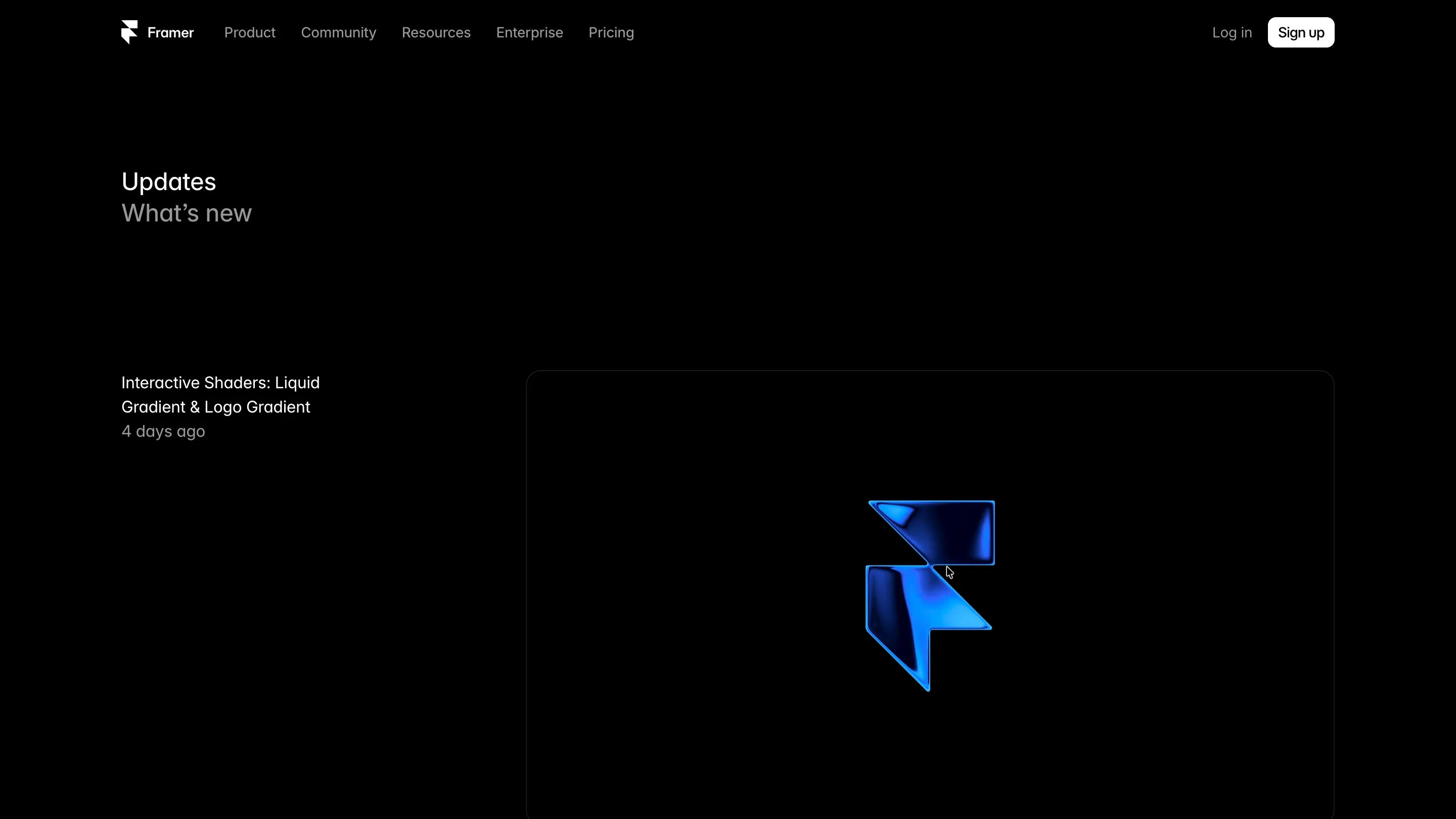
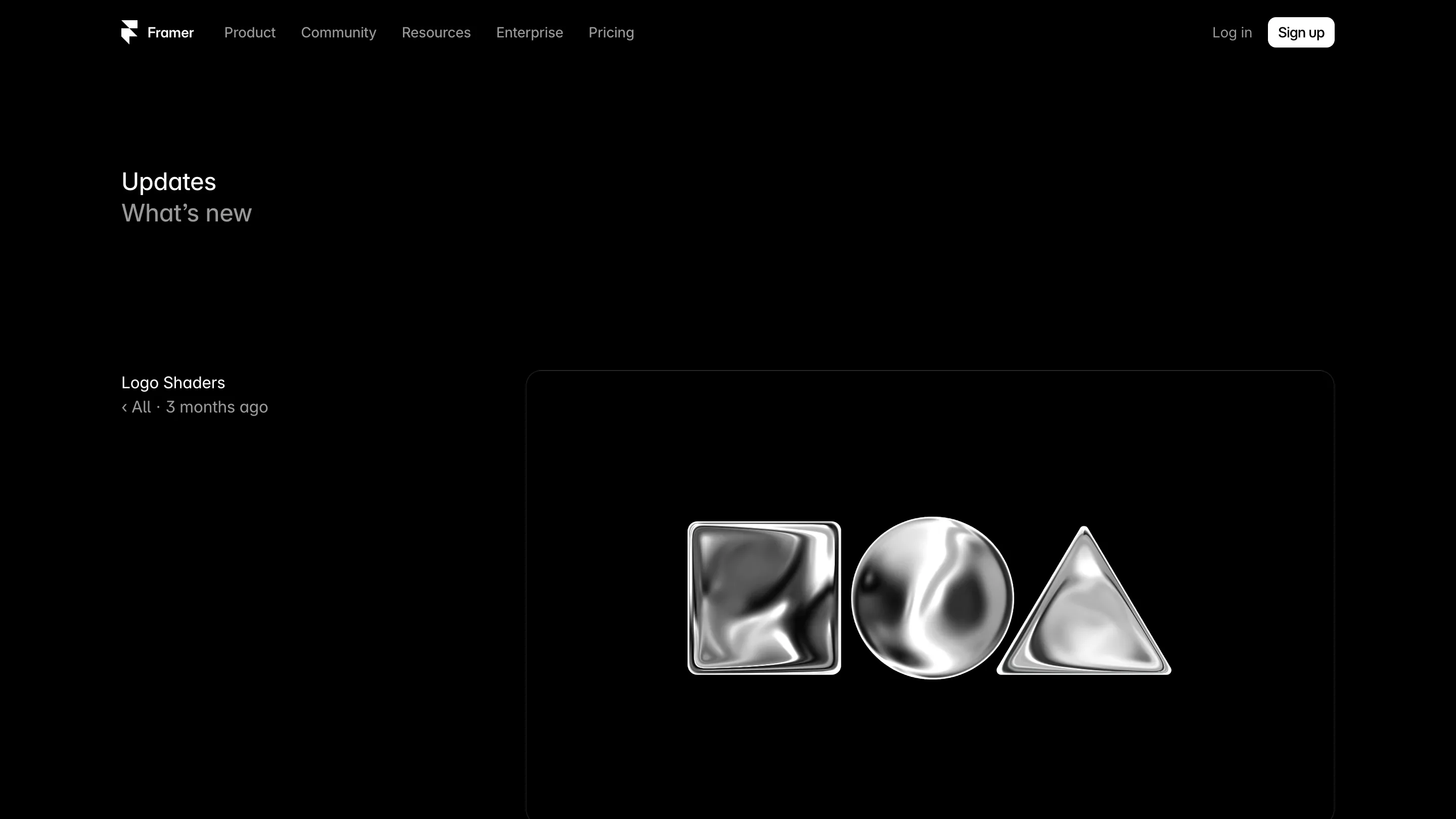
Framer opened the shader library in March with animated gradients, image effects, and particles, all browsable in the Insert panel and dragged onto the canvas like any other layer. April added Logo Shaders, which take an uploaded SVG or PNG and give it Gradient or Glass treatment with contour, dispersion, and bevel, so a flat mark reads as a solid object without anyone building it in 3D.
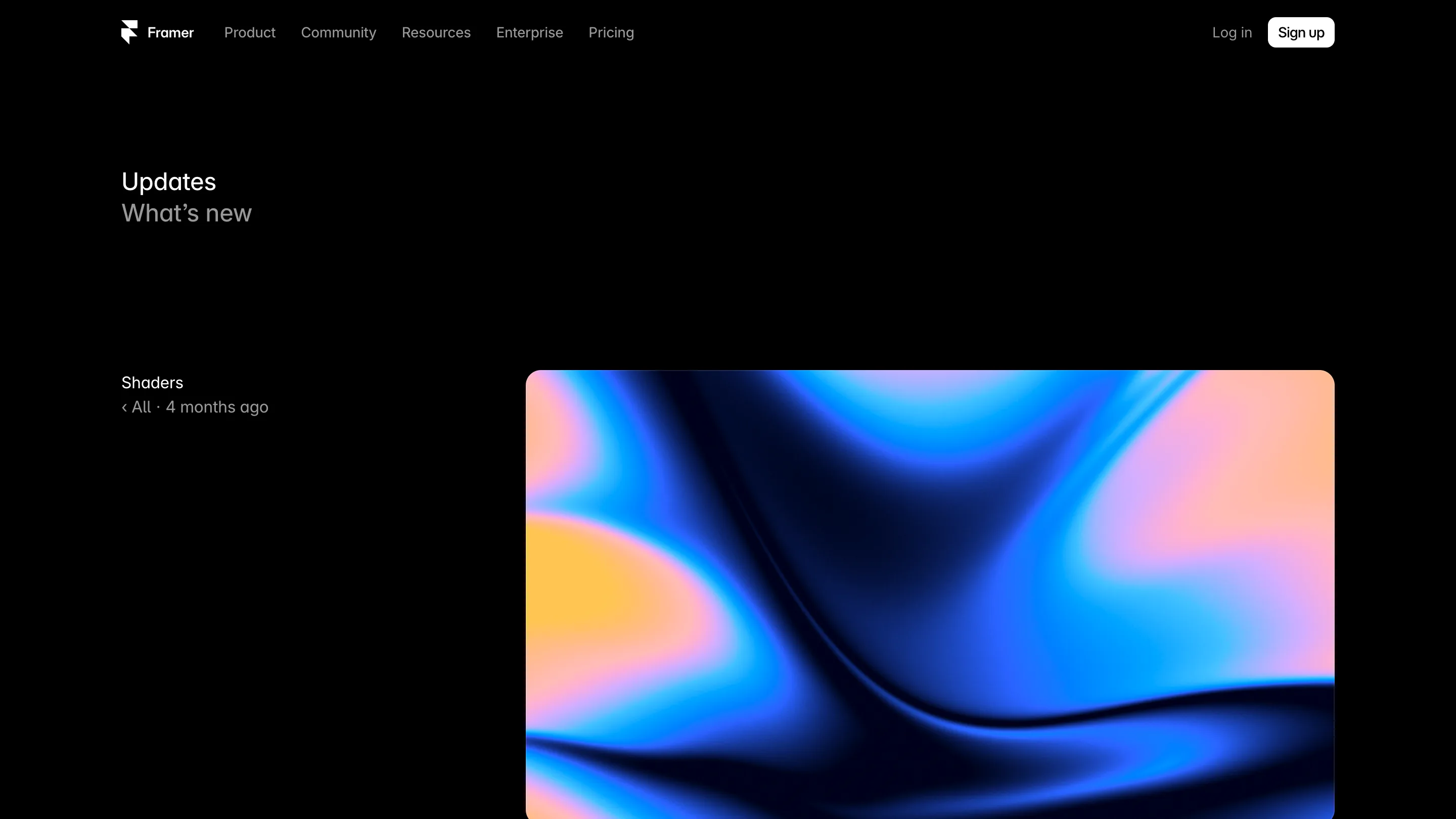
Ripple joins that shelf as the first one with a hand on it. The library is the actual product here. Each shader is a parameterized WebGL program with a properties panel, which means a designer changes an effect the same way they change a corner radius.
What it replaces, and what it doesn't
Before this, a cursor-reactive distortion on a Framer site meant a code component: three.js or ogl, a shader string, a render loop, a resize observer, and a mount cleanup you had to get right or the page leaked memory on route change. An hour if you'd done it before. A day if you hadn't.
The limits are real. You get Ripple's model of what a ripple is. There's no shader editor, no way to feed it a second texture, no scroll input, no way to drive it from anything other than the pointer. If your idea is a specific distortion someone briefed, you're still writing the code component.
Should you open it today
If you have a hero image and you want it to acknowledge the visitor, yes. Ten minutes gets you a version worth showing. Keep intensity low, because the effect stops feeling expensive around the point where the image gets hard to read, and it does nothing on touch devices where there is no hovering cursor to follow.
The wider read is that Framer keeps moving GPU work into the panel where the rest of the properties live. Motion had that treatment years ago. Shaders are getting it now.