Linear Loops hands recurring product work to an agent
Linear Loops run recurring team work on a schedule or an issue condition. You write the job in plain language and the agent takes it from there.
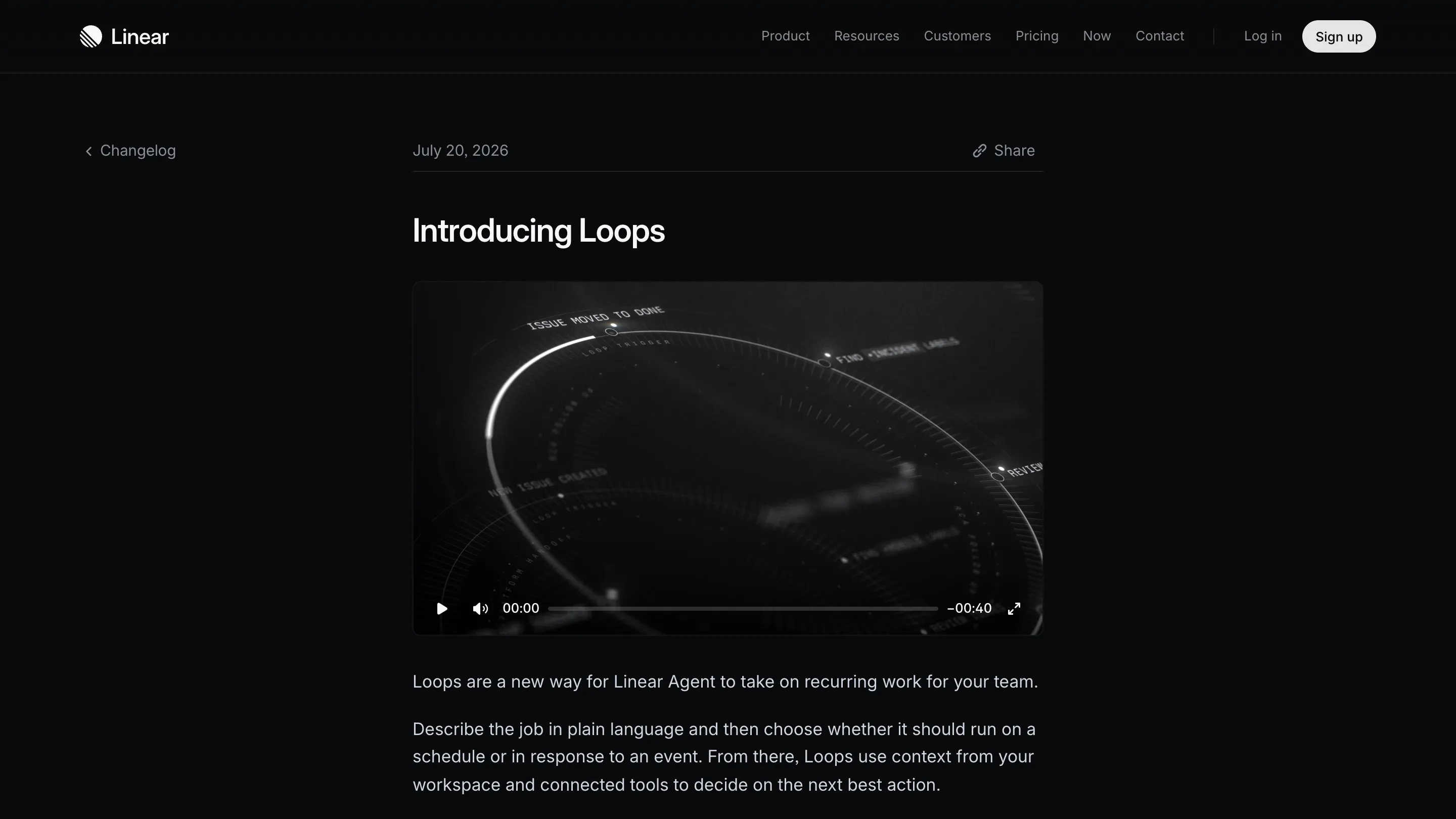
Linear shipped Loops on 20 July. You write a recurring job in plain language, pick whether it fires on a schedule or when issues match a condition, and Linear Agent runs it without anyone opening the board. Linear describes it as a way for the agent to take on recurring work for a team.
Automation in a tracker has meant if-this-then-that for a decade. Label added, assignee set, status moved. A Loop takes instructions the way a person would, and it's allowed to decide what the next action should be.
A Loop has two fields
A trigger and a block of instructions. That's the whole object.
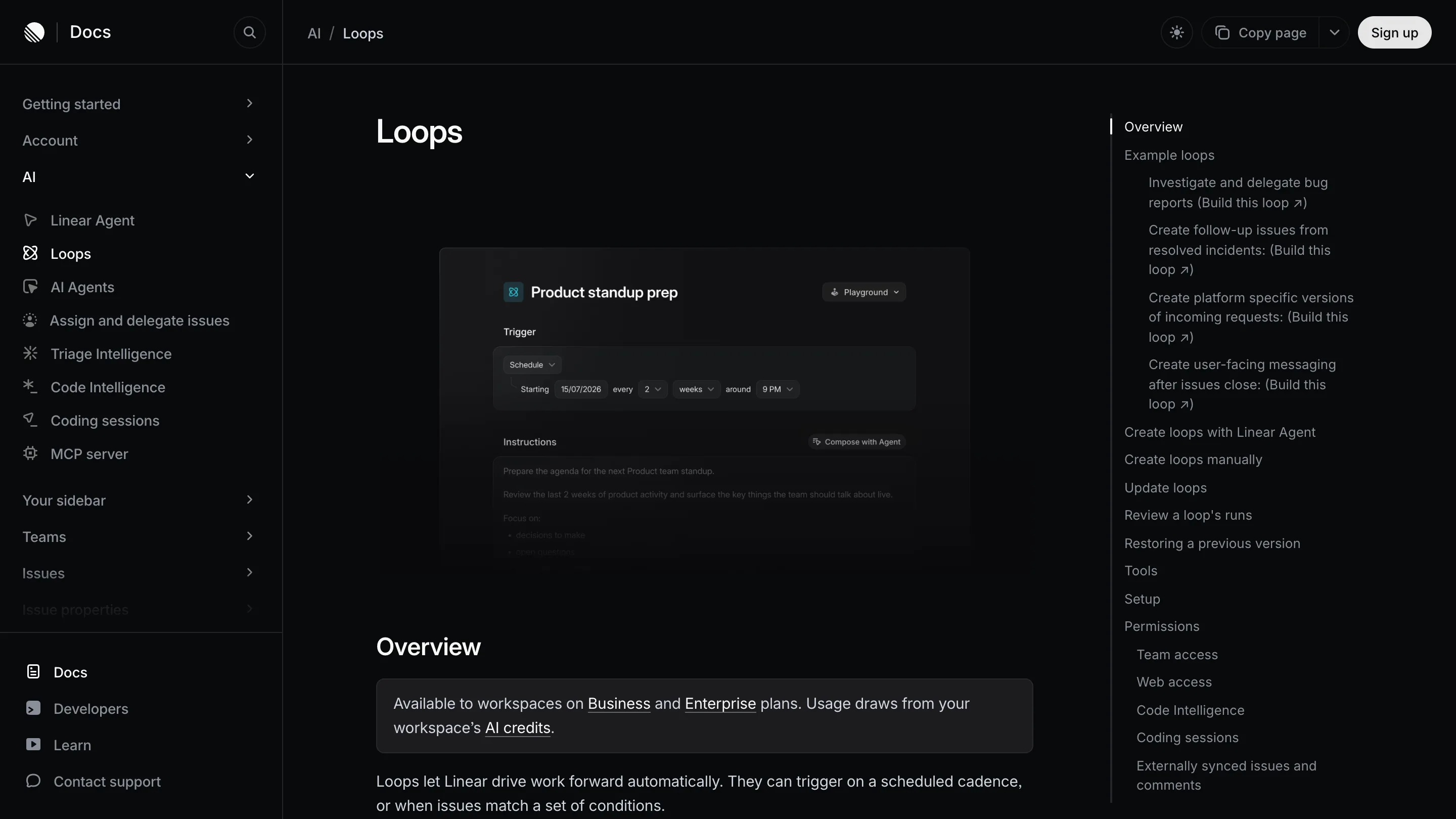
The trigger is either a schedule (starting 15/07/2026, every 2 weeks, around 9 PM) or a condition on issues. The instructions are prose. The docs example is a Loop called Product standup prep, and the instruction box reads like a note left for a colleague: prepare the agenda for the next Product team standup, review the last two weeks of product activity, surface the key things the team should talk about live, focus on decisions to make and open questions.
From there the Loop reads the same context the agent already has: issues, projects, documents, and whichever connected tools you allow it. GitHub, Slack, Notion.
Permissions are per Loop, and they are specific
This is the part that shows someone thought about the failure cases. Team access decides which teams a Loop may modify. Code Intelligence lets it read the repository. Coding sessions let it open draft pull requests. Web access lets it look things up outside the workspace. Each one is granted on its own, per Loop, and every run keeps a history you can open and audit.
You can also build one by talking to Linear Agent in a chat, getting the behaviour right there, then converting that conversation into a Loop. Prototype first, promote second. The standup example in the docs still carries a Playground badge in its top right corner, which is the same idea one step earlier: try the thing before it runs on the team.
The starter examples say who it's for
Four ship with the docs: investigate and delegate bug reports, create follow-up issues from resolved incidents, create platform specific versions of incoming requests, create user-facing messaging after issues close.
Read them as a list of jobs currently done by whoever on the team is most conscientious. The person who reads every incident writeup on Monday and turns it into three tickets. The person who notices a request filed against iOS also needs an Android twin. That work is real, it's unglamorous, and it never fits in a sprint. Loops aim straight at it.
For a designer the useful case is the third one. Requests arrive from support, sales and users in whatever shape they arrive in, and someone has to reshape them into issues a product team can actually plan against. Handing that to a Loop means the triage backlog stops being a chore you catch up on every second Friday.
What it costs, and where it's thin
Loops are on Business and Enterprise plans only, and they draw from your workspace AI credit pool. Linear is fronting 20 dollars per seat in credits, which expire on 20 August. So the meter runs. A Loop firing nightly across five teams, reading a repo each time, has a bill attached, and Linear hasn't published what a typical run costs.
The other soft spot is the instruction box itself. Prose is why this works, and prose is also the thing nobody reviews. A component gets a pull request. A Loop that quietly drifts because someone reworded a line at 6 PM gets a run history that you have to think to go and read.

Worth opening today
If your team is on Business and the promo credits are sitting there until 20 August, the honest experiment is one Loop, one team, one job you already do by hand every week. Write the instructions the way you'd brief a new hire. Read the first four run histories properly.
What Loops replace is a habit, and habits are harder to hand over than tasks.