Framer's CMS List field ends the Title 1, Title 2 trick
Framer's new List field keeps repeating content like FAQs and steps inside one CMS field, with a Repeat property that draws a card per row.
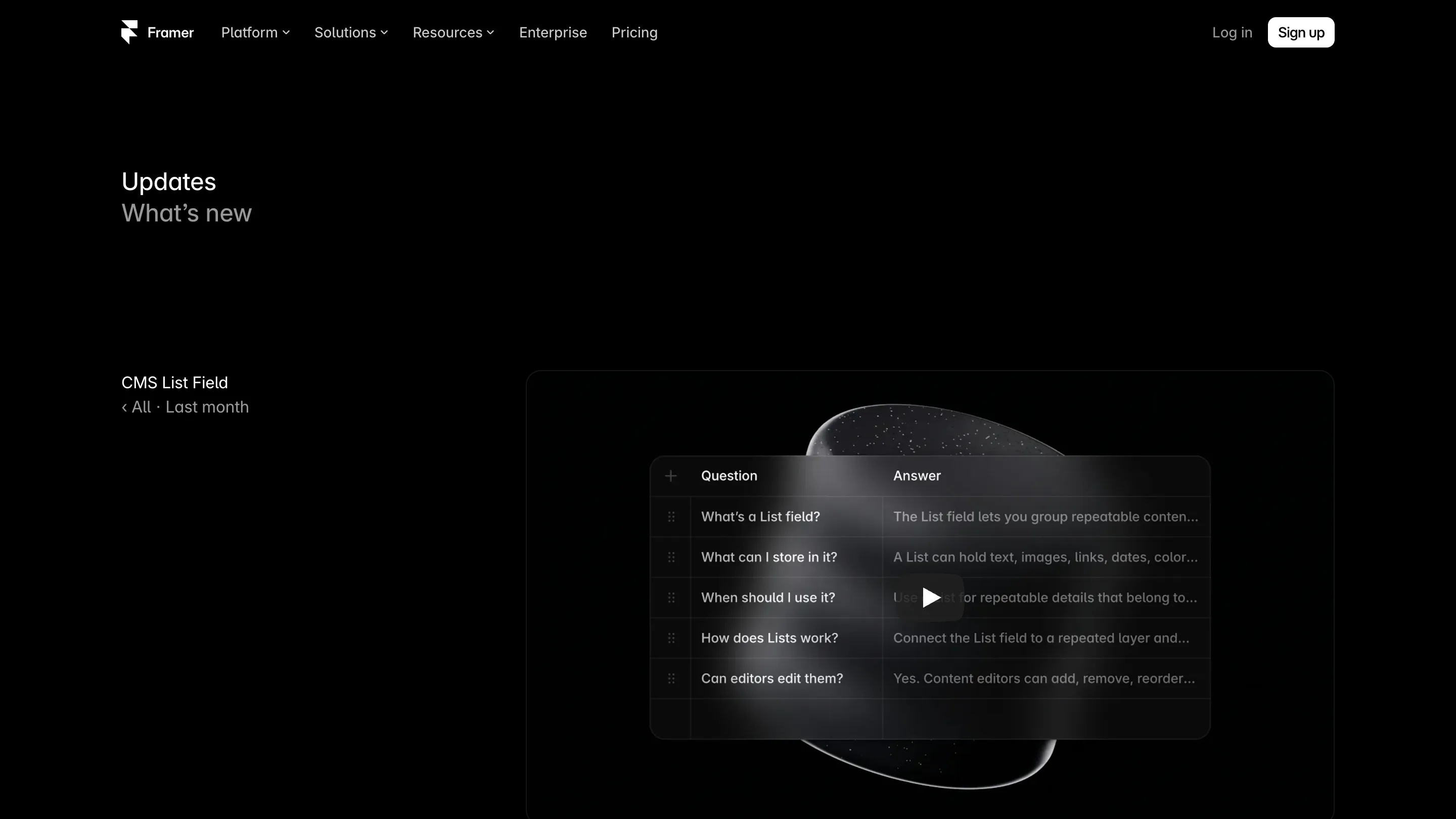
If you've built a CMS template in Framer, you know the workaround. A case study needs four highlights, so the collection gets Title 1, Description 1, Title 2, Description 2, all the way to 4. The fifth highlight never fits. The Framer CMS List field, shipped on 8 September, replaces that pile with one field that holds rows.
It's the kind of change that sounds small in a changelog and saves an hour on every template you build after it.
What the Framer CMS List field does
A List is a field inside a collection item that holds its own little table. Each row has the same shape: a question and an answer, a step title and a screenshot, a feature name and an icon. Framer says a row can carry text, images, links, dates and colours, and you add or drag rows into order the way you already do in the CMS table.
So one FAQ item becomes one field. A product page's feature grid becomes one field. A tutorial with seven steps and another with twelve live in the same collection, and neither has empty slots.
For the person editing content, that's the real win. They see one list, add a row, and the page grows. Nobody has to ask the designer for a Title 6.
The Repeat property on the canvas
On the design side, the List connects through a new Repeat property. You design one card, select it, and set it to repeat for each item in the list. Framer draws as many copies as there are rows, with each copy reading its own row's fields.
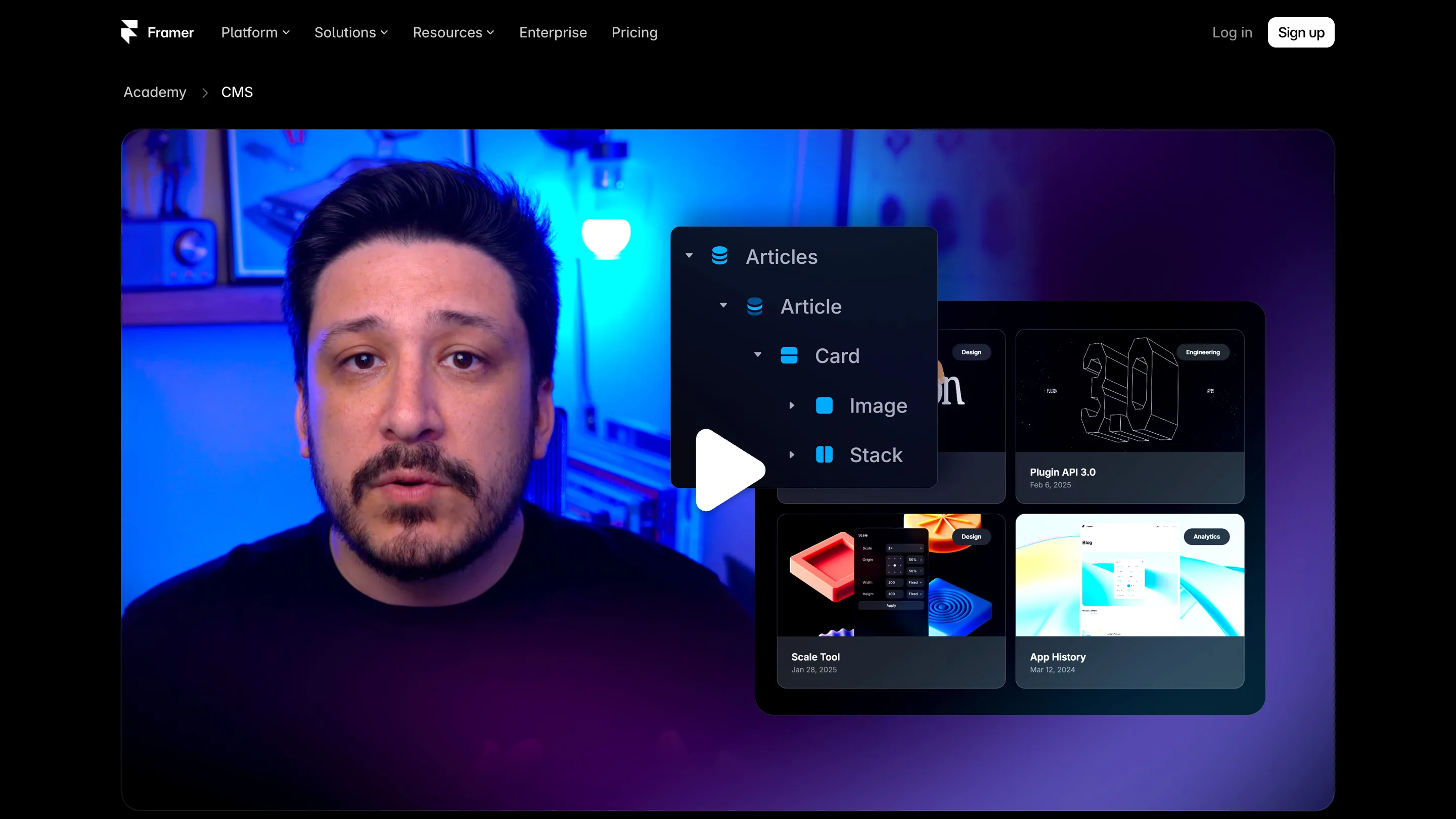
If you've used Collection Lists, the model is familiar: a card bound to data, repeated. The difference is scope. A Collection List repeats across items of a collection. The List field repeats inside one item, so a detail page can have its own repeating parts without a second collection and a reference field to tie them together.
If a list isn't on the canvas yet, the Insert panel offers it as a ready layer, which is the faster start when you don't have a card designed.
Moving old templates over
This is where the update gets practical for anyone with a live site. Framer's Agent can convert existing repeated fields into a List and then reconnect the CMS data on the canvas. That second half matters most. Merging Title 1 to 4 into rows by hand is tedious, and rebinding every text layer afterwards is where things break.
The field also has API and Agent support from day one, so plugins and syncs that write to the CMS can fill Lists directly.
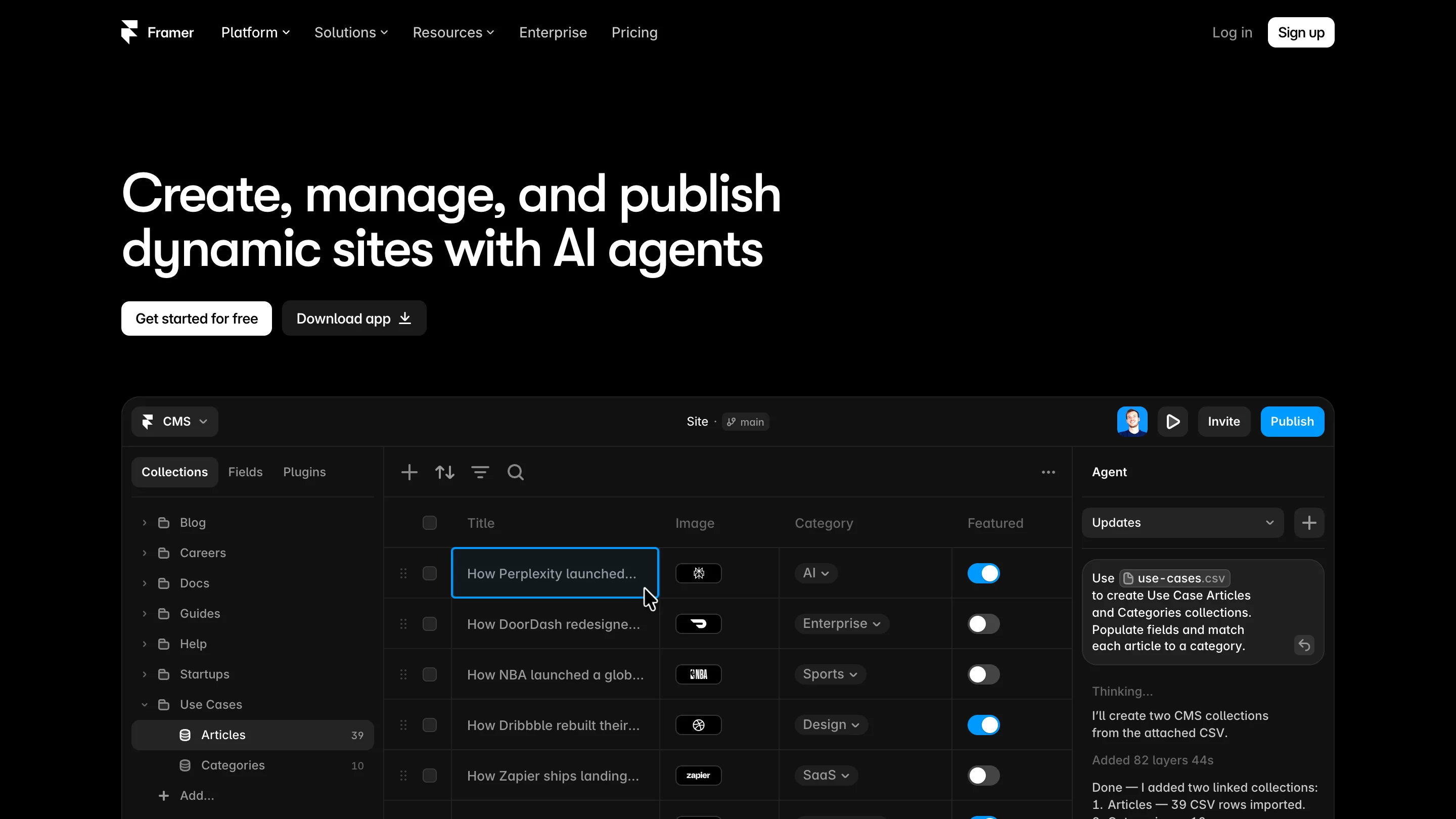
The same release tidied the editor around it: video inside rich text, inline editing, bulk duplication of items, and a search across CMS fields. None of these headline on their own. Together they make the table a nicer place to spend an afternoon.
Where it falls short
Framer's announcement is light on limits. It doesn't say how many rows a List can hold, whether a List can sit inside another List, or whether you can filter and sort rows the way a Collection List can. Test those on a copy before you migrate a site that ships every week.
A List also belongs to its item. If the same FAQ answer appears on six pages, it still wants its own collection and a reference, or you'll edit it six times.
Should you open it today
Yes, if any of your collections has numbered fields. Open the collection, ask the Agent to turn them into a List, and check that every card still reads its row. FAQs, feature grids, pricing tiers and recipe-style steps are the obvious first candidates.
If your templates already lean on separate collections and references, there's less to gain. But the next template you start should begin with a List, and the Title 2 field can retire.