Framer Skills teach the agent your design system
Framer Skills save your design system, brand voice and launch checks as instructions the agent reads on its own. What it does, and where it stops.
Tools · The Editors · 3 min read ·
Featured: Framer
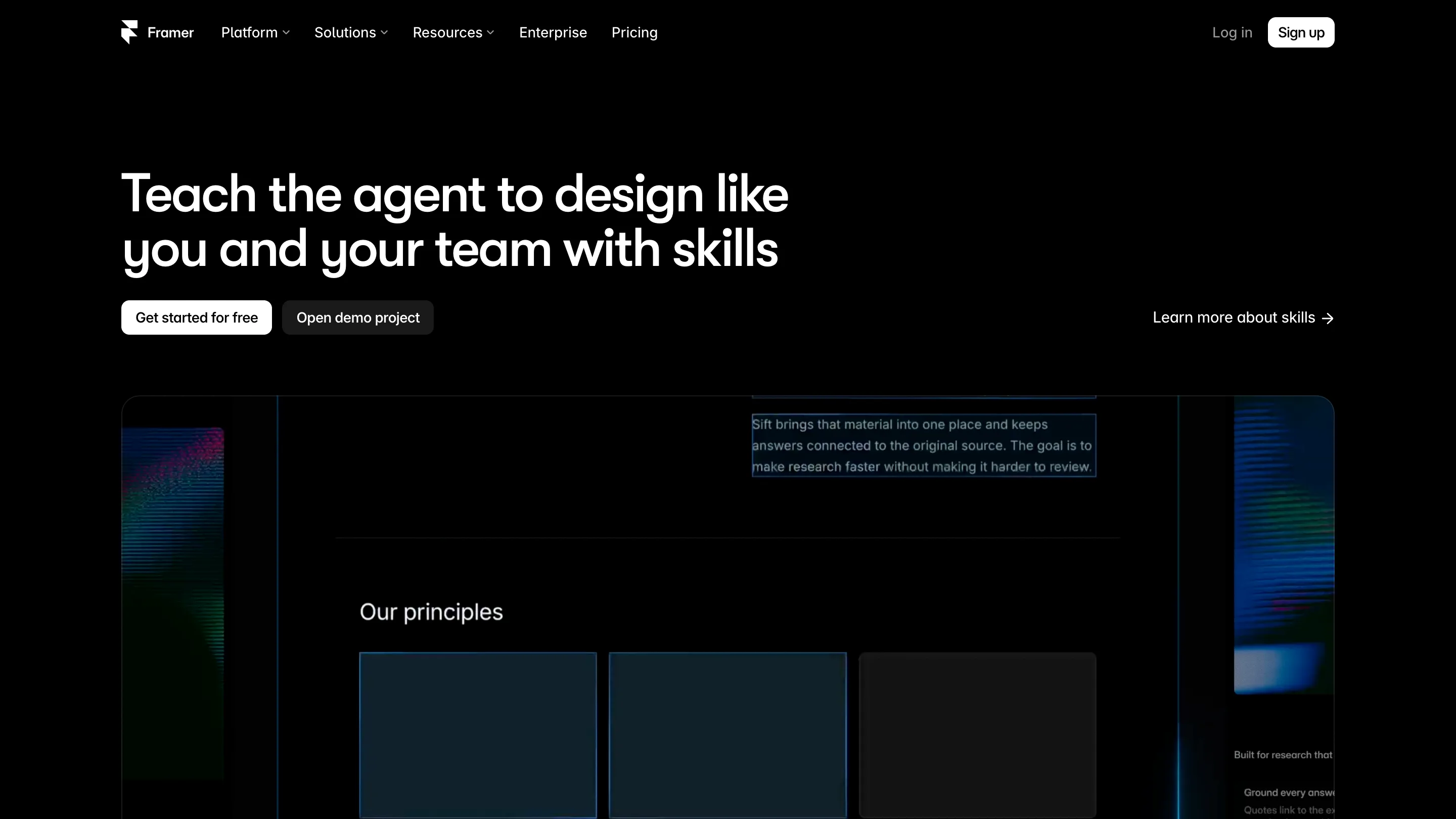
Framer Skills landed on 22 September. It lets you write your design rules down once and have the agent read them on every task after that, instead of pasting the same paragraph into the prompt each time you open a project.
That's the whole idea. Worth ten minutes of your morning if you already let the Framer agent touch your site.
What a Framer skill actually is
Three fields: a title, a description, and the content. You make one by typing /skills in the agent chat and asking it to write the skill up. The moment to do that is right after a long back and forth where you finally got a section looking right. Ask the agent to capture what it just learned, and those decisions stop evaporating when the chat ends.
You never run the skill yourself. The agent reads the description and decides whether it applies to what you asked for. Write "design system rules for new landing sections" and it fires on the right jobs. Write "misc notes" and it sits there unused. One line of copy carries a lot of weight here.
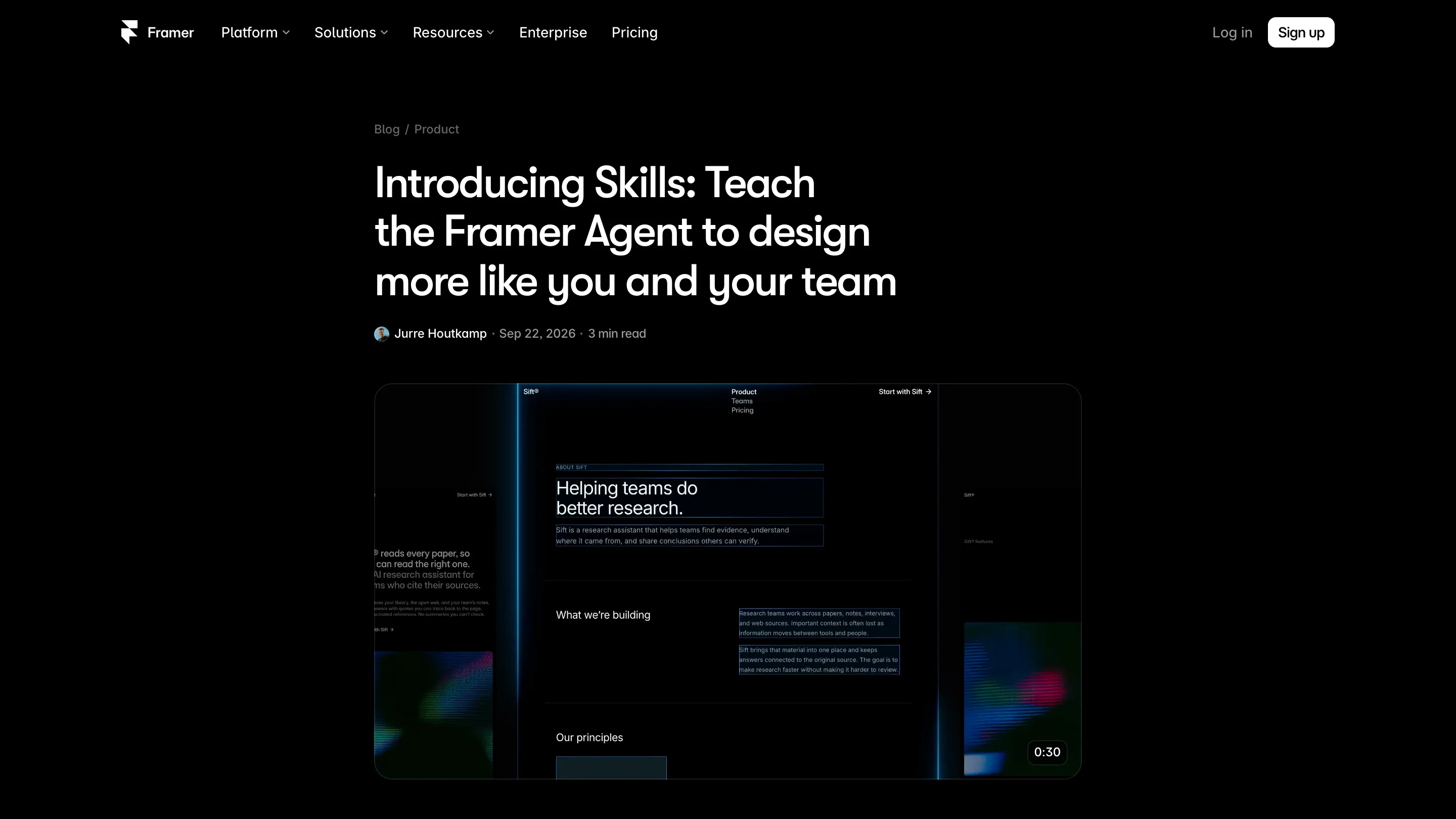
A skill can point at your real components
Here's what separates a skill from a long prompt: it can reference @pages, @components and @styles inside the project.
So instead of writing "our cards use a 24px radius and the muted grey", you point the agent at the card component and the colour style you already built. The rule and the artefact are the same object. Change the style and the skill doesn't go stale.
Which also means a skill is only as good as your file. If your greys are hand-typed hex values scattered across frames, there's nothing for the skill to aim at, and you're back to describing your own work in prose.
The library it ships with
There's a copy-paste set on the Skills page: design system, brand voice, SEO check, launch check, accessibility check, effects, and one called Remove AI writing.
That last one tells you where Framer thinks its own agent is weakest. A shipped skill whose entire job is to go back over the copy the agent produced and strip the tells out of it. Read it before you write your own voice skill.
Skills travel with the project
Remix a project and the skills come with it. For anyone selling templates that changes the product: the file can carry the rules for adding a page that still looks like the template, so the buyer's new section doesn't drift off the grid by Tuesday.
Where it stops
A skill is guidance. Nothing blocks the agent from ignoring one, and nothing checks the finished page against it afterwards. There's no shared library across projects either, so a studio running six clients writes its house rules six times or copies them by hand.
It also lives inside Framer. Your design system probably exists in Figma or in code as well, and none of that syncs. You're maintaining one more copy of the same truth. Framer is betting the copy nearest the canvas is the one that gets used, which is probably right, and still leaves you with the drift.
Try it today?
If the agent is already in your workflow, yes. Write one skill for your design system and one for your voice, and the next fifty tasks get cheaper. If you've never handed the agent a task, Skills isn't the thing that changes your mind.