Onlook is a visual editor for your real React code
The open-source editor changes live React components on an infinite canvas and writes every edit straight back into your repo.
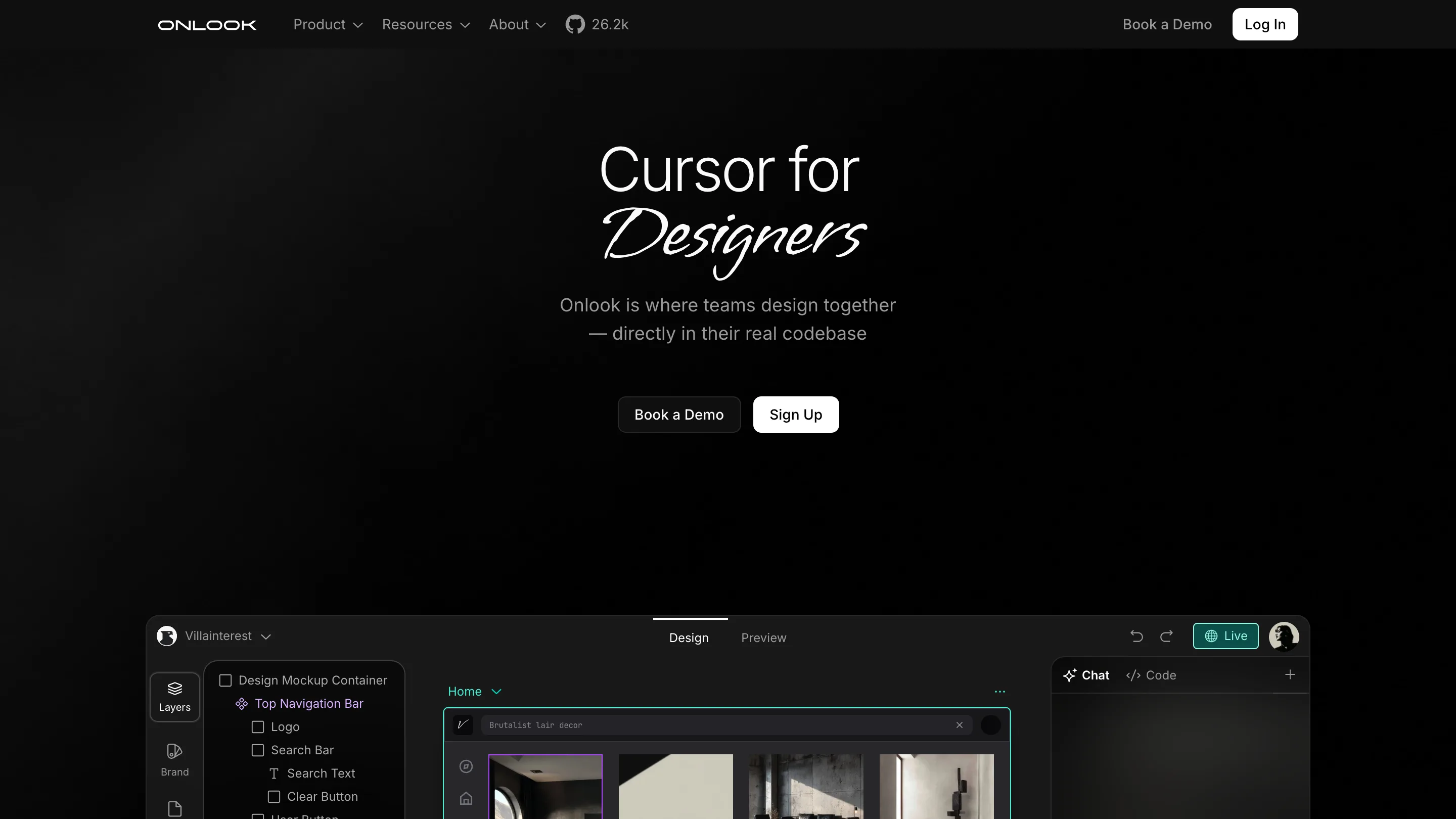
Onlook is a visual editor that runs on your actual React code. You drag a heading, nudge a button, recolor a section on an infinite canvas, and the edit lands in the repo as a change to a real .tsx file. There's no handoff, no redline spec, no rebuilding the screen a second time in code. The design file is the app.
That's the pitch behind Onlook, an open-source project that calls itself the Cursor for designers. It's Apache-licensed, sits at 26.2k stars on GitHub, and works on Next.js and Tailwind projects, with wider support for anything that renders DOM elements from JSX.
A visual editor that edits code
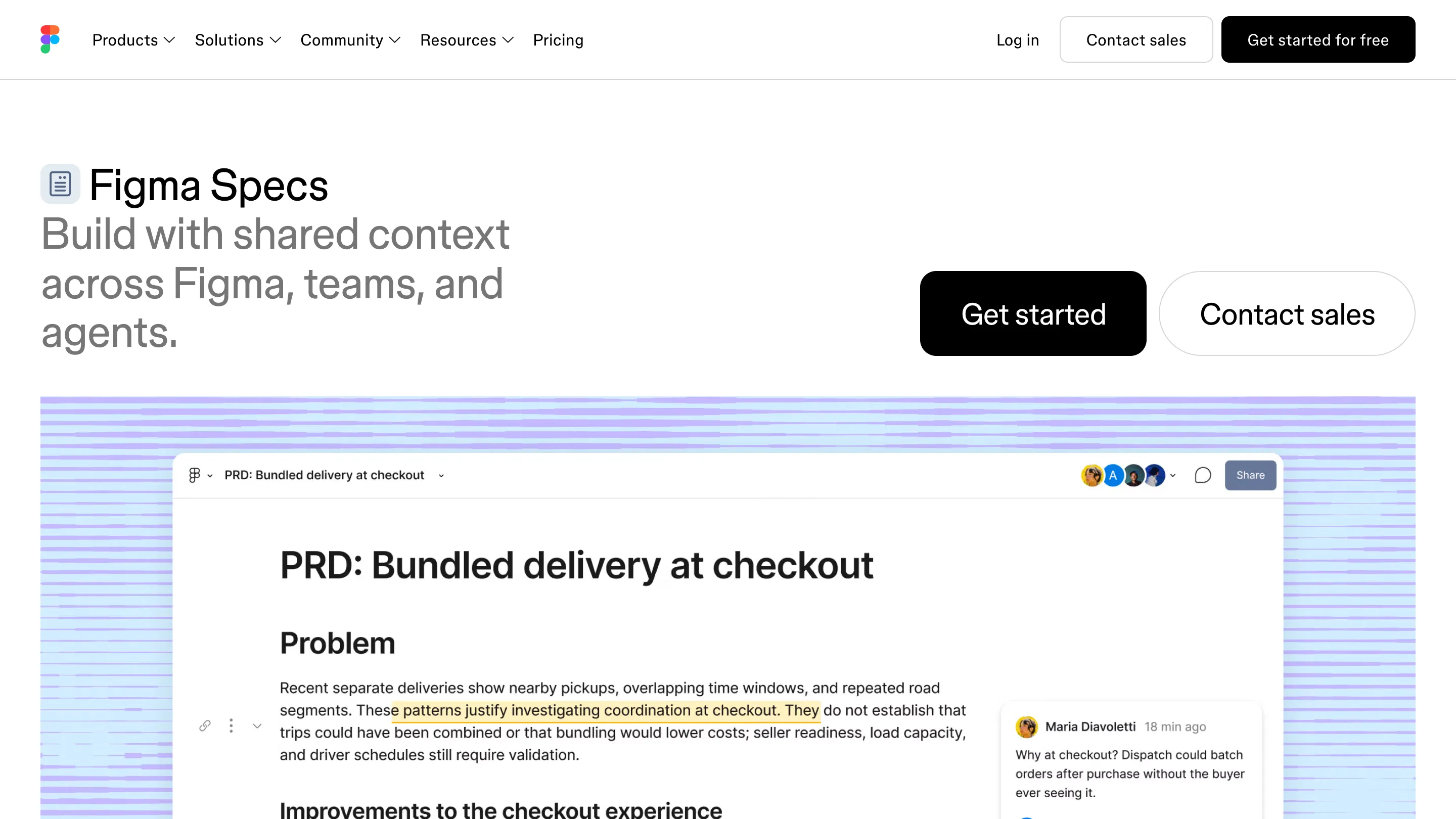
Every design tool so far has drawn a picture of the product. Figma, Sketch, Framer's editor: you make a high-fidelity mockup, a developer reads it, and the two drift apart the moment the code changes. Onlook removes the middle copy. You open your running app in its canvas and edit the live components directly. Move something, and it writes the Tailwind class or the style back into the source. Change the code by hand, and the canvas updates. The two stay in sync because they're the same thing.
For a designer, this means the thing you're pushing pixels on is the thing that ships. A 4px gap you fix is fixed in production, not filed as a ticket someone might get to.
The canvas reads your design system
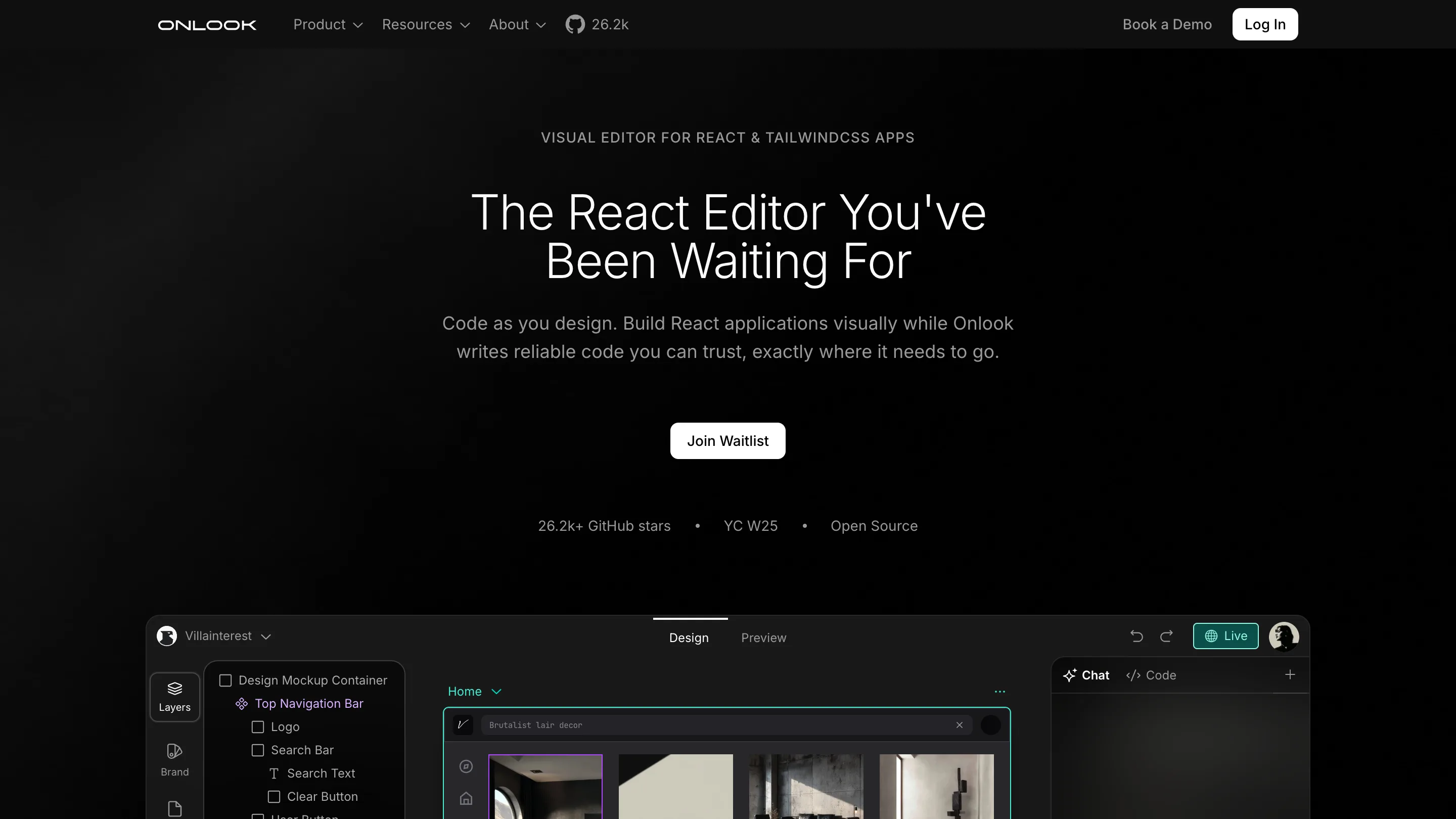
The part that matters for teams is that Onlook pulls in your real design system. Fonts, colors, tokens, and components come from the codebase, so when you style an element you're picking from the values that already exist, not inventing a new near-match hex that a review later flags. It reads Storybook and shadcn/ui components too, so the button on the canvas is your button, with your props.
This is the quiet win. Most design-to-code tools generate fresh markup that looks right and matches nothing. Onlook edits what's there.
Where AI fits
There's a chat panel, and it does what you'd expect now: describe a change and it edits the code, generate a section, ask it to wire up a variant. Onlook added branching too, so you can try a bold version of a layout on a separate branch and throw it away if it doesn't hold. The AI writes to the same source the canvas does, so a prompt and a drag produce the same kind of edit.
The point is that AI, the canvas, and your keyboard all edit one file. A prompt and a drag land as the same kind of change, so there are no three versions of the truth to reconcile later.
Where it still falls short
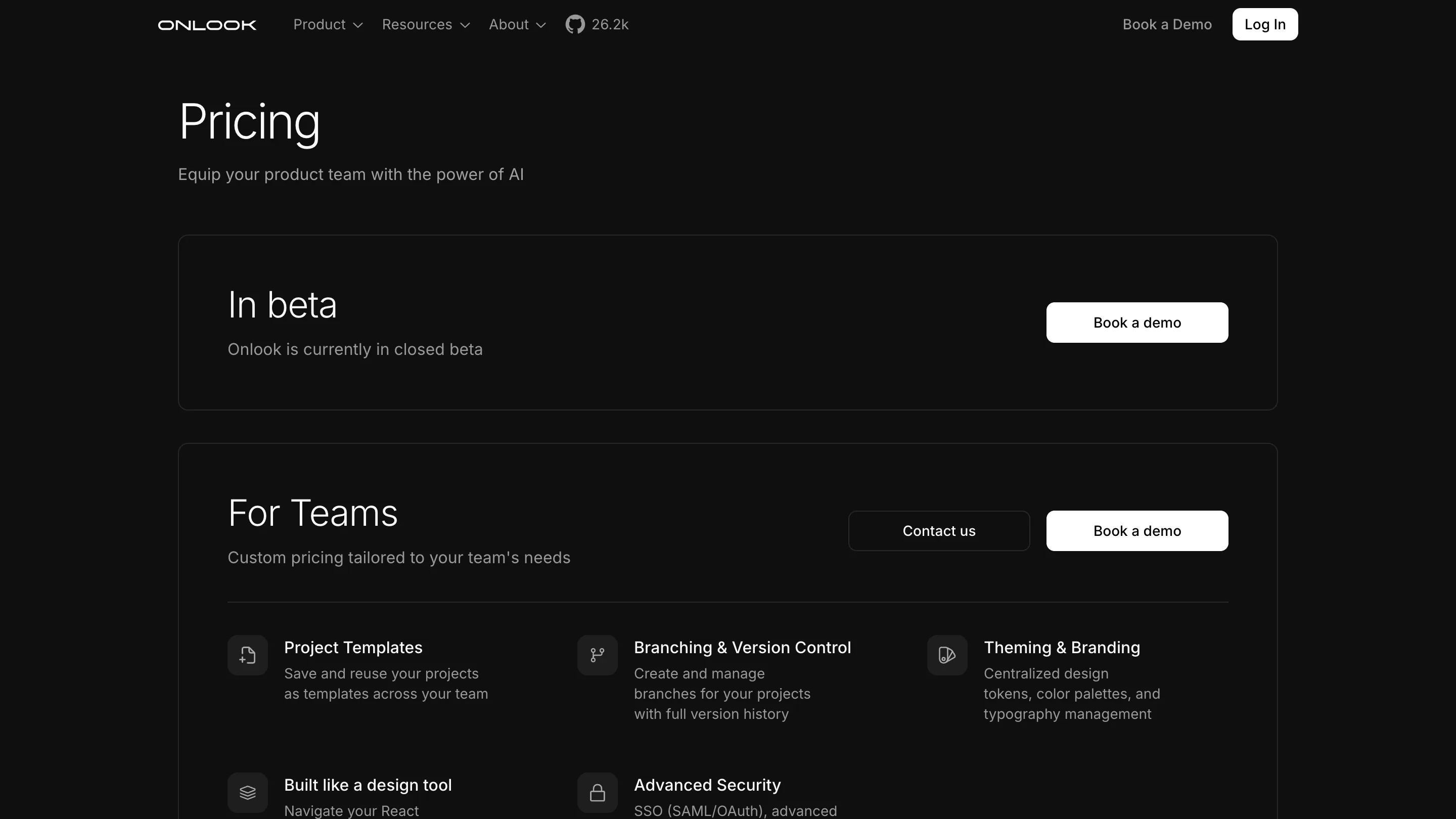
It's early. The hosted product is in early access behind a waitlist, and the open-source editor rewards people who already have a React project set up. If your work lives in a Figma library that a dozen non-technical stakeholders review, Onlook doesn't replace that yet. Complex animation and fine motion work still belong elsewhere. And editing production code visually asks a designer to be comfortable near a repo, branches, and the occasional merge.
Worth opening today
If you build in React and you've ever watched a design get 90% of the way to the mockup and stall, Onlook is worth an afternoon. Clone it, point it at a project, and edit a component with your mouse. The first time a drag shows up as a clean diff in your editor, the workflow clicks.
Credit to the Onlook team, building it in the open.