Firefly Boards puts every AI model on one canvas
Adobe's Firefly Boards is an infinite canvas for moodboards where Firefly, Google Veo, Runway and FLUX all sit a click apart. What it changes.
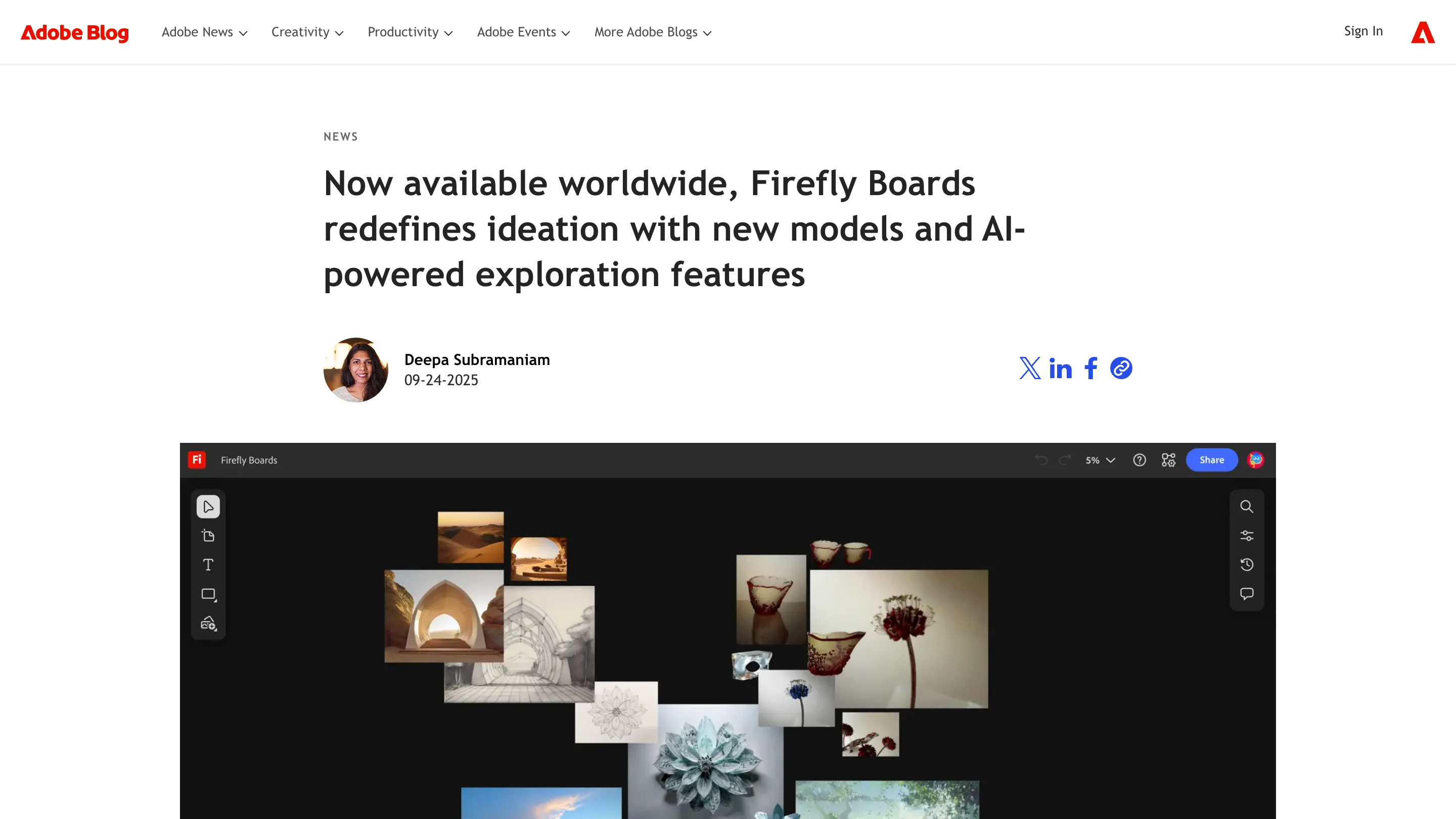
Open a board and you get an infinite dark canvas. Drop in a photo, sketch a rough idea, or type a prompt, and the images land next to each other where you can drag them, group them, and compare. That's Firefly Boards, Adobe's AI ideation canvas, and it went worldwide with a stack of new models and features that change how a moodboard gets made.
The pitch is plain. Stop hopping between a generator, a stock library, and a design file. Collect references, generate variations, and line up directions in one place, then share the board with whoever needs to weigh in.
Every model, one board
The real shift is model choice. On a single board you can generate with Adobe's Firefly Image Model 4, then swap to Google's Gemini 2.5 Flash Image or Veo 3 for video, Runway's Aleph and Gen-4, Luma Ray3, Moonvalley Marey, Pika 2.2, or FLUX.1 Kontext from Black Forest Labs. OpenAI's image model sits in the same menu.
That matters because no single model wins at everything. One nails photoreal skin. Another holds a character across shots. A third does the cleanest text. Boards lets you pick per image instead of committing one engine to the whole project.
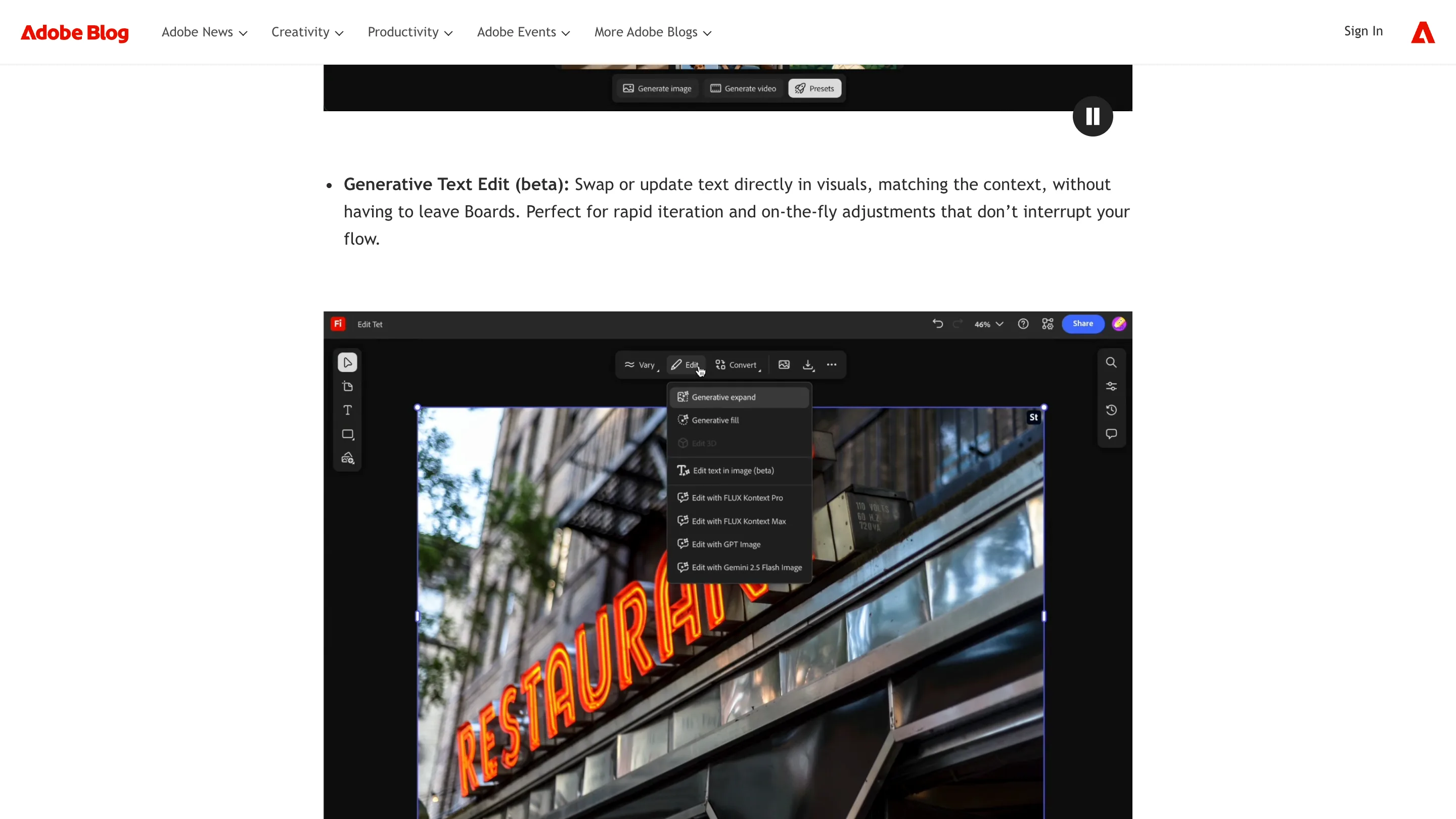
Presets, Describe Image, and text you can edit
Three additions do the day-to-day work. Presets are one-click looks, like Product and Character, Virtual Try On, and Electric Party, so a rough image gets a consistent treatment without wrangling a prompt.
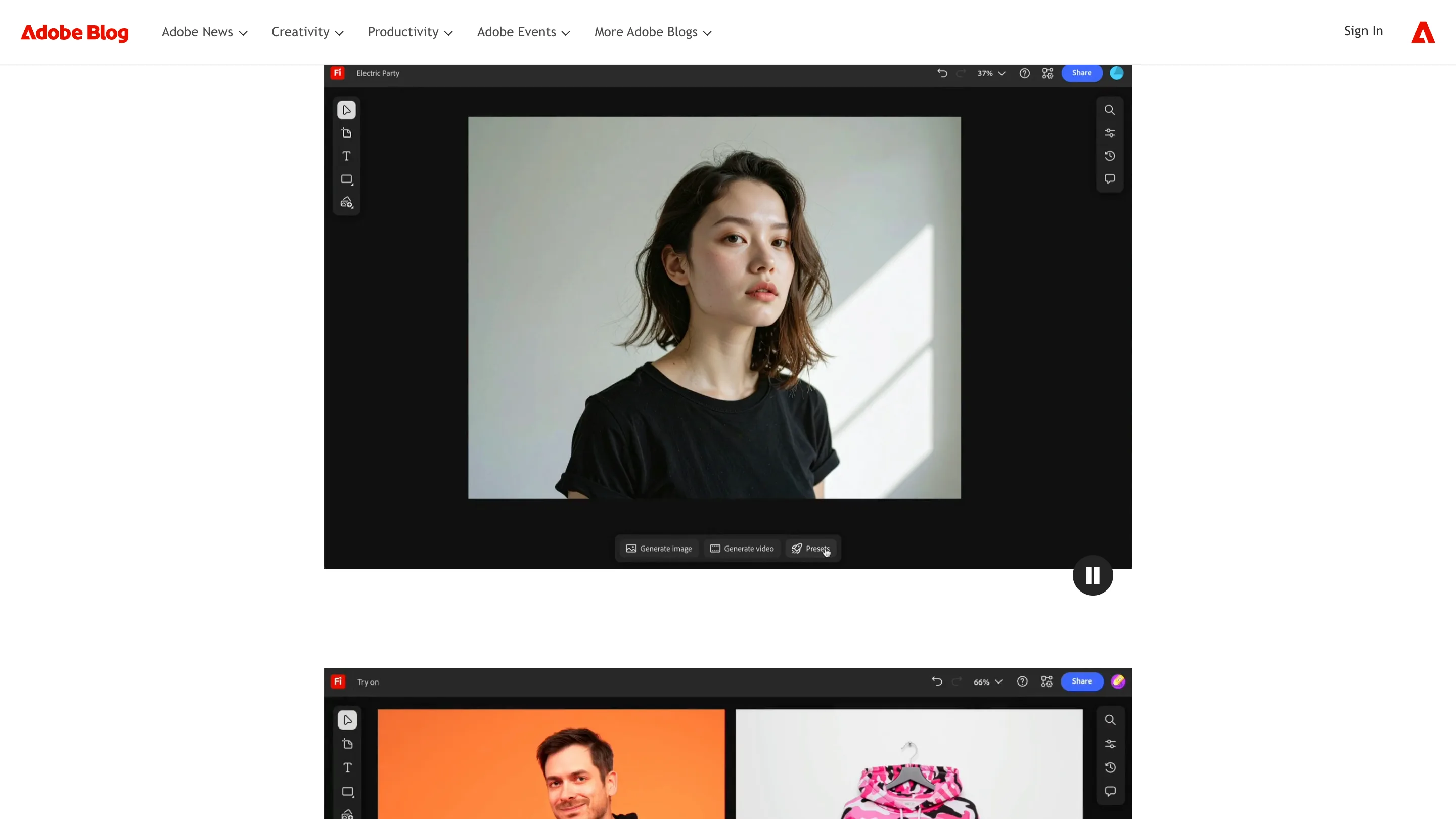
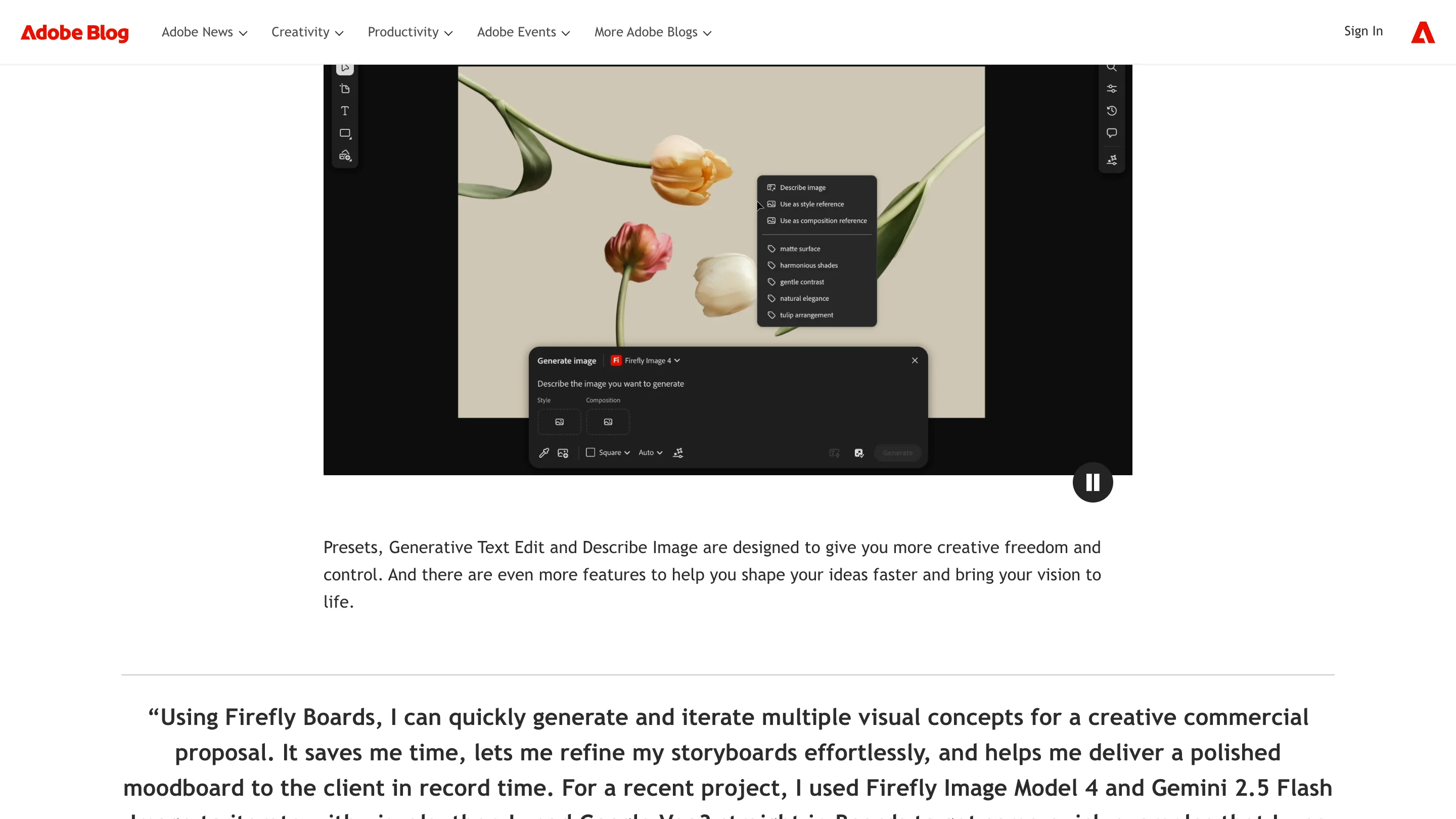
Describe Image reads any picture on the board and writes an editable prompt from it, the fastest way to build on a reference you found rather than one you typed. Generative Text Edit, still in beta, swaps or updates words inside an image without pushing you to another app. You can also feed a style reference and a composition reference separately, so the look and the layout come from different sources.
Where Firefly Boards fits, and where it doesn't
Boards is built for the messy front of a project: exploring, remixing, aligning before anyone commits. Adobe wired it into Photoshop 27.5 too, so you can open a cloud document straight in Boards, explore, and carry the result back.
The catch is the plan. Anyone with an Adobe account can try it, but free and standard plans cap you at three boards, and unlimited boards need a premium tier. It also stays an ideation space. You finish the artwork elsewhere.
For the concept phase, though, having a dozen models and your references on one canvas changes how you start. If your moodboards currently live across four tabs and a shared drive, this is worth an afternoon. Try it on Adobe Firefly.