Figma Specs puts the design brief on the canvas
Figma Specs is a Markdown editor that lives next to your frames, so the brief, the comments and the agent all read the same document.
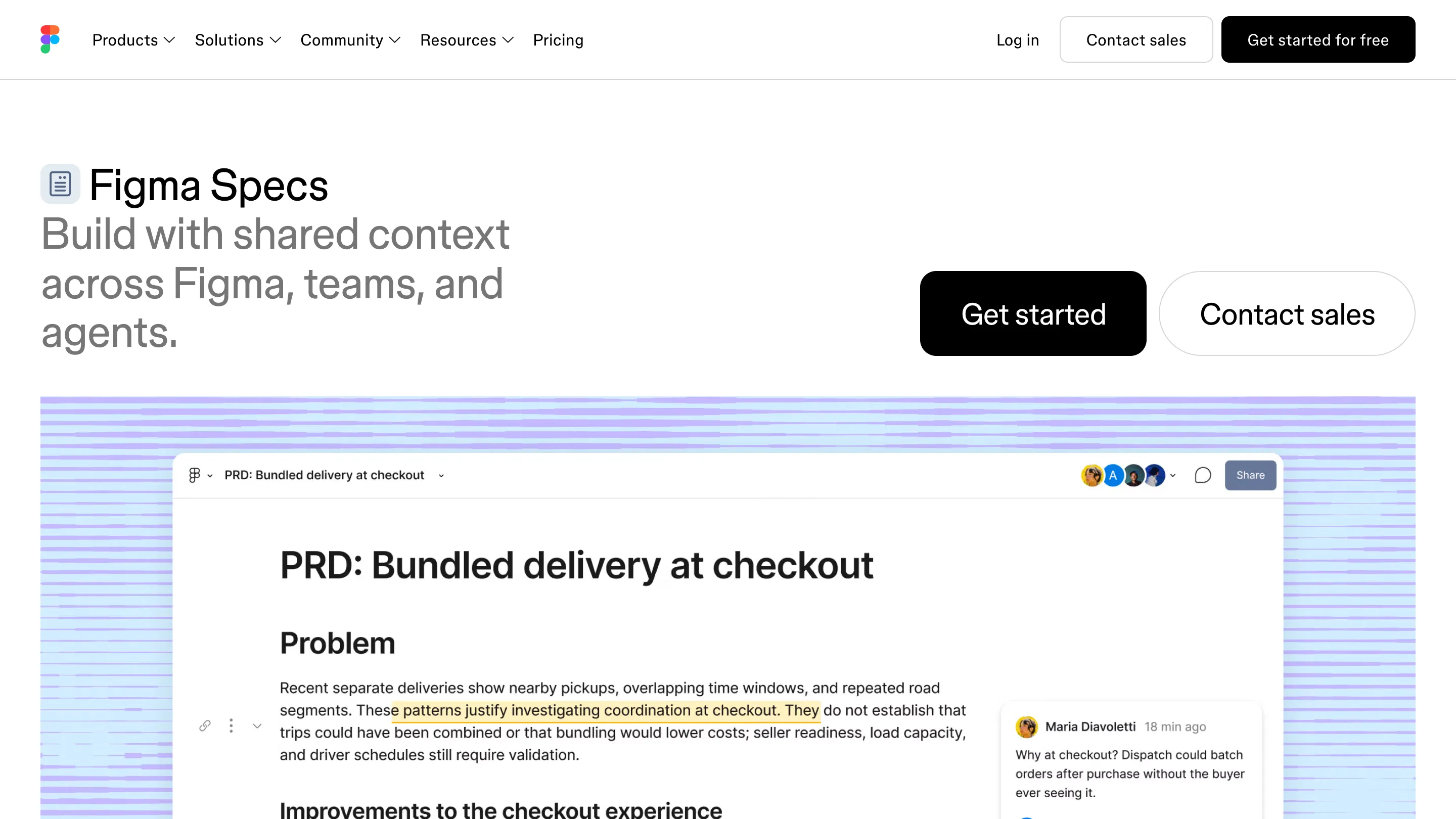
Figma Specs is a Markdown document that sits on the canvas, right next to the frames it describes. You write the brief, the PRD or the design system notes in it, embed the actual designs instead of screenshots, and Figma's agent reads the same page you do. Figma announced it at Config India and started rolling it out in open beta to paid plans on 15 October.
If your team's context lives in a Notion page, a README and a pile of comments on frames, this is Figma asking for all of it.
What a Figma Spec is
Press D in Figma Design or FigJam and a Spec drops onto the canvas. You can also start one on its own from the file browser, or at figma.com/spec/new. It behaves like the editor you already know from Notion or Linear: type # for a heading, - for a list, [] for a to-do, three backticks for code, or open the slash menu. Any block can be turned into another from its handle.
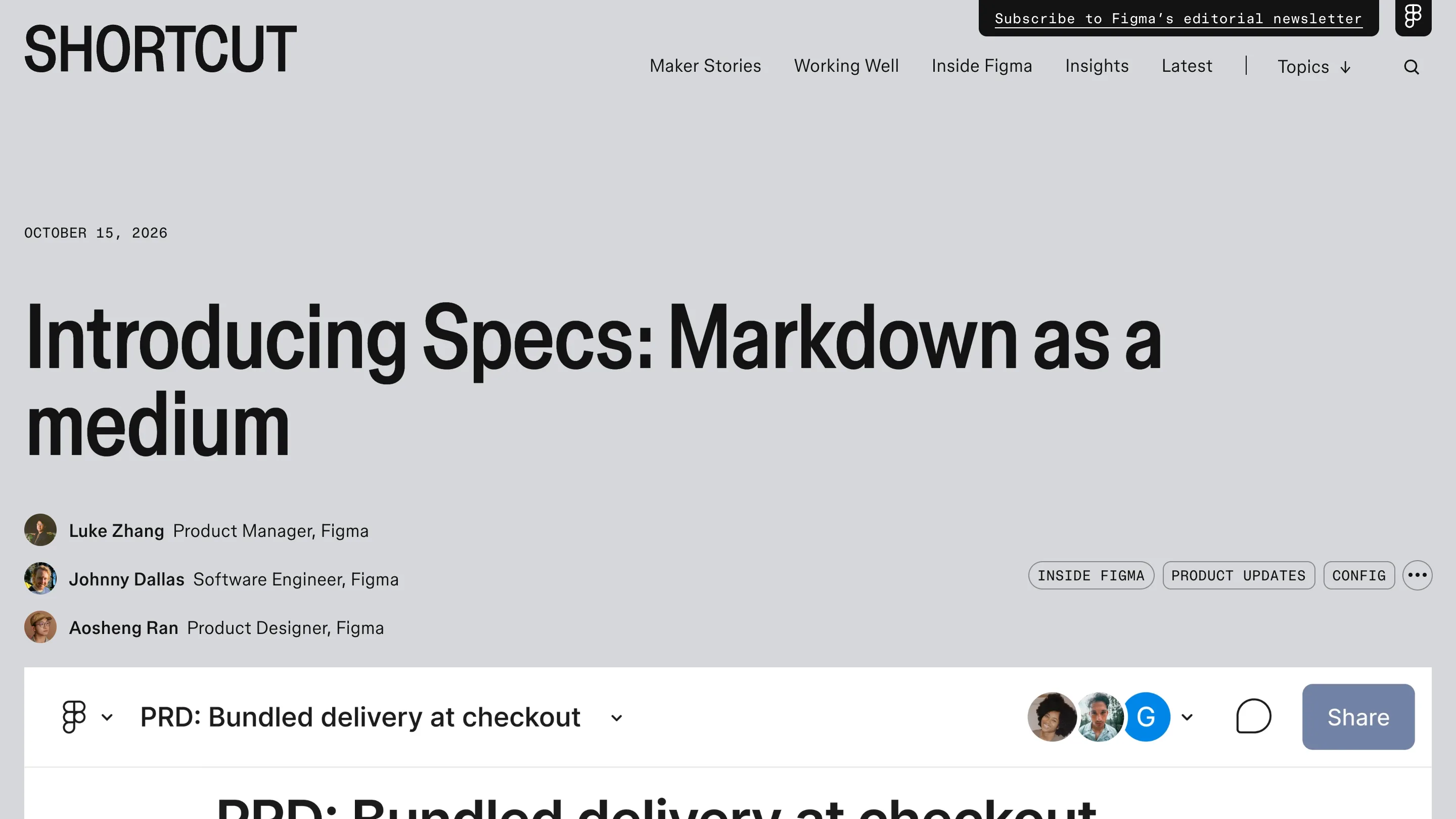
The part that's new is the embed. A Spec can hold a frame, any node from the canvas, or a whole FigJam board, live. Change the button in the design and the button in the spec changes with it. And you can drag content from the spec onto the canvas and back, with its Figma properties intact. So the PRD on Figma's launch page, "Bundled delivery at checkout", shows its problem statement, its comments and its flows in one scroll, where the old version was three tabs.
It's also multiplayer. That sounds minor until you remember a .md file in a repo has one author at a time. Here you get cursors, comments on a highlighted sentence, and spotlight for walking a crit through it. If you already have Markdown files, drag them onto the canvas and they become Specs.
Why it's built for agents
Figma's launch post is titled "Markdown as a medium", and the reason is the agent. More product teams now hand work to coding agents, and those agents read Markdown best. A Spec gives them structured text plus the real design it points at.
Figma's own agent can read a Spec, write into it and reply to its comments. Outside Figma, the MCP server ships a figma-spec skill, so Claude Code, Cursor or any agent wired to it can open, create and update Specs. That runs both ways: an agent can draft a spec from your codebase through the GitHub connector, or pull an analysis from Hex and leave it as a comment, and the result can go back out to a Linear issue or a repo. In Figma's examples, engineer Noah Finer maps principles and flows in a spec, collects the team's comments, then hands the annotated spec to a coding agent. At Intuit, staff designer Mark Harvey documents icon sets with filenames, categories and search tags in one consistent format.
For a design system team, that last case is the strongest pitch. The rules your agent should follow (spacing, naming, which component to use where) finally sit in the file where the components live.
Where Figma Specs falls short today
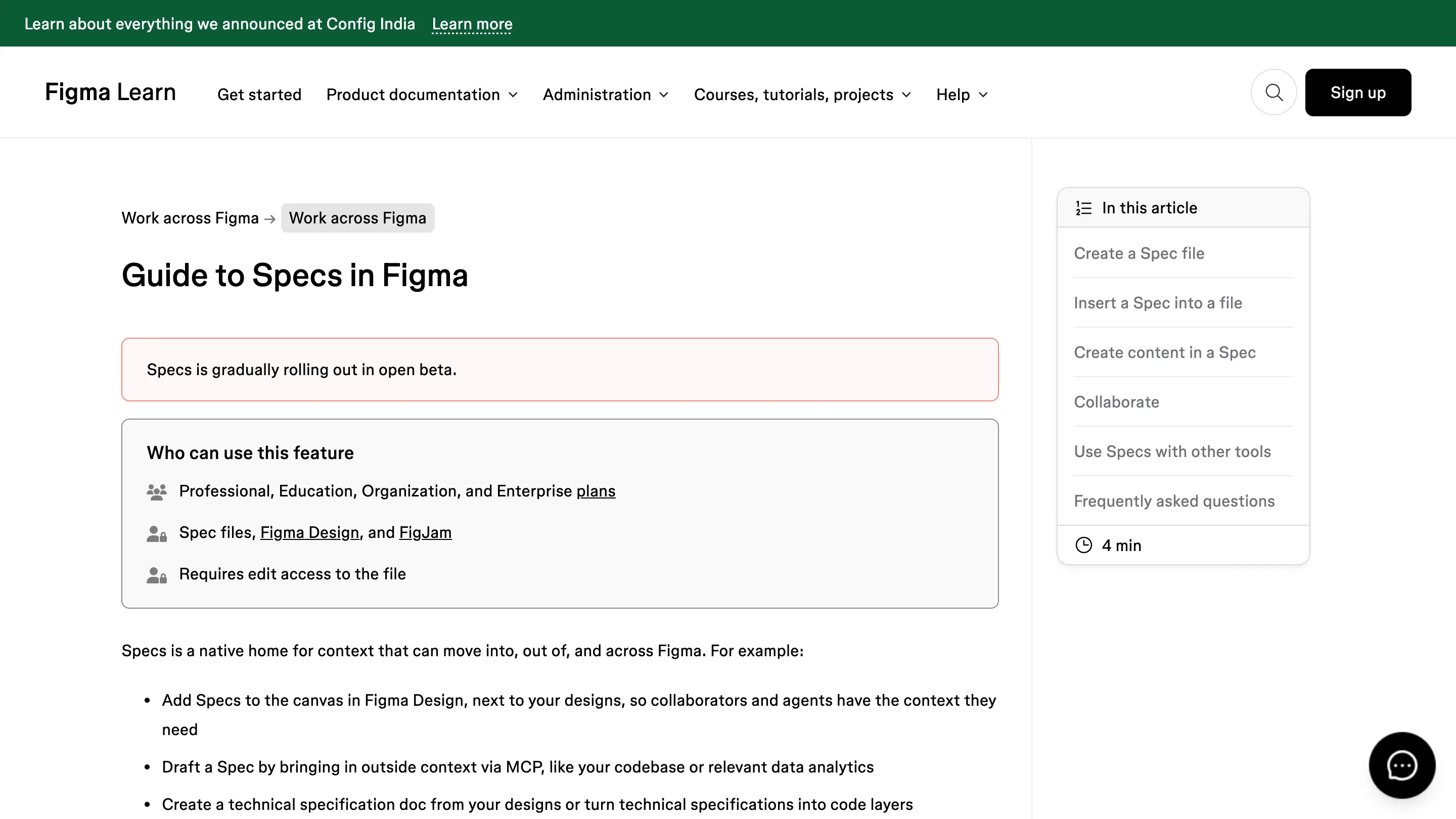
It's a beta, and it's rolling out over a few weeks, so it may not be on your account yet. You need a Professional, Education, Organization or Enterprise plan and edit access to the file. Writing by hand is free, but anything the agent does spends Figma AI credits.
The block set is short: headings, lists, to-dos, quotes, code, images, dividers and Figma embeds. Teams that run their docs on databases and linked views will find it thin. And a Spec lives in Figma. If your engineers read specs in the repo, the MCP round trip is what keeps the two copies honest, and that's one more thing to set up.
Should you open it today
Yes, if your team already writes briefs and design system rules next to the work and pastes screenshots into them. Move one live PRD into a Spec, embed the real frames, and point your agent at it. You'll know within a week whether the comments start landing there instead of in Slack.
If your docs live happily in a wiki and nobody hands Figma files to agents, wait for general availability. The guide to Specs in Figma covers the setup.