Spline's 3D comments now hand the fix to its AI agent
Spline rebuilt comments in its 3D editor: a thread panel, resolve and reopen, unread dots, and an Ask AI button that makes the change and replies.
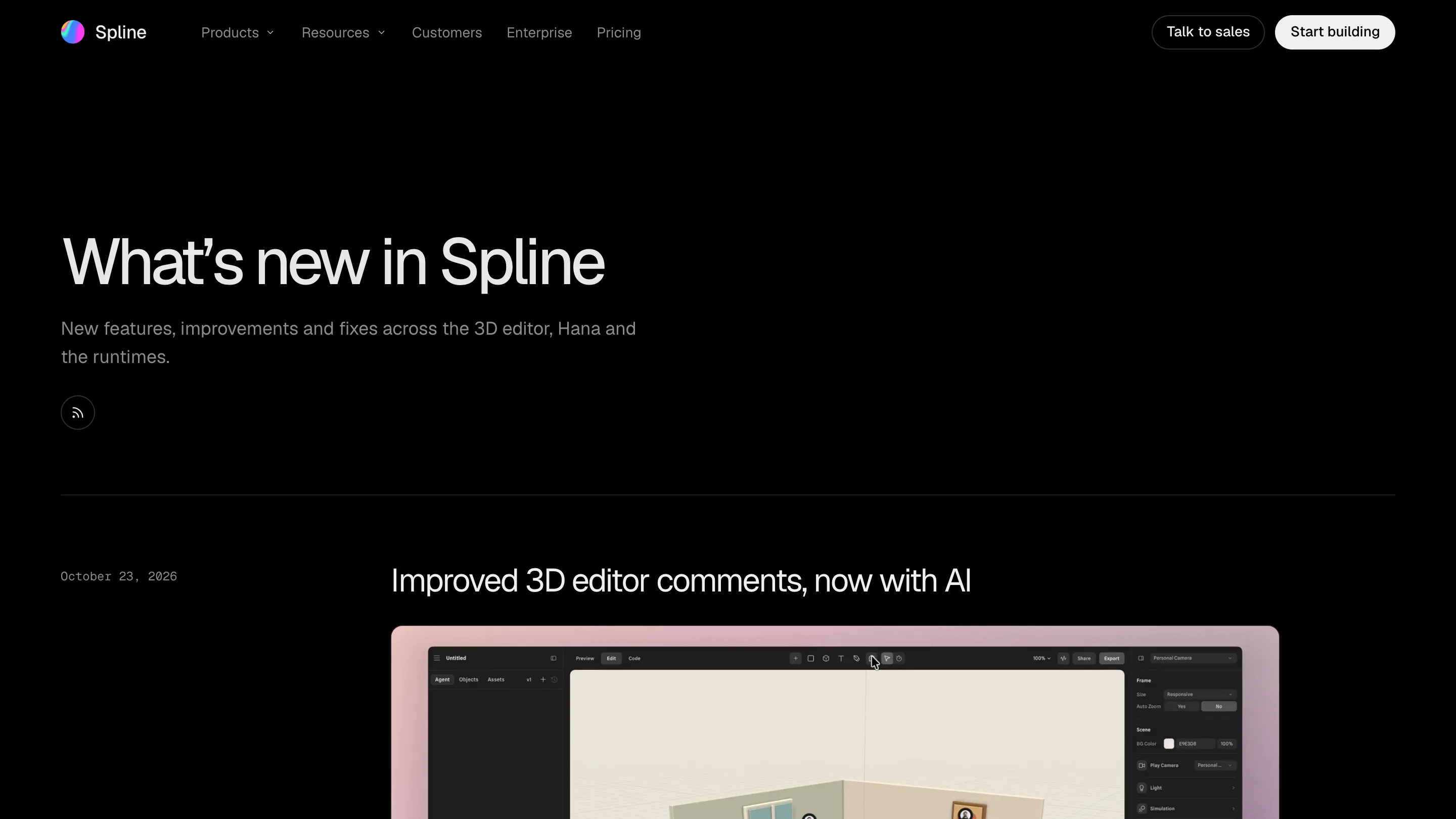
Spline rebuilt comments in its 3D editor on October 23, and the part worth opening the app for is the Ask AI button on a thread. Someone pins a note on the scene, you right-click the pin, and Spline's AI agent makes the change, checks it from the commenter's camera, and replies with what it did. Feedback and the fix now live in the same thread.
The rest of the update is the plumbing that makes that useful: a panel with every thread, threads you can resolve and reopen, and red dots for replies you haven't read.
Comments in 3D used to lose their context
A comment on a flat canvas points at a spot. A comment in a 3D scene points at a spot from an angle. "The lamp is too bright" means something different when the client was looking at the room from the doorway and you're orbiting from above.
Spline now stores that angle. Open a thread in the new panel and the editor switches to the right scene and moves the camera to where the commenter stood. That one detail removes most of the back and forth about which corner of the model someone meant.
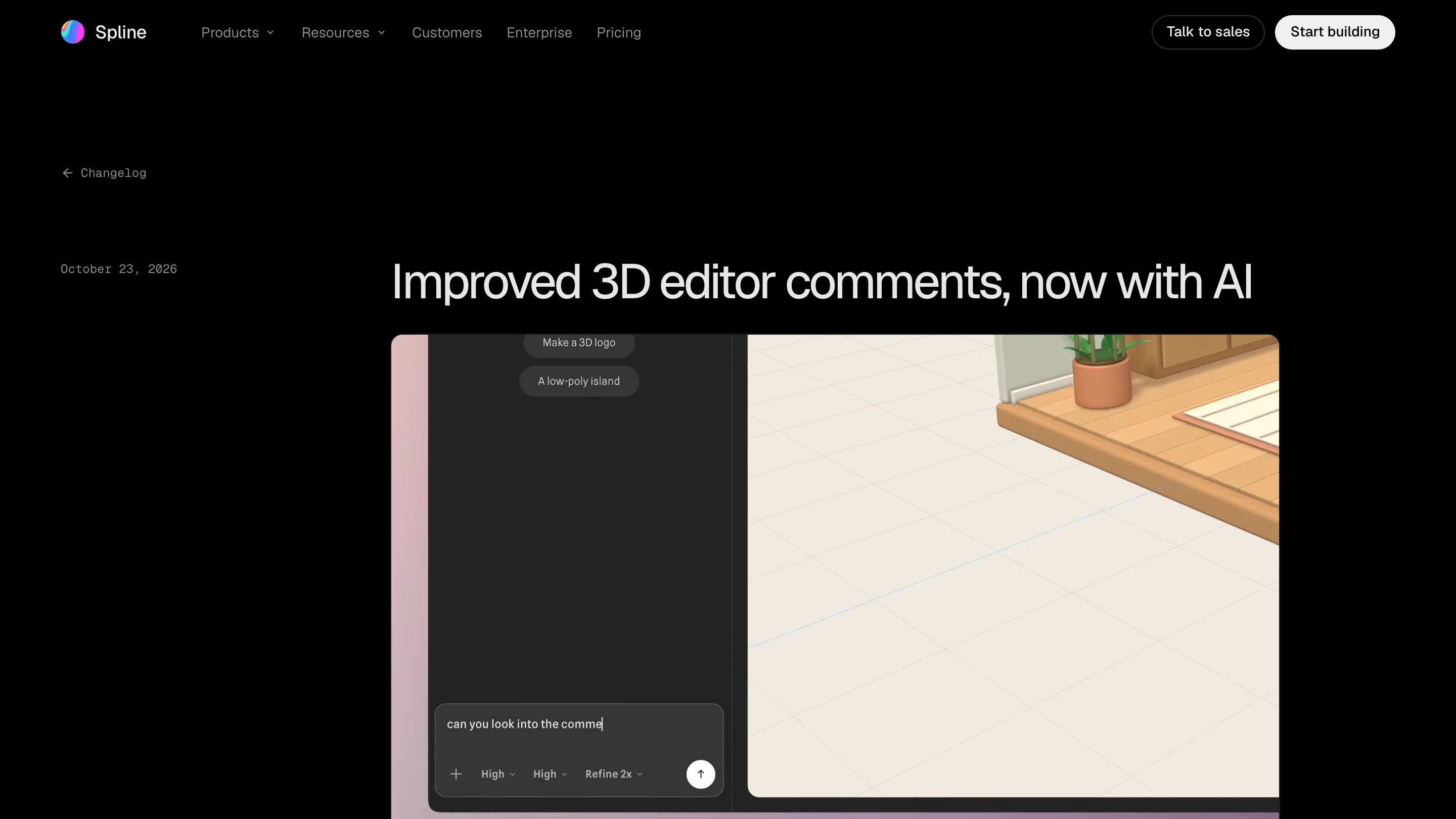
The panel, the dots and resolve
Comment mode opens a list of every thread, with who's in it, how many replies and when. You can filter to the current scene or all of them, and show resolved threads too.
Resolve no longer deletes. Before, closing a comment threw it away, so a team either kept dead threads on the canvas or lost the decision behind a change. Now a resolved thread sits out of the way and comes back if the issue does.
Smaller things add up. Hover a pin to read the first comment and see the faces in the thread. Shift+C hides every pin when you want to look at the scene itself. Comments stay out of the Preview tab, so a client clicking through the interaction doesn't see your notes floating in it. Escape closes a thread.
What Ask AI does, and where it stops
The AI button turns a comment into a task. The agent reads the note, edits the scene, looks at the result from the commenter's view, and answers in the thread. It only resolves the thread when you tell it to, so a person still signs off.
This is the right shape for small, concrete notes: make the cube warmer, drop the shadow, move the camera closer. A note like "this feels flat" gives the agent nothing to measure against, and you'll be rewriting the request anyway. Treat its reply as a proposal and check it from the same angle it did.
Comments your own agent can read
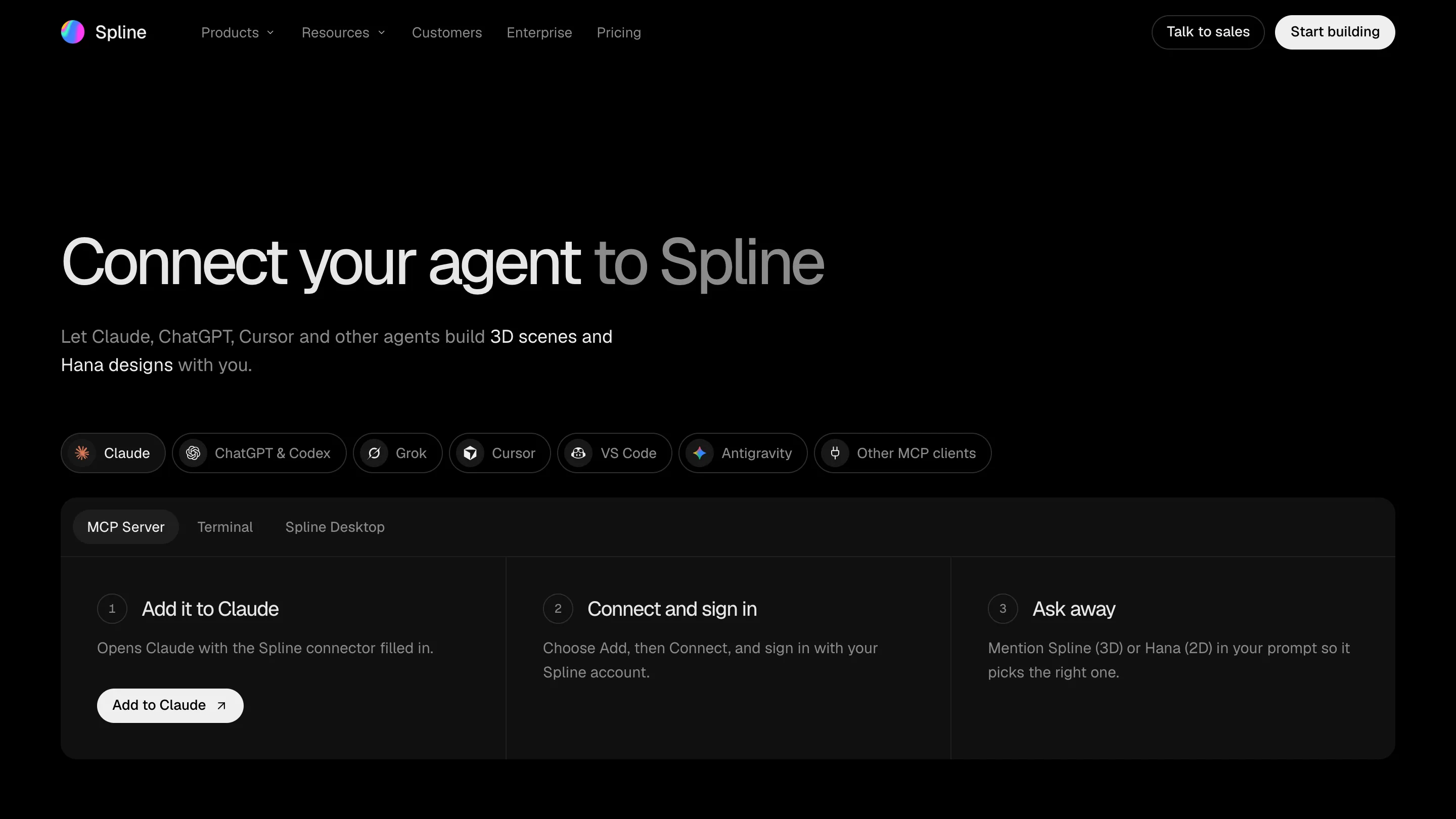
Four days earlier Spline moved its MCP server to the cloud, so Claude, ChatGPT and Cursor can build scenes without the editor open. The comments update plugs into it: those agents can read threads, reply and resolve them too.
So a review round can run from wherever you already work. Ask Claude to go through the open comments on the launch hero, fix the ones about lighting, and list the rest for you. The threads in Spline show what changed and who did it.
Should you open it today
If you share Spline scenes with clients or a team, yes. The panel and the saved camera angle fix the two complaints everyone had about 3D feedback: you couldn't find the threads, and you couldn't tell where people were looking. Ask AI is a quick first pass on the small notes. The big ones are still yours.