Canva Brush is an AI model that edits the design you have
Canva Brush reads your layers, writes code to change them and checks the page after each step. Everything it touches stays editable. Pro only, for now.
Canva Brush is a model built to edit a design you already have. You open a deck, type "make every header sentence case and push the palette toward olive", and Brush changes the layers in place. The text stays text. The shapes stay shapes. You can grab any of it and keep going by hand.
Canva shipped it on 29 October, built by Canva Research, the company's 160-person AI lab. It arrived a week after Canva Craft, the image model from the same team. Canva puts the split plainly: Craft makes the picture, Brush fixes the design around it.
What Canva Brush does to a file
Most AI design tools hand you a flat result. You get a picture of a layout, and the moment you want to move one word you're starting over. Brush works on the layer tree. Canva describes it as an agentic loop: the model writes and runs code that adjusts elements, then looks at the rendered page to decide its next step.
That second half matters more than it sounds. A model that checks its own output can notice that the new headline now overlaps the photo, or that slide three kept the old blue. It's the same move you make when you nudge something and zoom out to look.
Where it saves you time
Canva names three jobs, and they're the dull ones.
The first is a change across many pages. You've got a 20-slide deck and the client wants every section title in a different weight. You'd usually click through each slide. With Brush you ask once.
The second is a restyle. Same layout, new direction: different colours, a different season in the photo, a different mood. Canva says this is where Brush scored best in its own testing.
The third is a resize with judgement. A slide becomes an Instagram post, and the type, crop and spacing get rethought for the square. Resizing tools have done the geometry for years. The judgement part is what's new.
To try it, open a design, go to Canva AI and pick Brush from the model dropdown. Then type. When you'd rather do a thing yourself, you click into the editor and do it.
The numbers, and what they're measured against
Canva says Brush is up to 69% faster on general editing tasks and costs 46% less per task. Both figures compare it with Canva's previous design agent, not with other tools, and Canva hasn't published the test set.
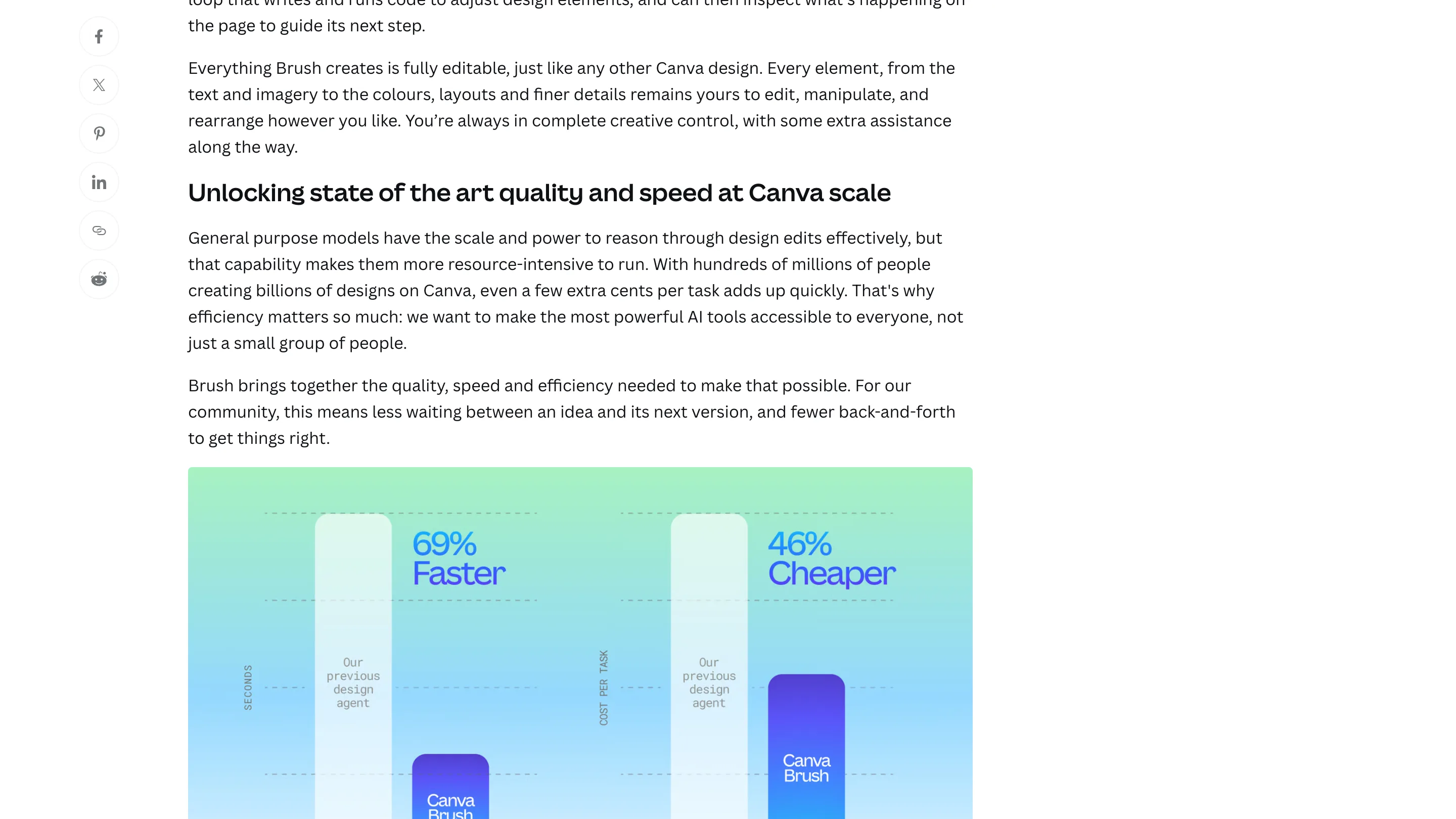
So read them as a promise of shorter waits inside Canva. The cost figure explains the launch more than the speed one does. Canva runs billions of designs, and a few cents per edit adds up. A cheaper model is how Canva can offer AI editing to more of its plans.
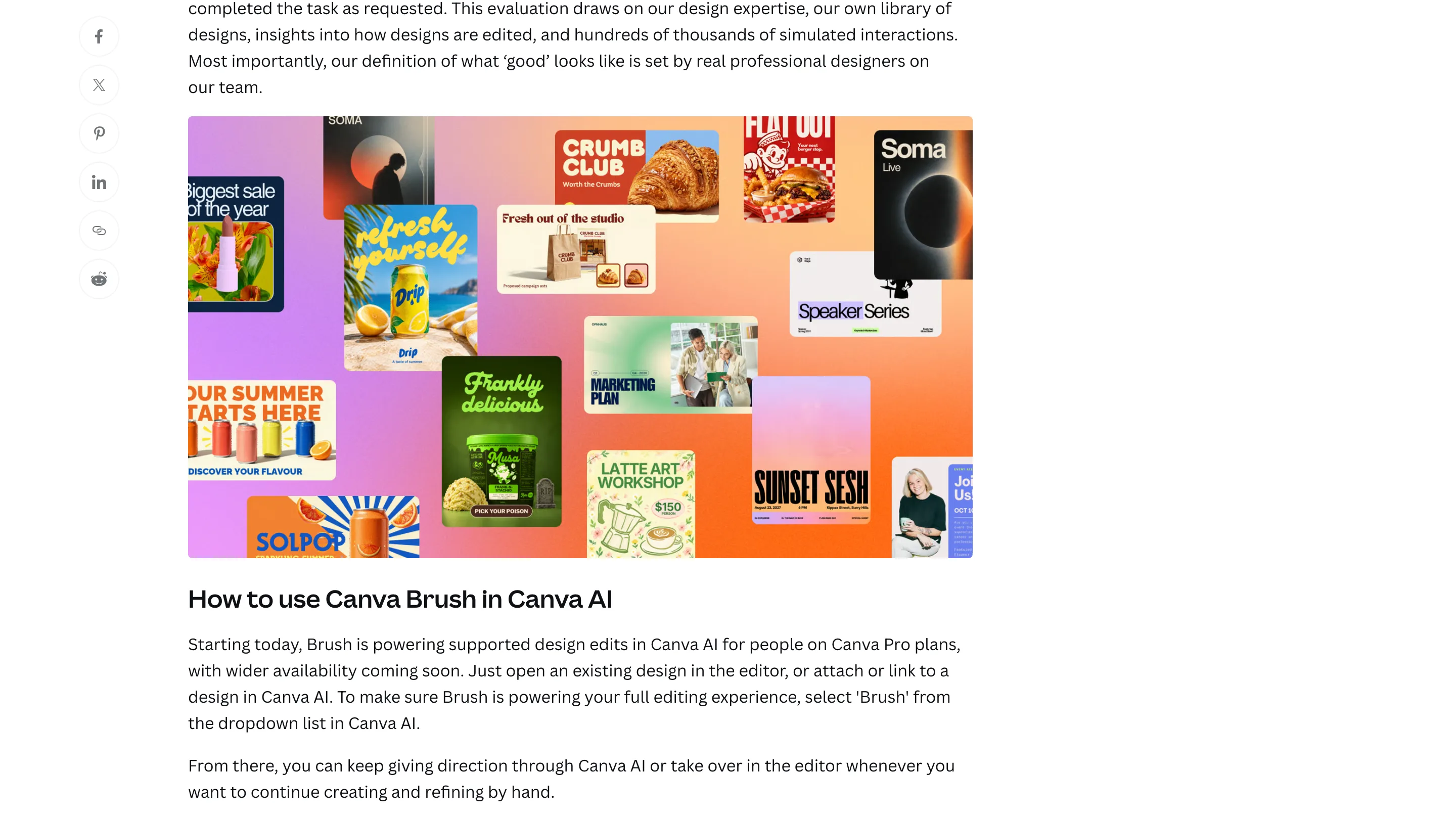
Brush starts from an open-weights model Canva hasn't named, post-trained on real editing tasks and then on reinforcement learning. The reward scores visual quality, whether the layout follows design principles, and whether the model did what it was asked. Canva's own designers set what counts as good.
Where it falls short
Brush is Pro only at launch, with wider access "coming soon" and no date. It doesn't read your Brand Kit yet, so it can't be told "use our fonts and colours" in one step. It can't take an attachment as a reference. Canva also says it's still improving image-heavy layouts, which is a lot of what people make in Canva.
There's no API and no public log of what the agent changed. If Brush touched 40 layers across a deck, you'll find out by looking.
Should you open it today
If you're on Pro and you spend your afternoons making the same change on slide after slide, yes. Give it a deck you know well and a boring instruction, and check what it touched. That's the fastest way to learn whether it respects the parts you wanted left alone.
If your work lives in Figma, Brush won't move you. What it shows is where design AI is heading: smaller models that edit the real file and look at their own result before they stop.