Figma color variables now take opacity without detaching
A color variable can alias another and carry its own opacity. Scrims, overlays and disabled states finally stay linked to the library.
Tools · The Editors · 4 min read ·
Featured: Figma
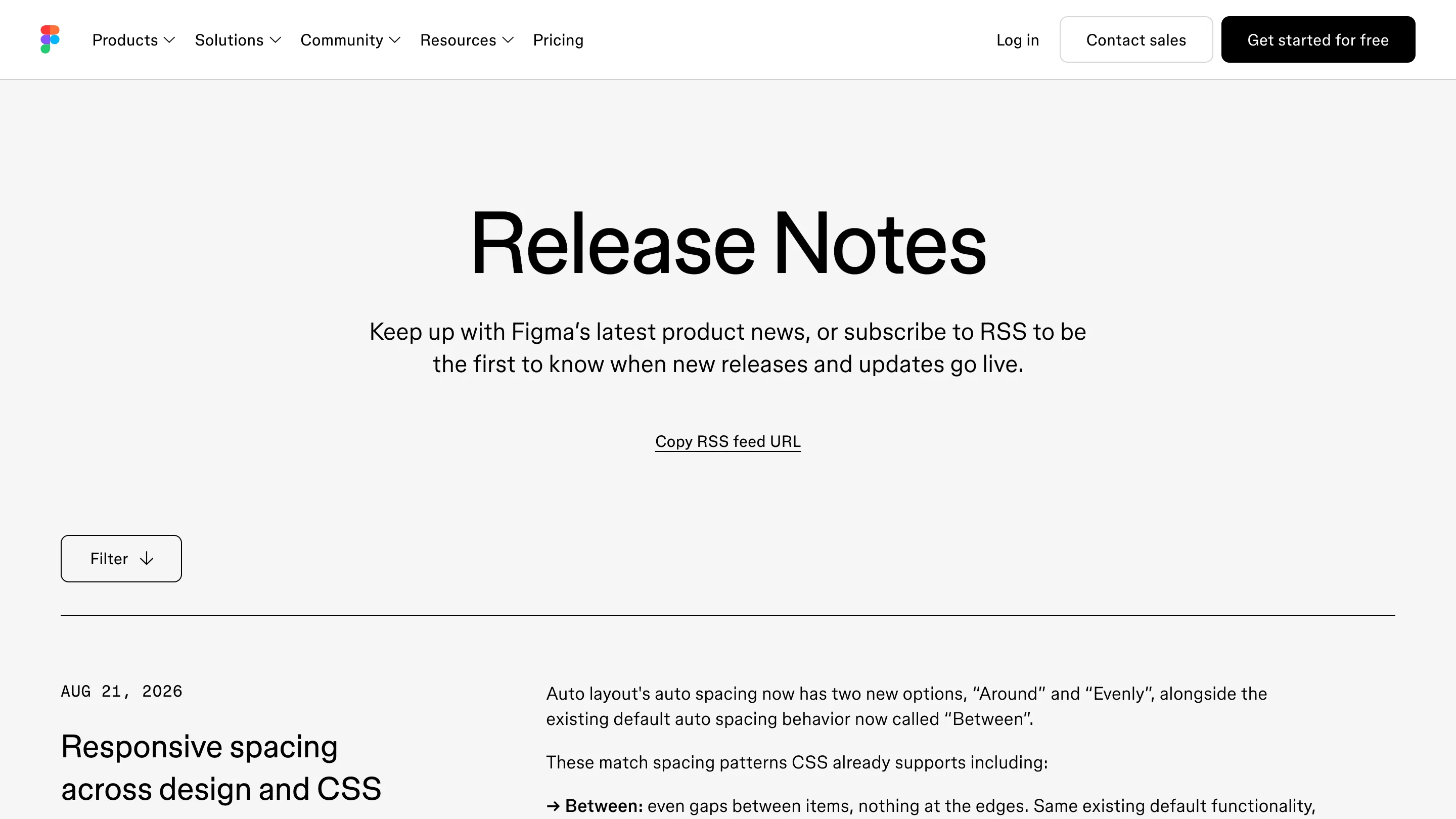
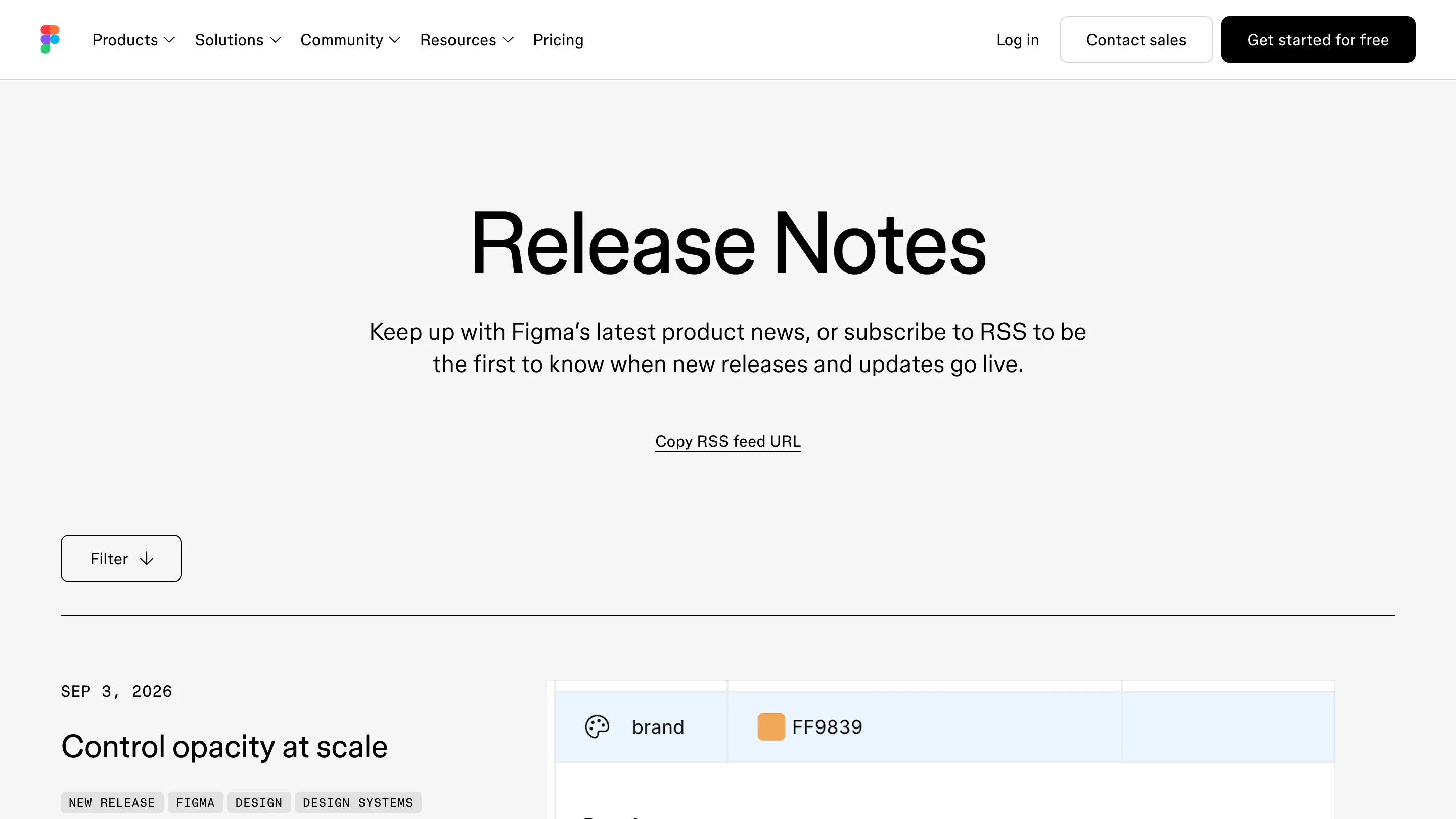
Figma color variables can now carry opacity and stay aliased to the library. The update landed on 3 September, filed under DESIGN SYSTEMS in Figma's own release notes, and for anyone who maintains a token layer it retires the ugliest workaround in the file.
Until now, a scrim at 64% black gave you three bad options. Detach the color from the library and set alpha locally. Bake the alpha into a second hex that nobody remembers to update when the brand color moves. Or drop opacity on the layer and hope it survived the trip to code. Each one cuts the wire between the base palette and its transparent variants, and that wire is the reason a token layer exists at all.
What the modal does now
Open the variables modal, alias a color, set opacity on top of the alias. brand stays FF9839. brand/scrim points at brand and reads 64%. Move brand and the scrim moves with it, in every file that subscribes to the library. The reference holds.
That is the whole feature, and it is the right size. Aliasing was already how Figma did design tokens: a semantic variable pointing at a primitive, the primitive changing per mode. Opacity was the one property that couldn't ride along.
Opacity you can name
The second half of the release is quieter and probably matters more. Opacity now accepts a number variable. So opacity/disabled is 48, opacity/scrim is 64, opacity/overlay is 8, each a named token you reference instead of typing a figure into the inspector and forgetting where you typed it.
Change disabled from 48 to 40 once, and every disabled state across every file follows. Figma's docs spell out the edges: a negative number clamps to 0%, anything over 100 clamps to 100%. Useful if you're driving opacity from a computed value and want to know what happens when the math goes out of range.
The part that always broke on export
Transparency has been the piece of a token system that doesn't survive the handoff. A designer sets a 12% border on a card, the engineer writes rgba(0,0,0,0.12), and six months later the brand gray shifts and only one of those two places hears about it. Composed color variables put the alpha in the same object as the color, which means an export can carry the relationship instead of the flattened result.

Where it stops
At the API boundary, for now. On 4 September, the day after release, a plugin typings issue went up documenting the gap: valuesByMode returns composed color variables made in the UI, but setValueForMode rejects them with "Composed color variable values are not supported". The VariableScope enum is missing COLOR_OPACITY and TRANSFORM, both of which the runtime accepts.
The reporter puts it plainly: a plugin can read these variables but can't create them, round-trip them, or migrate them between files. So if you run a token pipeline that moves variables across files, composed colors get flattened to static values on the way out. Canvas work benefits today. Automation waits.

Worth an hour this week
If you keep a library with alpha steps, the job is an audit. Find every detached color in your variable collections, every duplicate hex with baked-in transparency, every layer-level opacity doing token work. Most of them collapse into one aliased variable and a number.
It's the kind of release that doesn't demo well and saves a system maintainer a day a quarter. Those are the good ones.