Claude Design reads your design system before it draws anything
Anthropic rebuilt the design system import in Claude Design. You point it at a GitHub repo or a design file, it builds with your components, and it checks its own output before you ever see it.
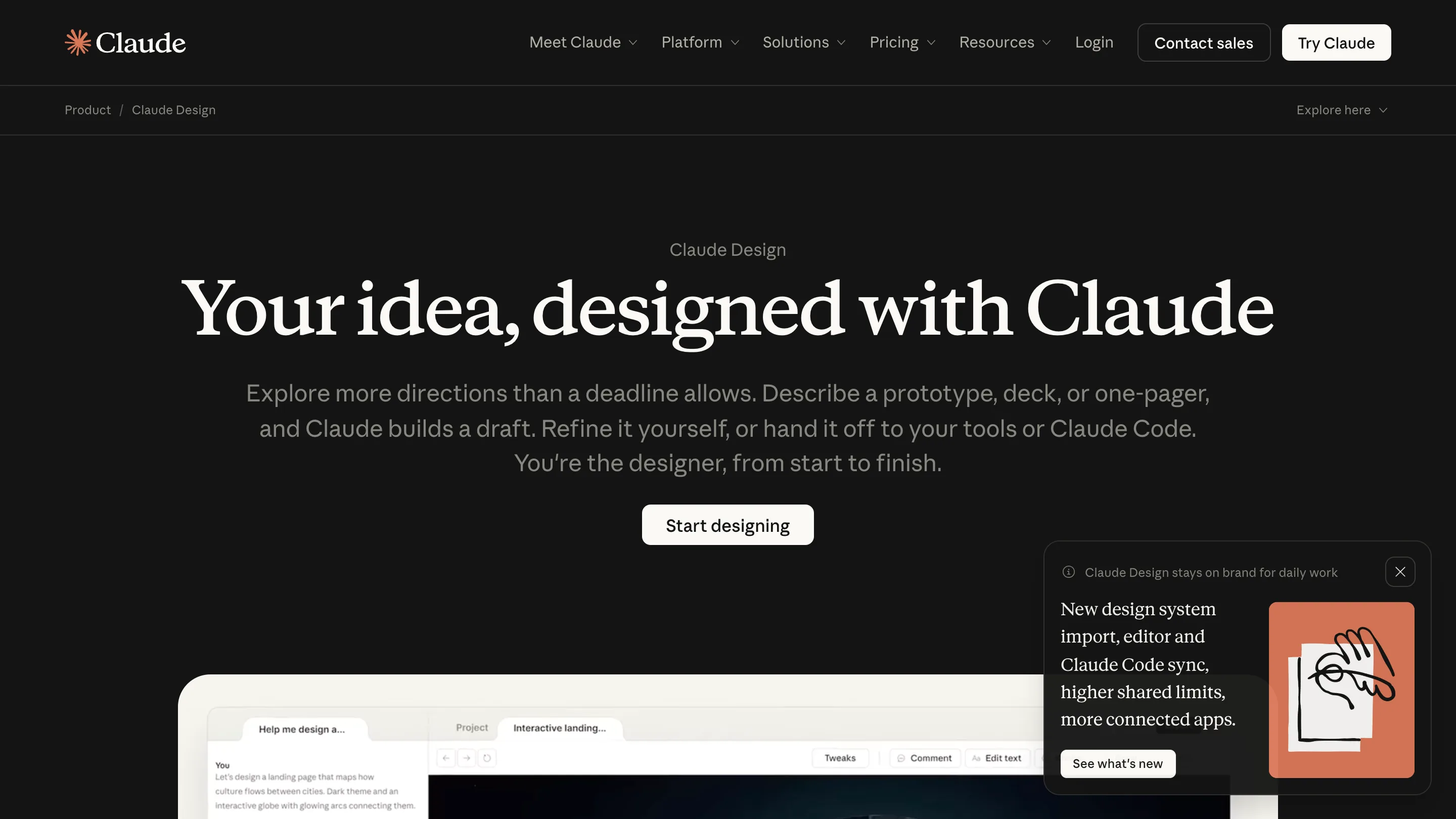
Claude Design now starts from your design system instead of its own taste. You point it at a GitHub repo, a design file, or a folder of assets, it builds with those components, and it checks the result against the system before showing you anything. Anthropic shipped the rebuilt import on 17 June and has been filling in the edges since.
That one change is what moves the tool from demo to daily use. Generated mockups have always looked fine and landed wrong: right idea, someone else's spacing, someone else's blue. Now the components are yours, so the argument in review is about the layout rather than the colour.
What the import actually does
You can bring in more than one system, which matters if you run a marketing site and a product on different foundations. Claude Design reads them, builds from the approved components, then runs its output back against the system and corrects itself before the canvas loads. The self-check is the interesting part. It's the step a junior designer skips and a design lead catches two days later.
For bigger teams there's an admin role that approves one system and locks editing. Every asset the tool produces then sits inside company guidelines by default. That's a governance feature dressed as a design feature, and it's probably why the enterprise pitch works.
The Claude Code handoff
The other half is /design-sync. Run it in Claude Code and it pulls the same design system into the terminal, so a project that started on the canvas continues in the repo without anyone rebuilding it from a screenshot. Handoff has been the leaky joint in every AI design tool so far. Somebody designs, somebody screenshots, somebody re-types the values, and the spacing drifts.
The editor stopped burning a turn per nudge
The rebuilt editor lets you drag, resize and align single elements by hand. Sounds small. It isn't. Before this, moving a card 8px meant asking the model, which meant a full turn and a wait and a bill. Direct manipulation for the small moves and prompting for the big ones is the split that actually matches how design work goes: long stretches of tiny corrections, punctuated by a real decision.
Exports now go to PDF, PowerPoint, HTML, and across to Adobe, Canva, Gamma, Lovable, Miro, Replit, Vercel and Wix. Anthropic says a million people used the tool in its first week.
Where it falls short
It's still labelled beta, and the label earns its keep. A design system import is only as good as the system you feed it. If your components live half in Figma and half in a two-year-old repo with three competing button variants, Claude will build from that mess faithfully. The tool has no opinion about which of your three buttons is correct.
It also reads components, not intent. The system tells it what a card looks like, and nothing tells it when a card is the wrong container. Editorial judgement stays where it was.
Worth an hour if you keep a real design system and spend your afternoons producing variants of things you've already decided. Claude Design is on the Pro, Max, Team and Enterprise plans, at claude.ai/design or in the desktop sidebar. Credit to Anthropic for the release notes.