Framer's AI agent now builds the interactions too
Framer's AI agent now builds draggable interactions, page effects, and alt text, the fiddly layer of a site that used to be manual.
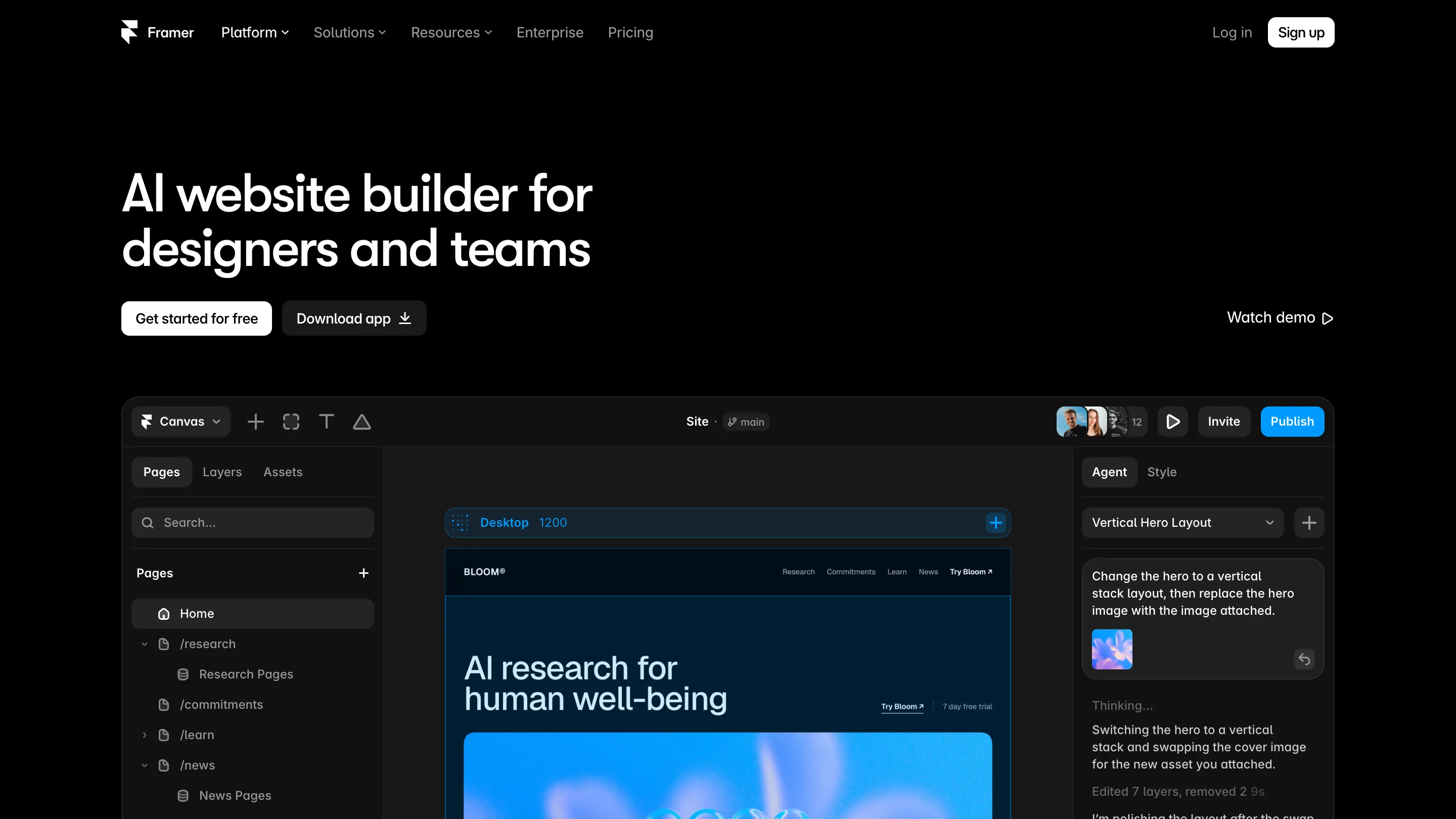
The Framer AI agent used to stop at layout. You'd prompt it for a page, get sections and copy and a rough grid, then open the interactions panel and wire the rest yourself. The drag behavior, the scroll effect, the alt text on every image. As of the late July update, the agent does that part too.
Framer shipped it on 29 July. The agent now builds page effects, richer overlays, text shadows, CMS video, accessibility attributes, and draggable interactions, on top of the layout work it already handled. Those are the pieces a designer usually saves for last, after the shape of the page is settled. Now you can ask for them in the same breath as the layout.
What the fiddly part means here
Say you're building a product page. The agent lays out the hero, the feature grid, the footer. Before this update, making a card draggable, adding a parallax effect on scroll, or writing alt text for twelve images was manual work. Small, repetitive, easy to skip. The kind of thing that gets left half-done before a deadline.
The July release folds those into the prompt. "Make the testimonials draggable, add a subtle fade on the sections as they enter, and write alt text for every image." One instruction, and the agent touches the interaction layer directly.
It also got faster
The same week, Framer tuned the agent's efficiency. OpenAI models now use about 25% fewer credits on multi-step builds, and every model finishes tasks in 15 to 30% fewer steps. If you pay per credit, that's the difference between a build costing you real money and it being cheap enough to run twice.
Steps matter more than they sound. Each step is a place the agent can drift off course, and a place you have to read what it did and decide whether to keep it. Fewer steps means less to review.
The accessibility piece is quietly the best part
Alt text and contrast are the first things to fall off a rushed site. Having the agent write accessibility attributes as it builds, rather than in a cleanup pass, changes the default. Framer's AI also reviews finished sites for contrast issues, missing alt text, and SEO gaps, then suggests fixes in the same project. A site that ships accessible because the tool did it by default beats one you meant to fix later.
Where it stops
The agent is good at the mechanical layer and the first draft. It's weaker at taste. Ask it for a subtle fade and you'll get a fade, but whether the timing feels right is still your call, and you'll open the timeline to tune it. The layouts it produces are competent and a little generic, the way most generated work is. It gets you to 80% of a working, interactive, accessible page, and the last 20% is where your judgment goes.
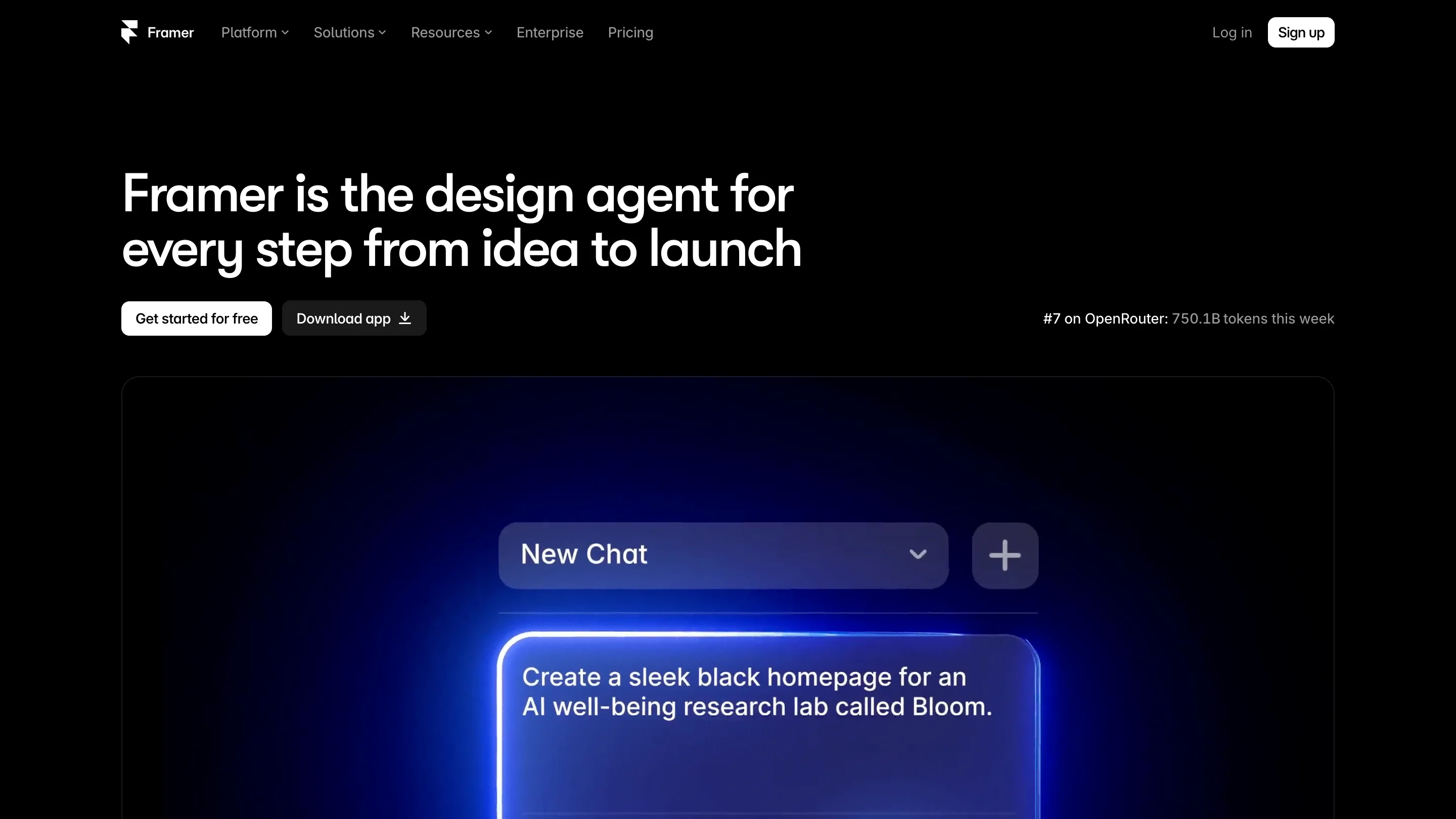
That's a fair trade. The 80% it now covers includes work that used to eat an afternoon. Framer's home page claims the agent ranked #7 on OpenRouter last week at 750 billion tokens, which says a lot of people are already running real builds through it.
If you design in Framer, open a new project and hand the agent an interaction to build. That's the part that changed.