Figma Weave turns AI image work into a reusable pipeline
Figma Weave runs every major AI image model and your editing tools on one node-based canvas, then lets you rerun the whole pipeline on new inputs.
Tools · The Editors · 4 min read ·
Featured: Figma
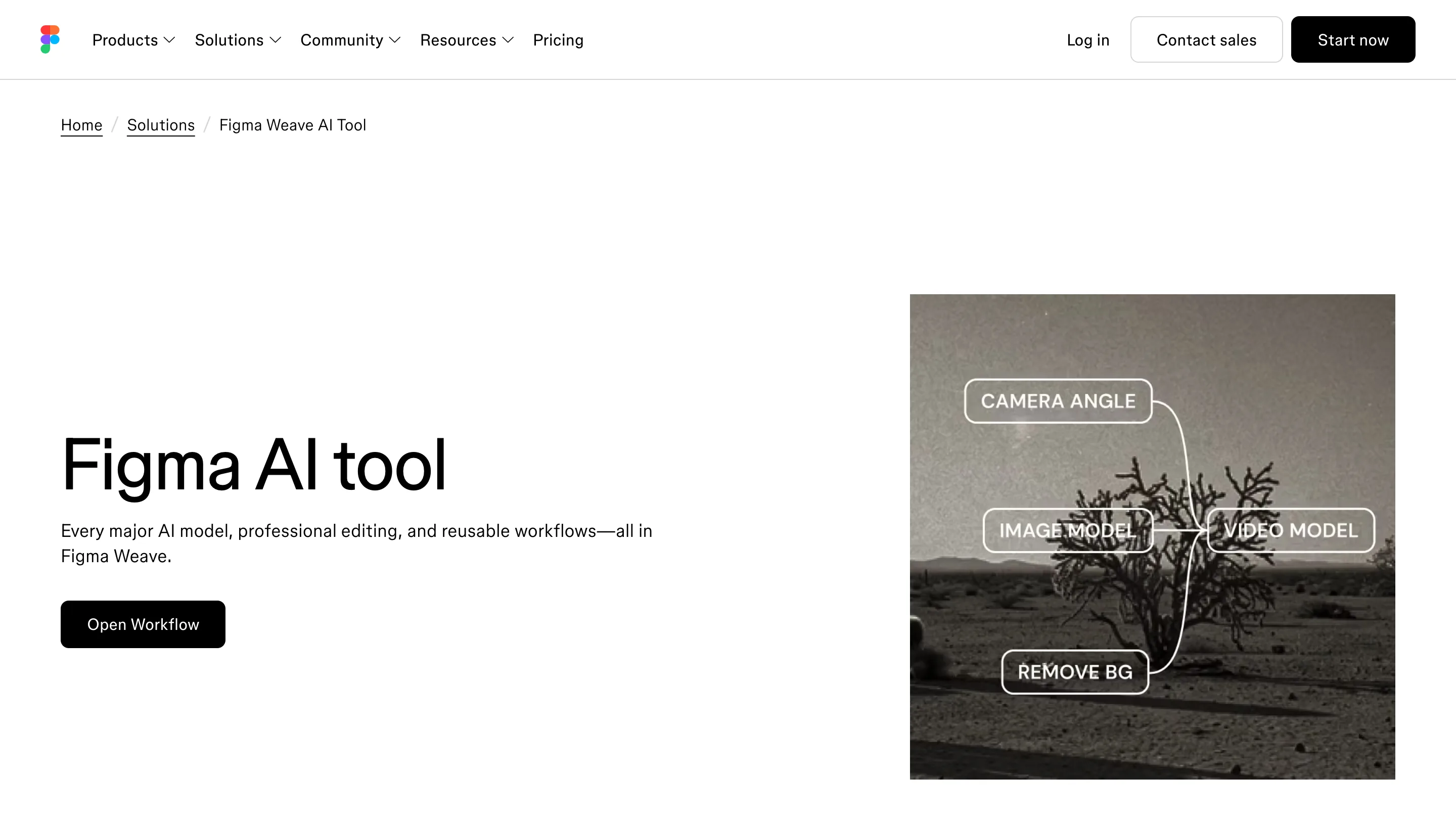
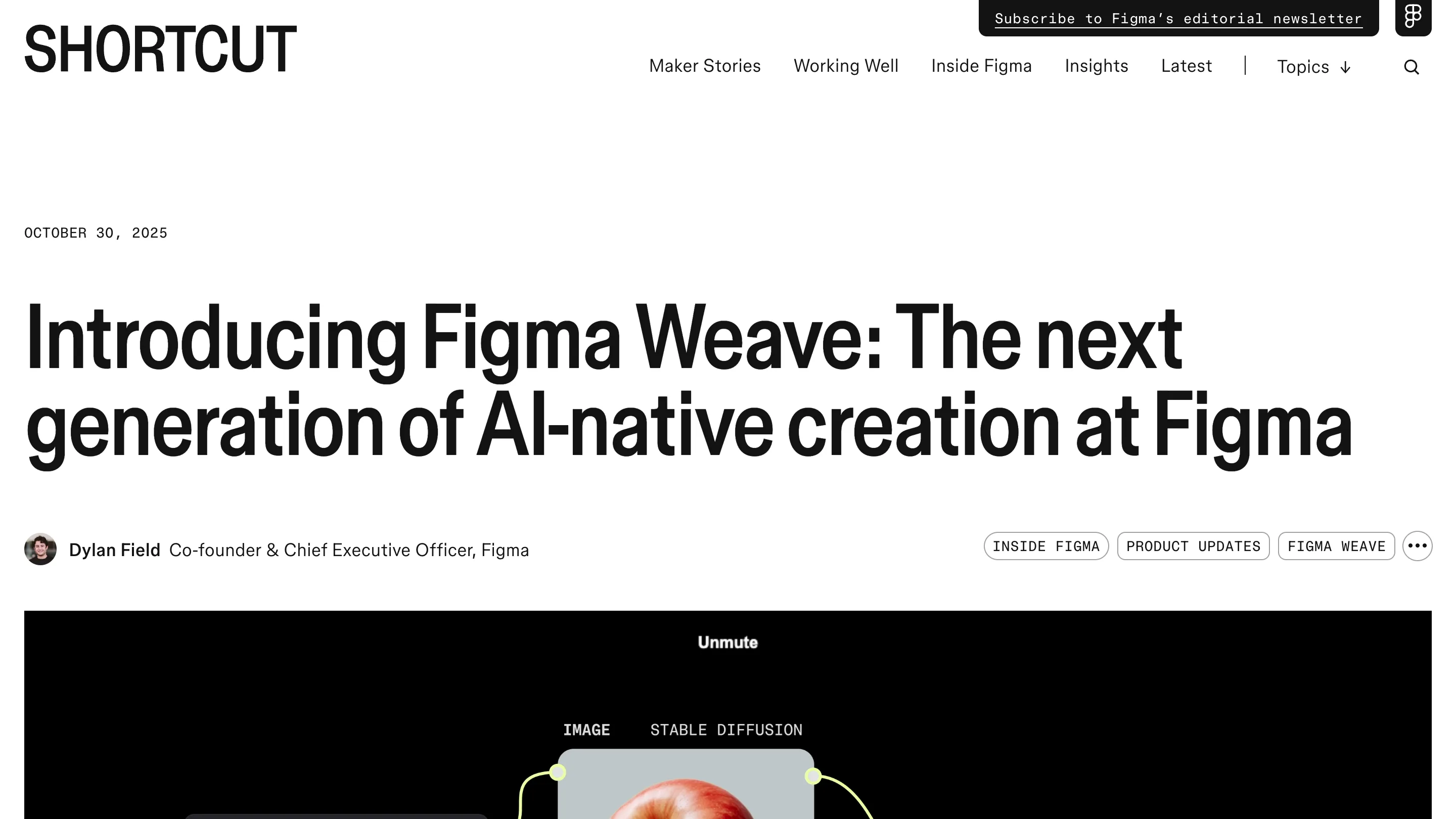
Figma Weave is a node-based canvas where you generate an image, edit it, and wire those steps into a pipeline you can run again on new inputs. That last part is the point. Most AI image tools give you one good result and a blank prompt box for the next one. Figma built Weave so the steps stay on the canvas, connected, and reusable.
One canvas, every model
Weave hands you Google, Kling, Runway, Luma, Stable Diffusion, Recraft, and Bria in the same file. You pick the model that fits each step instead of paying for seven subscriptions and jumping between seven tabs. A node runs one model, its output feeds the next node, and you can swap the model on any step without rebuilding the rest.
The editing is native, not bolted on after the fact. Layers, masking, color grading, compositing, inpainting, relighting: they live on the same canvas as the generation. So the moment a model hands you something close, you fix the hand or drop the background right there, and that fix becomes part of the pipeline too.
The workflow is the thing you keep
Here is what changes the work. A Weave pipeline is a system, not a session. Build it once, then run it at scale. Point the same set of nodes at ten product shots and you get ten on-brand results in the same treatment, no re-prompting each one.
That matters most for teams. You can encode your quality bar into the pipeline once, then share a stripped-down interface where a teammate drops in a photo and gets the finished asset back. The taste lives in the graph. Nobody has to reproduce your judgment prompt by prompt, which is where most "AI for the team" plans quietly fall apart.
Weave tools show up inside Figma Design
You don't have to leave your design file to use it. Figma put more than 20 AI image tasks in the left panel of Figma Design as Weave tools: replace a background, add a logo to a product, change an aspect ratio, run a style transfer, stage a product shoot, pull a material off one object and put it on another.
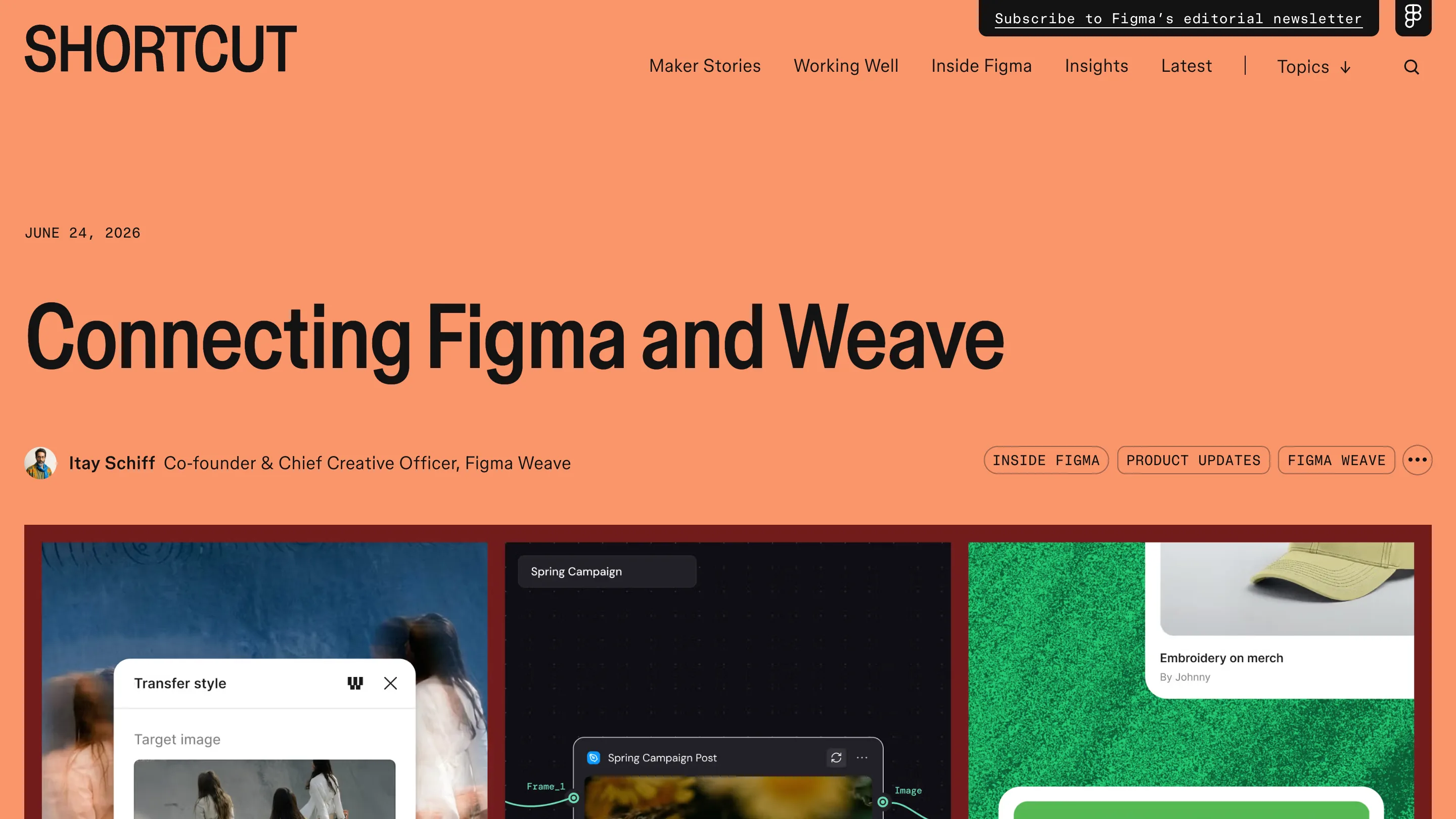
These are the small, repetitive jobs that used to mean a round trip to Photoshop or a one-off Midjourney prompt. Now they sit next to your frames. For a product designer filling a real layout with real imagery, that is the difference between a five-minute detour and a context switch that eats the afternoon.
Where it still asks something of you
The model roster is third-party, so quality and cost swing depending on which one a step calls. The node canvas rewards people who think in pipelines and will feel like extra scaffolding if you just want one picture, fast. And the reusable-workflow payoff only lands once you have a workflow worth reusing, which takes a first build that is slower than typing a prompt.
Worth opening today if you make the same kind of image over and over: campaign variants, product shots, localized assets. If you need one hero image and nothing else, the plain prompt box is still quicker. Weave is Figma betting that the valuable AI image work is the repeatable kind, and building the canvas to match.