Webflow Libraries now carry your fonts to every site that installs them
A July 7 update makes Google, Adobe, and custom fonts part of a Shared Library. Install the Library and the type comes with it, with font changes listed in the changelog before you accept.
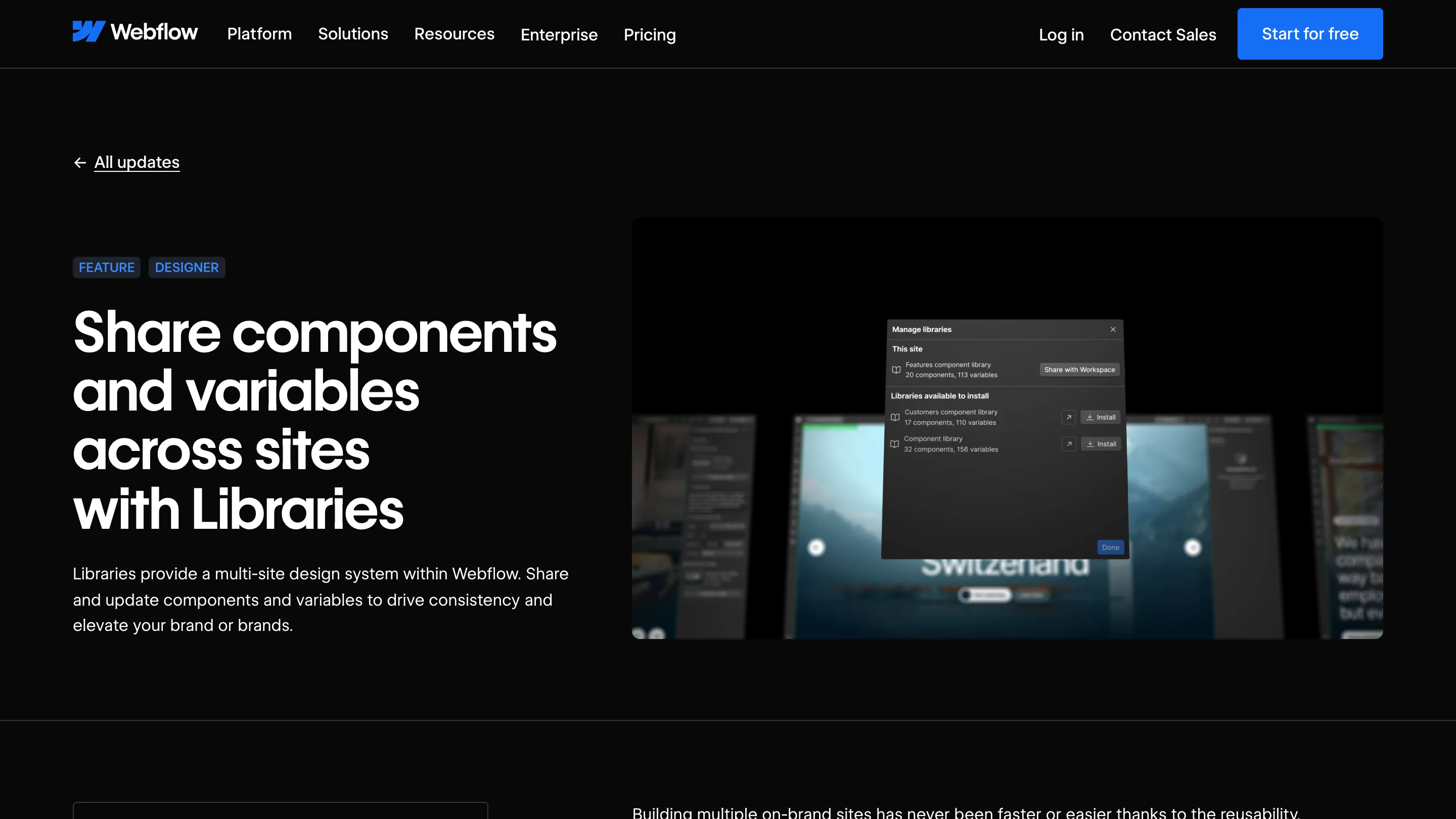
Webflow shipped a small change on July 7 that closes the last hole in its multi-site design system. Webflow Libraries fonts are now part of the Library itself. Google fonts, Adobe fonts, and the woff2 files you uploaded by hand get installed on every site that installs the Library, and they update when the Library updates.
If you run more than one site off one Library, you already know the hole this fills.
The thing that used to break
Libraries share components, variables, and assets. Type was the exception. You'd install a Library on a fresh site, drop in the header component, and the heading would come out in whatever the new site happened to have, usually Arial. The component knew it wanted a font stack. The site had never been given the font.
The fix people used was a checklist: upload the four weights again, set the tag-level styles again, hope nobody skipped a site. It worked until a rebrand, and then it didn't.
What Webflow changed
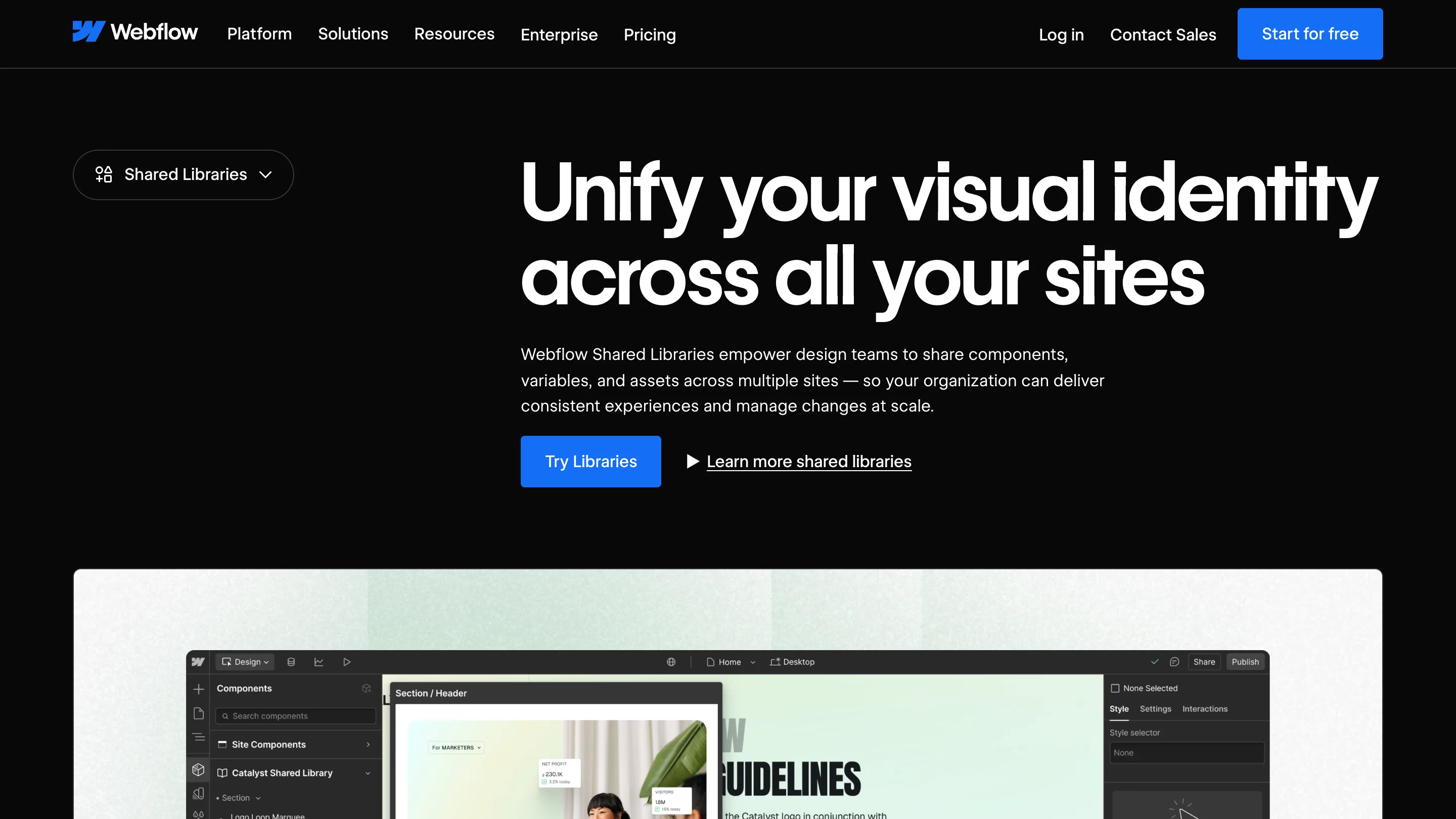
Fonts are Library material now. Add a custom font to the source site, publish the Library, and it lands in every connected site along with the components that use it. Installed fonts appear in the Font dropdown grouped under the Library's name, so you can see at a glance which type came from the system and which one somebody added locally last Tuesday.
That grouping is the detail worth noticing. Most design-system tooling tells you a token is shared. Very little of it tells you, at the moment you're picking from a list, where the thing you're about to use came from.
Read the changelog before you accept
When a Library update touches fonts, each font added, removed, or changed shows up under Other changes in the update's changelog. You see the list before you accept.
This matters more than it sounds. A font swap is the change most likely to reflow a page you weren't looking at. Different x-height, different metrics, different weights available, and a heading that fit on two lines now takes three. Seeing the type changes named before you accept them turns a font update into something you can schedule instead of something you discover.
Who should open Webflow today
Agencies running ten client sites off one Library. In-house teams with a marketing site, a docs site, and a careers site that keep drifting apart. Anyone who has ever fixed a typeface on four sites and found a fifth in October.
A rebrand that meant re-uploading font files site by site is now one upload in the source site and a round of accepts.

Where it stops
This is Workspace-scoped. A Library shared past your Workspace boundary, to a client who owns their own account, doesn't get the type this way. Check that before you promise a client their fonts will just show up.
And the source site becomes the only place fonts change. For a team with one person owning the system, that's governance. For a team of five who all upload fonts when they need them, it's a queue. Worth deciding which one you are before you move your type into the Library and find out.
The honest summary: this is a fix, not a feature, and it should have been there when Libraries launched. It still changes the work. Typography was the one part of a Webflow design system you couldn't hand off, and now you can.