Framer CMS 3.1 lets you type items straight into the table
Framer's July 14 release puts an empty row at the bottom of every collection, so short entries get typed instead of dialogued. The Agent can now read the rows you've selected.
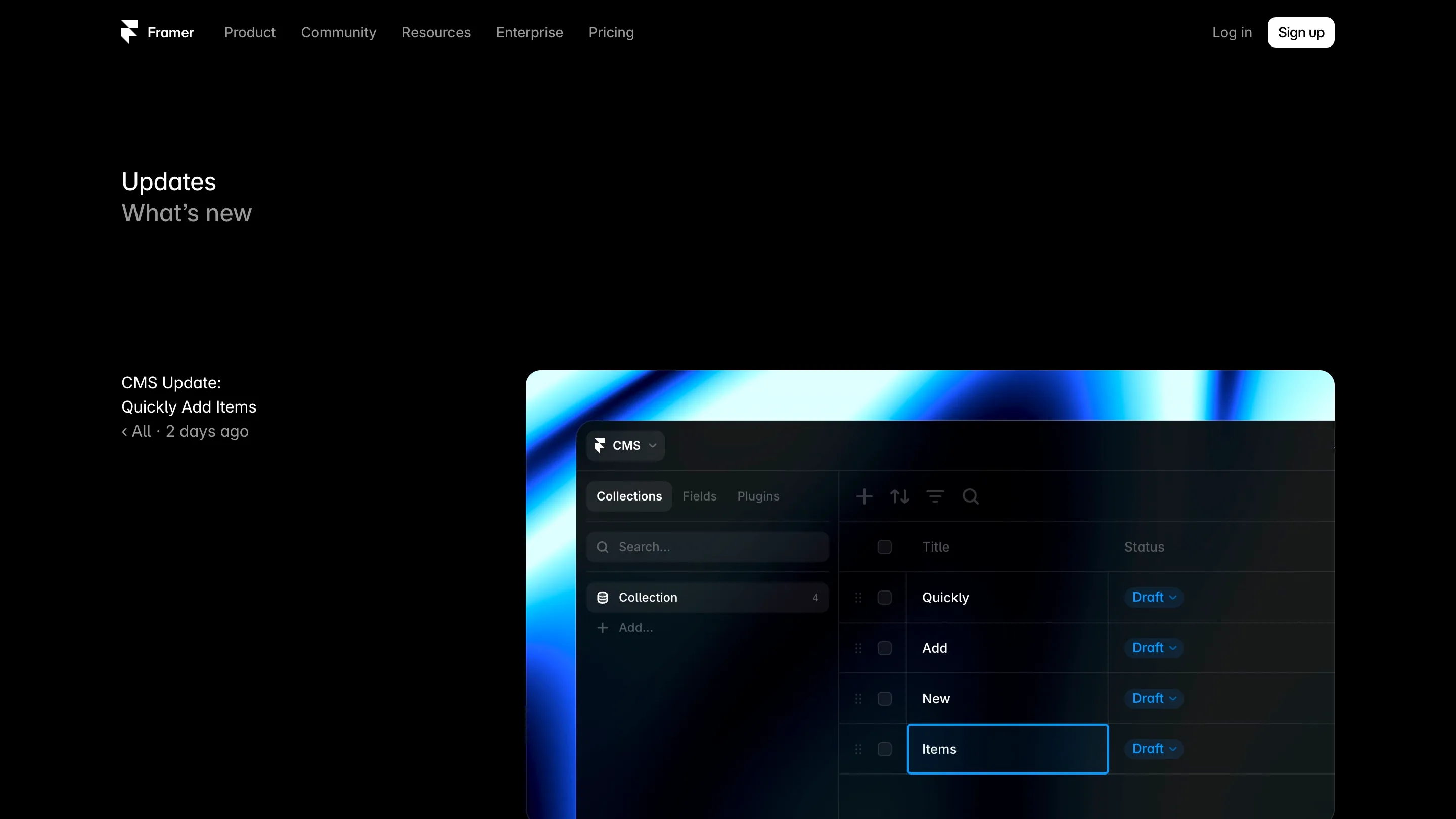
Framer shipped CMS 3.1 on July 14, and the headline feature is one empty row.
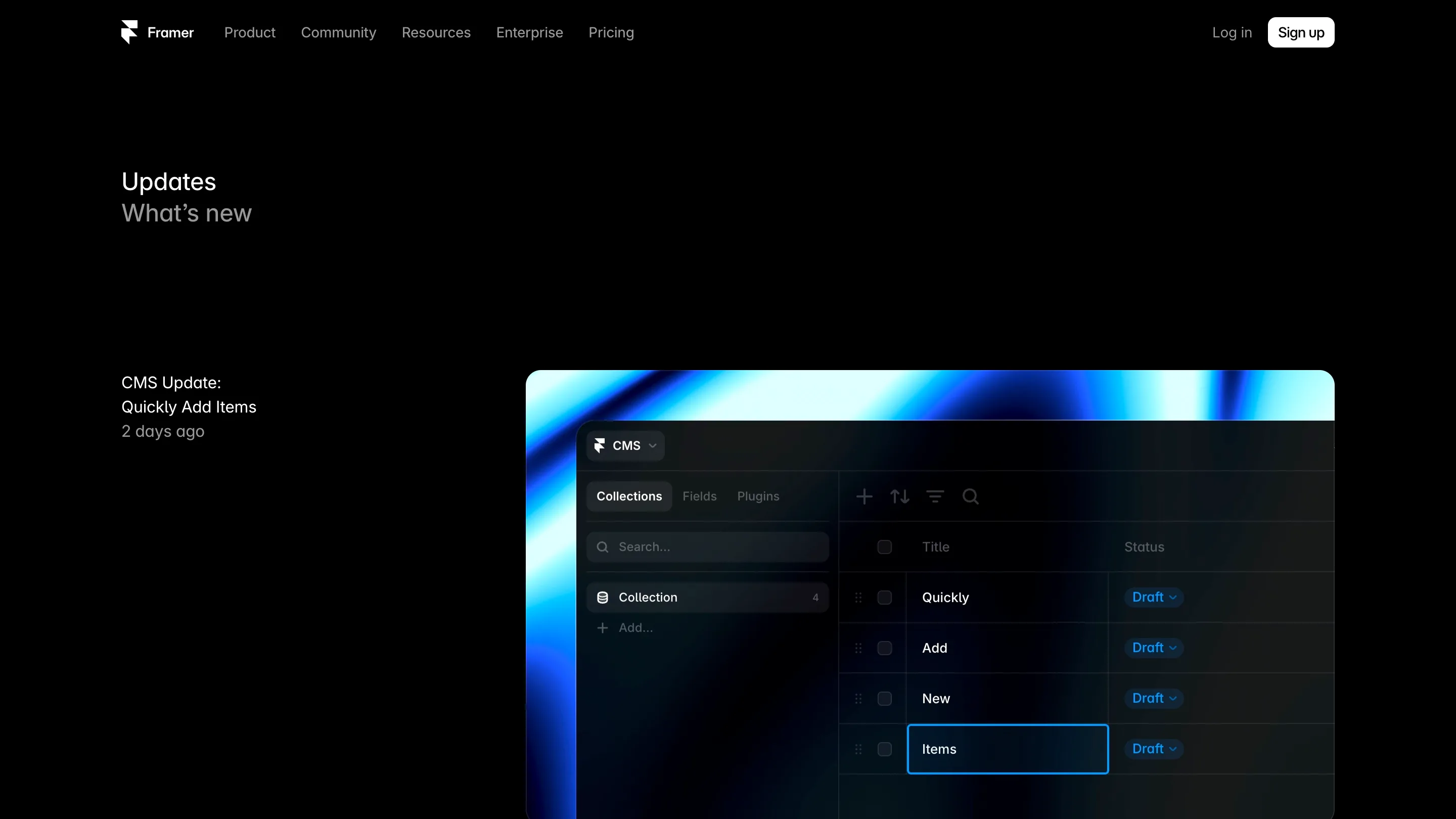
It sits at the bottom of every collection. Click it, type, press Return. The item saves and the cursor drops into a fresh row underneath. That's the whole interaction. Anyone who has ever built out a list of twelve categories in Framer CMS knows why that earns a release note.
One row, and why it counts
Adding a simple item used to cost a round trip through a panel. New item, dialog opens, fill one field, close, repeat. Twelve categories meant twelve trips through a modal that existed to hold a single string.
Framer names the target in its own note: "categories, labels or tags". Short, flat, typed in bulk. The kind of entry that's pure scaffolding, the stuff you type so the real content has somewhere to sit. Now it behaves the way a spreadsheet behaves, which is the comparison Framer is inviting, and for this narrow case it holds.

The Agent can see what you're pointing at
The bigger half of the release is agent work. You can add CMS rows as context now. Framer also improved single-cell selection and editing, and taught the Agent to notice draft status and which rows you have selected.
That's a short line covering a real gap. An agent blind to your selection needs the selection described to it, which means composing a sentence like "rewrite the excerpt on the third item, the one about pricing" every time you want a small change. Point at the cell instead and the instruction gets shorter, lands where you meant, and stops depending on your ability to describe a row in words.

The rest of the list
Collection search. Filtering on date fields. The delete key removes several items at once. Formatted text fields got attention too, with fixes to inline editing inside components and to CSV exports that were carrying video tags.
Force delete matters more than it sounds. Fields get wired into pages. Later the field has to go, and the tool blocks you because something still points at it. You can override that now and clean up after yourself, which is the kind of escape hatch a CMS only needs once people are genuinely living in it.
Whether to open it today
It depends on how much of your site sits in Framer CMS. Run several collections with tags, authors and categories hanging off them, and you'll feel this inside a week. Run one blog collection with twelve posts in it and the empty row saves you a minute a month.
The honest limit: this speeds up typing. How Framer models content stays exactly where it was. Collections, fields, up to 100K items each, detail pages generated by mapping fields onto a template. All unchanged. What moved is the cost of filling them, and that cost was always paid by whoever got handed the site after launch.
That's worth saying plainly, because content entry is the part of a build that gets designed last and used most. The person typing category names into a collection at 6pm isn't the person who chose the grid. Making their row work like a row is a small fix aimed at a real hour of someone's day.
The cadence around it
Framer has been shipping fast this month. Sonnet 5 on July 1, Fable 5 on July 3, GPT-5.6 on July 9, CMS 3.1 on the 14th. Three of those are model swaps, and they'll get the attention. This one is a table that finally behaves like a table.