Penpot 2.17 lands background blur, and the design tokens grow up
The open-source design tool shipped its most requested effect on July 9, along with typography tokens that survive a multi-selection and comments you can answer without leaving the canvas.
Penpot 2.17 shipped on July 9 with background blur, the effect people have been asking the open-source design tool for since the early days. If you've been faking frosted glass with a semi-transparent rectangle and a note for the developer, you can stop.
The release is called The Universal, and the name fits. Nothing here reinvents the canvas. It fills the gaps that used to make you close the file and open something else halfway through a screen.
Background blur, and the engine underneath it
The new effect blurs whatever sits behind a layer. It lives in the Design sidebar next to the other effects, so there's nothing to learn. Depth, focus, the frosted panel over a photo: all of it is now a value you set instead of a compromise you explain.
There's a condition. Blur needs Penpot's WebGL rendering engine, which is still in beta and off by default. You turn it on in account settings. Penpot says the engine "is already a better, faster path," and this release wires more of the product through it: the prototype viewer runs on it, and guides now draw with it.
That's the trade for today. A beta renderer for an effect you'd otherwise ship as a screenshot. Most designers will take it.
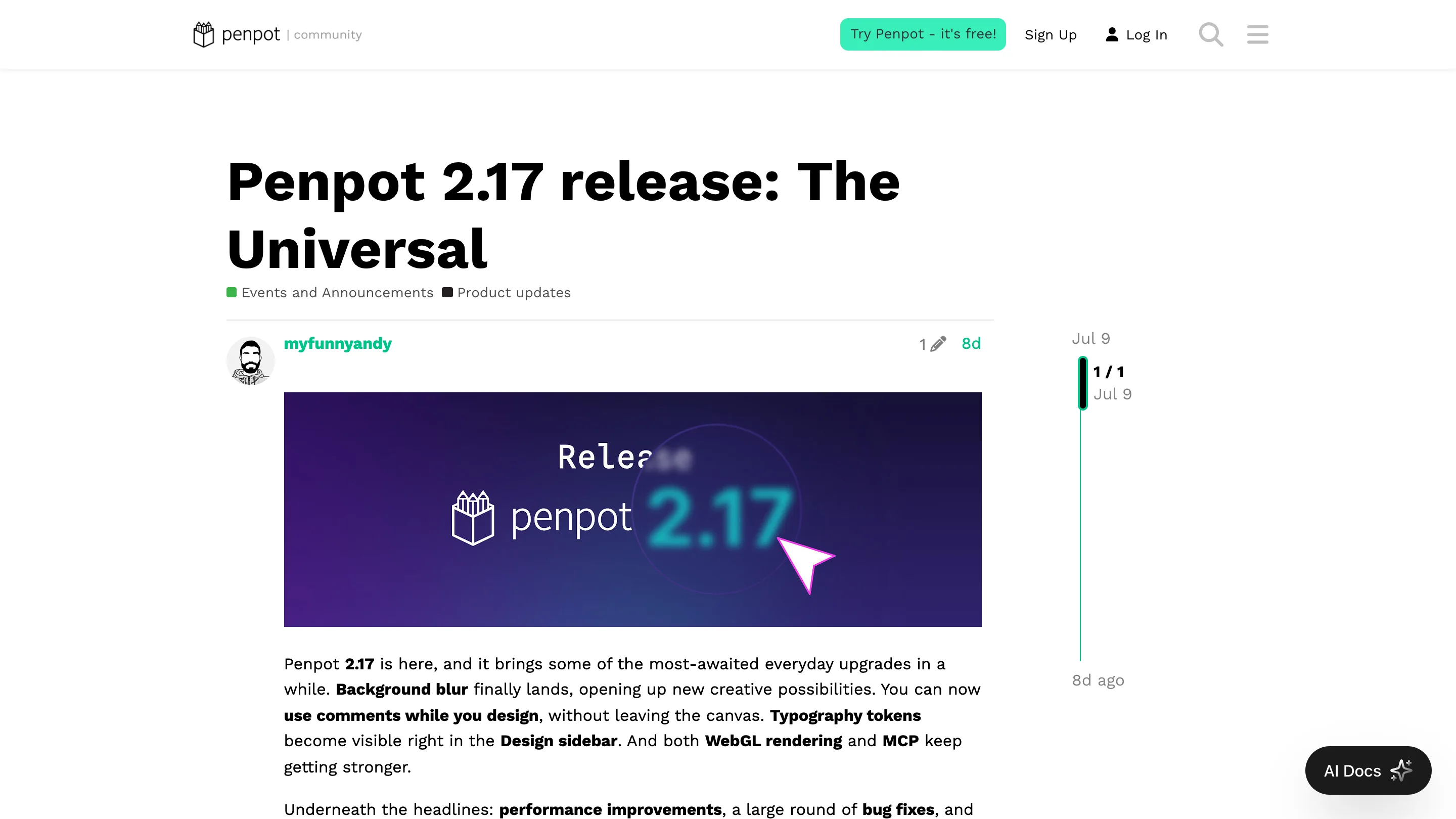
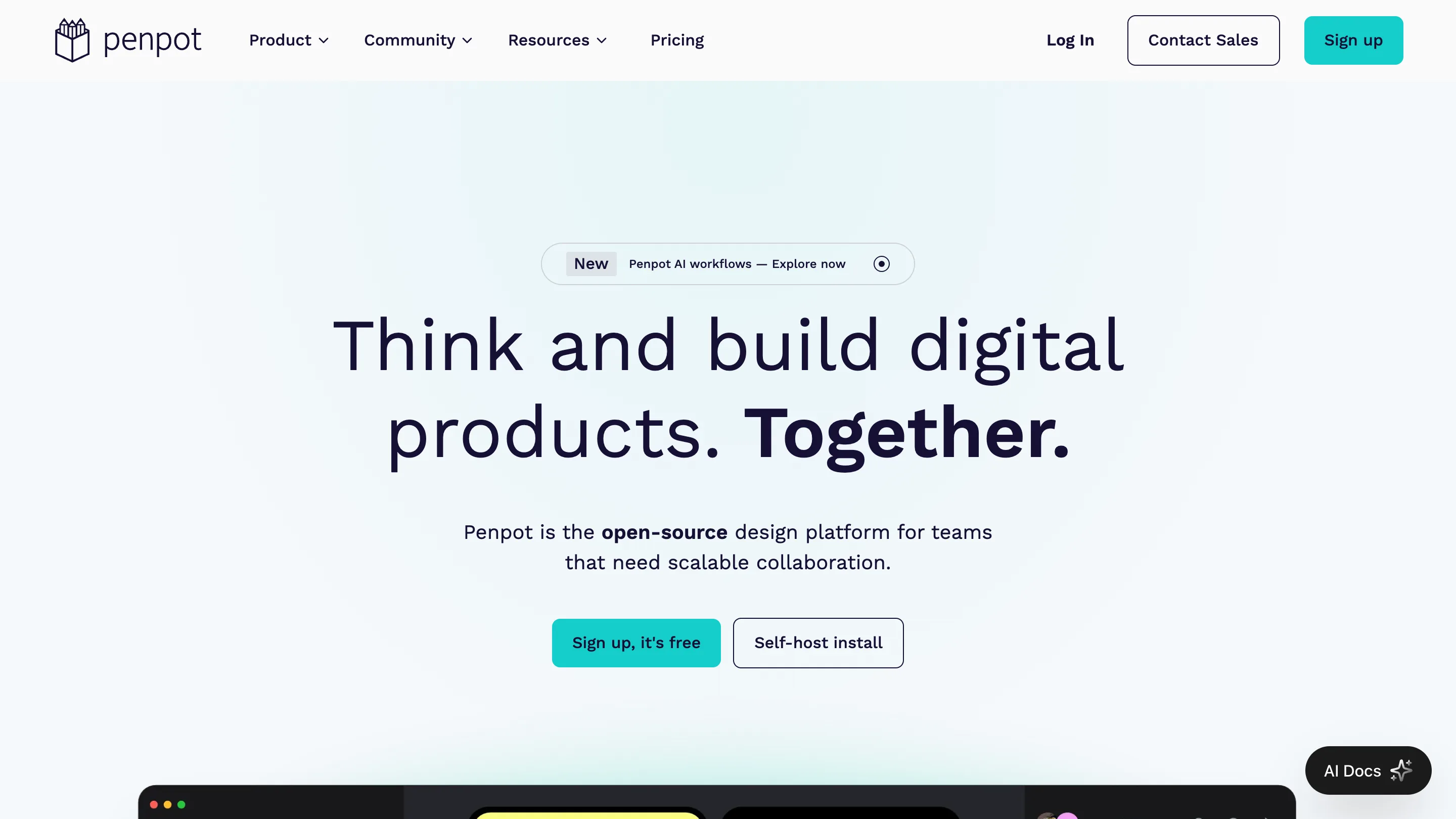
The announcement image makes the point better than the changelog does. The 2.17 is sitting under a soft circular blur, cursor on top, drawn with the feature it's announcing.
Penpot design tokens stop fighting you
The token work is the quieter half of the release and probably the half that changes your Tuesday.
Typography tokens now show up when you select more than one text layer. Anyone who has retyped the same token across six headings, one selection at a time, knows what that saves. Token forms autocomplete as you type. The dropdowns carry more context, so you can tell two similarly named values apart before you apply the wrong one. And propagation got faster, which matters when a single color token feeds four hundred layers.
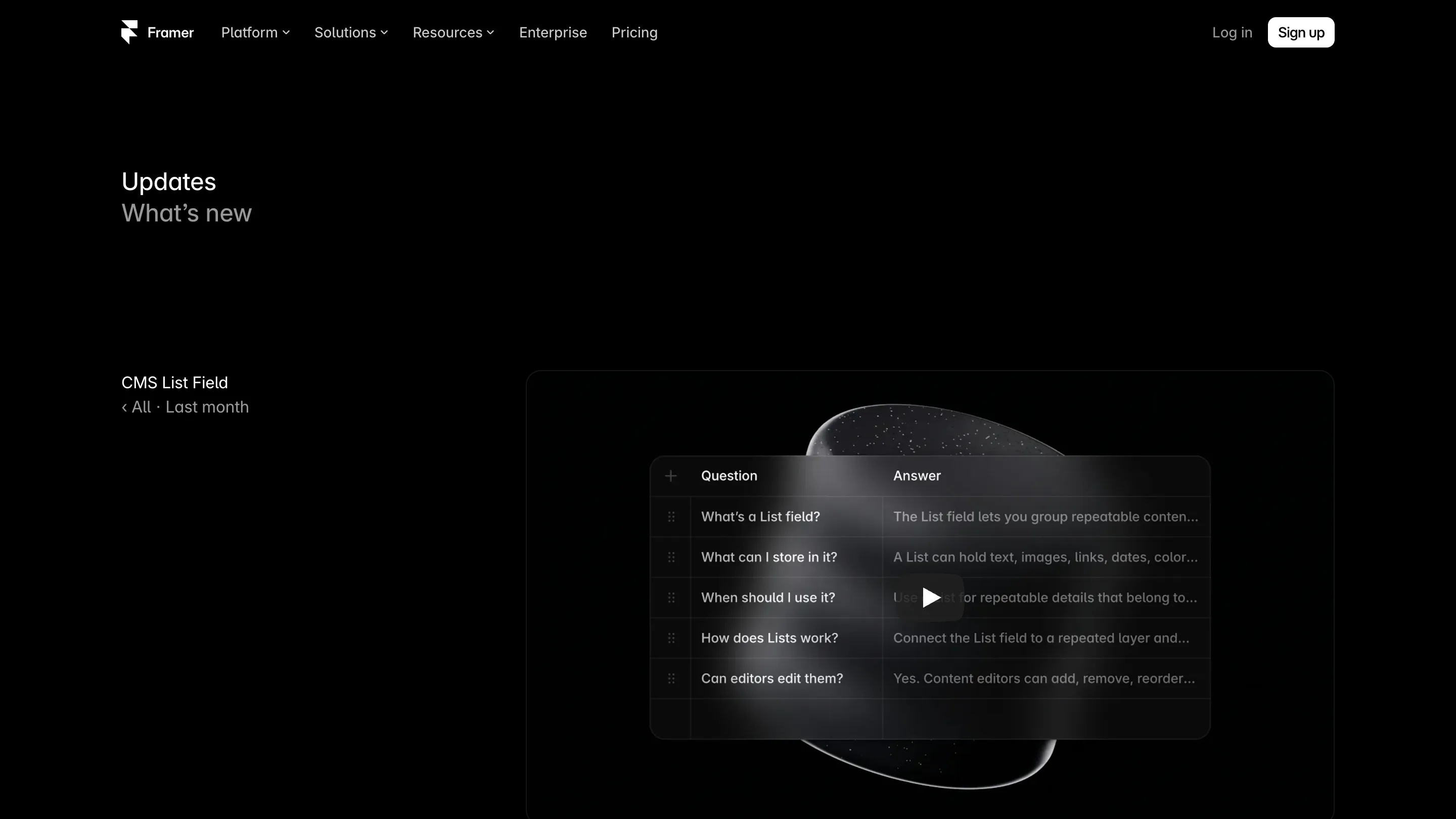
Penpot design tokens were already a real implementation rather than a plugin bolted on top. This release makes them behave like the rest of the sidebar.
That page promises designs that "stay true in production." Tokens are how the promise gets kept, which is why the unglamorous fixes here carry weight.
Comments where you're already standing
You can now read threads, reply, and resolve them from design mode. Before, review lived somewhere else, which meant a mode switch every time a stakeholder left a question.
Small change. It removes a context switch from a loop most teams run twenty times a day.
The plumbing: MCP, strokes, swatches
Penpot's MCP integration got a status button, so you can see and control whether an AI client is connected instead of guessing. API key handling improved. A new concurrency limiter fixes sync problems between MCP and the plugin runtime, which is the sort of bug that produces a design file quietly disagreeing with itself.
The rest is craft debt paid down. The color picker has a list view for scanning swatches by name. Dashed strokes finally have separate dash and gap inputs, contributed by the community, as was the more readable selection size badge.
Worth opening today?
If you evaluated Penpot a year ago and left because a stakeholder needed one blur, open it again. If you're already in it, turn on WebGL and check whether your files still feel right; the beta label is doing real work.
And the argument that hasn't changed: it's free, the code is open, and you can run it on your own server. Penpot 2.17 makes that argument on craft now rather than on principle.