
Framer MCP lets Claude, Codex and Cursor edit your site
Framer MCP plugs outside AI agents into your project: canvas, components, CMS and publishing. Changes wait unpublished until you review them.
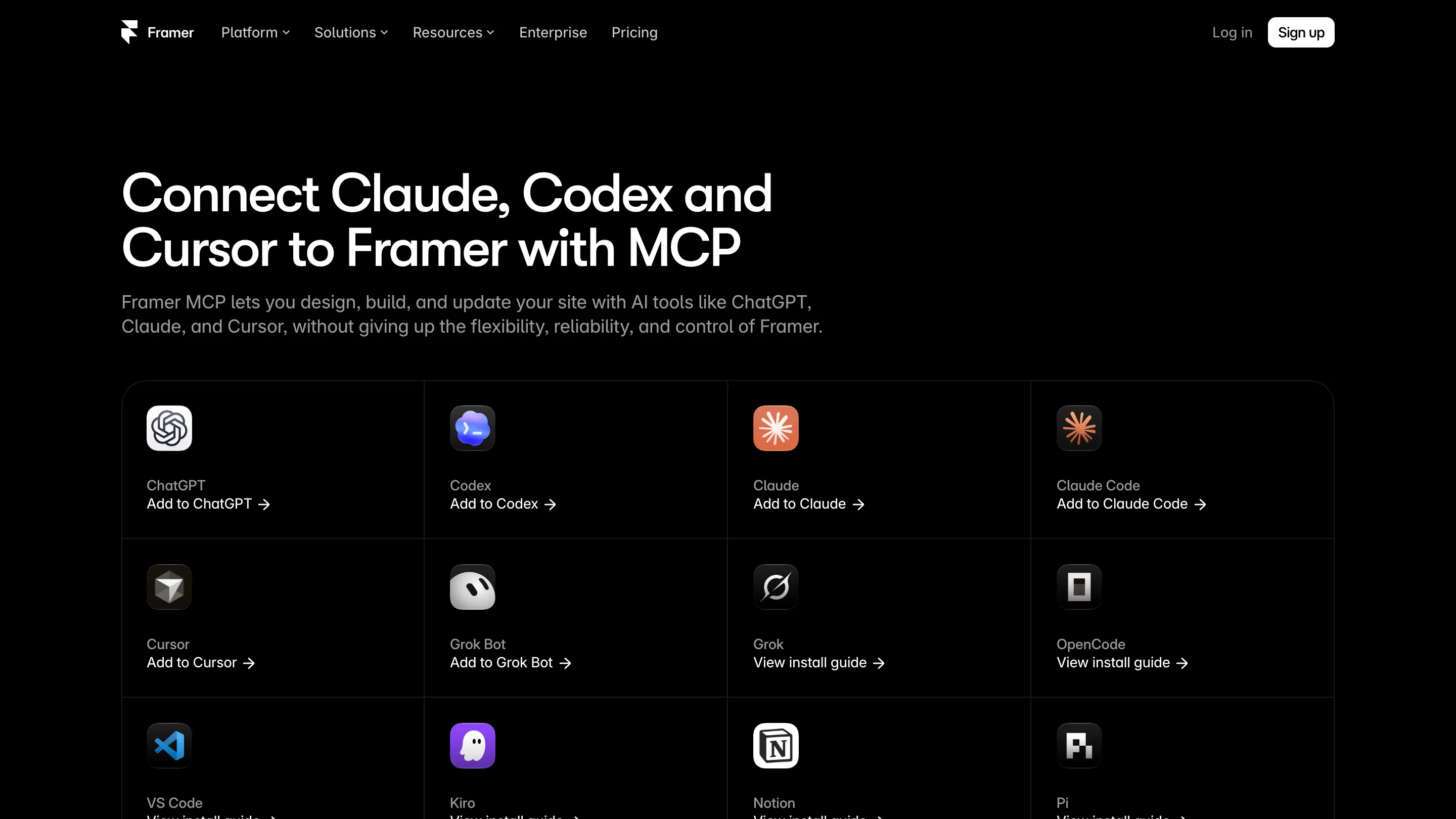
Framer MCP lets the AI tool you already use open a Framer project and work inside it. Claude, Codex, Cursor or ChatGPT can now edit the canvas, change components, fill the CMS and publish, all from the chat you had open anyway. Framer shipped it on 22 October, and it replaces the @framer/agent command-line setup as the recommended way in.
If you build sites in Framer and spend half your day in an AI chat, this is the update that joins the two.
What Framer MCP connects
MCP, the Model Context Protocol, is a plug. An AI app speaks it on one side, a tool speaks it on the other, and the agent gets a set of things it's allowed to do. Framer's side of the plug covers the canvas, components, the supported project settings and the CMS.
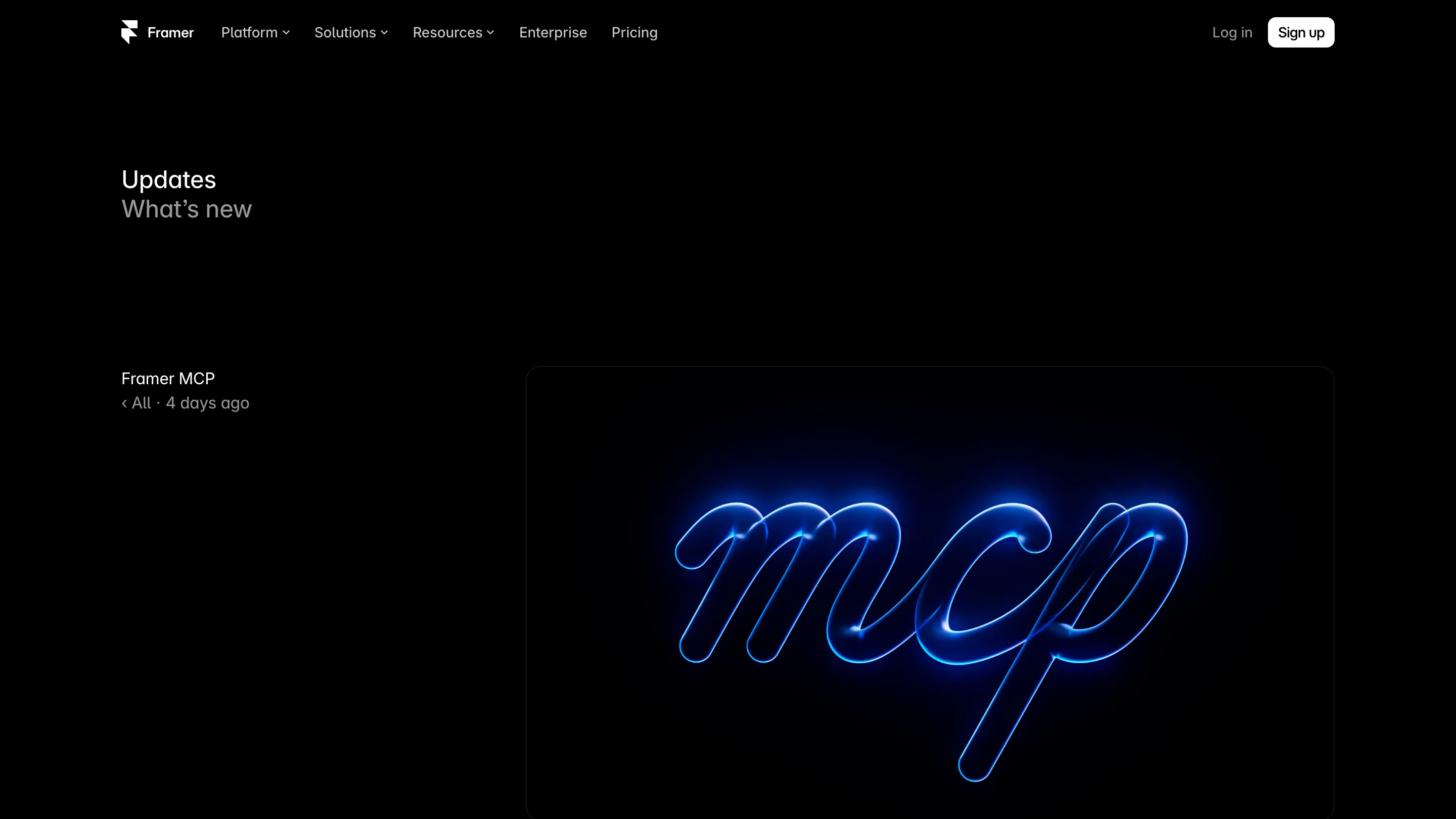
Six clients get a direct install: ChatGPT, Codex, Claude, Claude Code, Cursor and Grok Bot. Ten more have written guides, among them Grok, VS Code, Windsurf, Notion, Kiro and Devin. Anything else that speaks remote MCP with OAuth can point at https://mcp.framer.com/mcp and sign in.
Setup is three steps. Add the server in your AI tool, approve it with your Framer account, then ask. To aim the agent at a specific site, open the project, click Invite, copy the project link, and start a new chat with "Connect to" plus that link.
How it changes the work
The interesting part is what sits next to Framer in the same chat. Framer's own agent only knows Framer. An outside agent knows whatever you've connected to it, so one request can now cross tools.
Framer's lesson gives the examples. The agent can pull a design reference from Figma, a client brief from Google Drive or feedback from Slack, then build with it. It can take a local folder of messy content, sort it, and load it into the CMS. In Codex it can run scheduled jobs, like a weekly keyword check with Ahrefs or an analytics report written into Notion.

That's the shift for a designer. The boring glue between tools, copying a brief into a page, pasting fifty product rows into a collection, renaming slugs, becomes one sentence you type. You keep doing the layout and the taste. The agent does the carrying.
There's a second gain for people who already work in Cursor or Claude Code. Your site and your code now share an assistant. A developer building a custom component and a designer updating the pricing page can use the same agent with the same context.
The safety net
An agent with publish rights sounds risky, and Framer built the brakes in. Changes stay unpublished by default. You review them in Framer, or on a branch, before anything goes live. The agent also sees only the projects your account can open, so a shared workspace doesn't hand it every client's site.
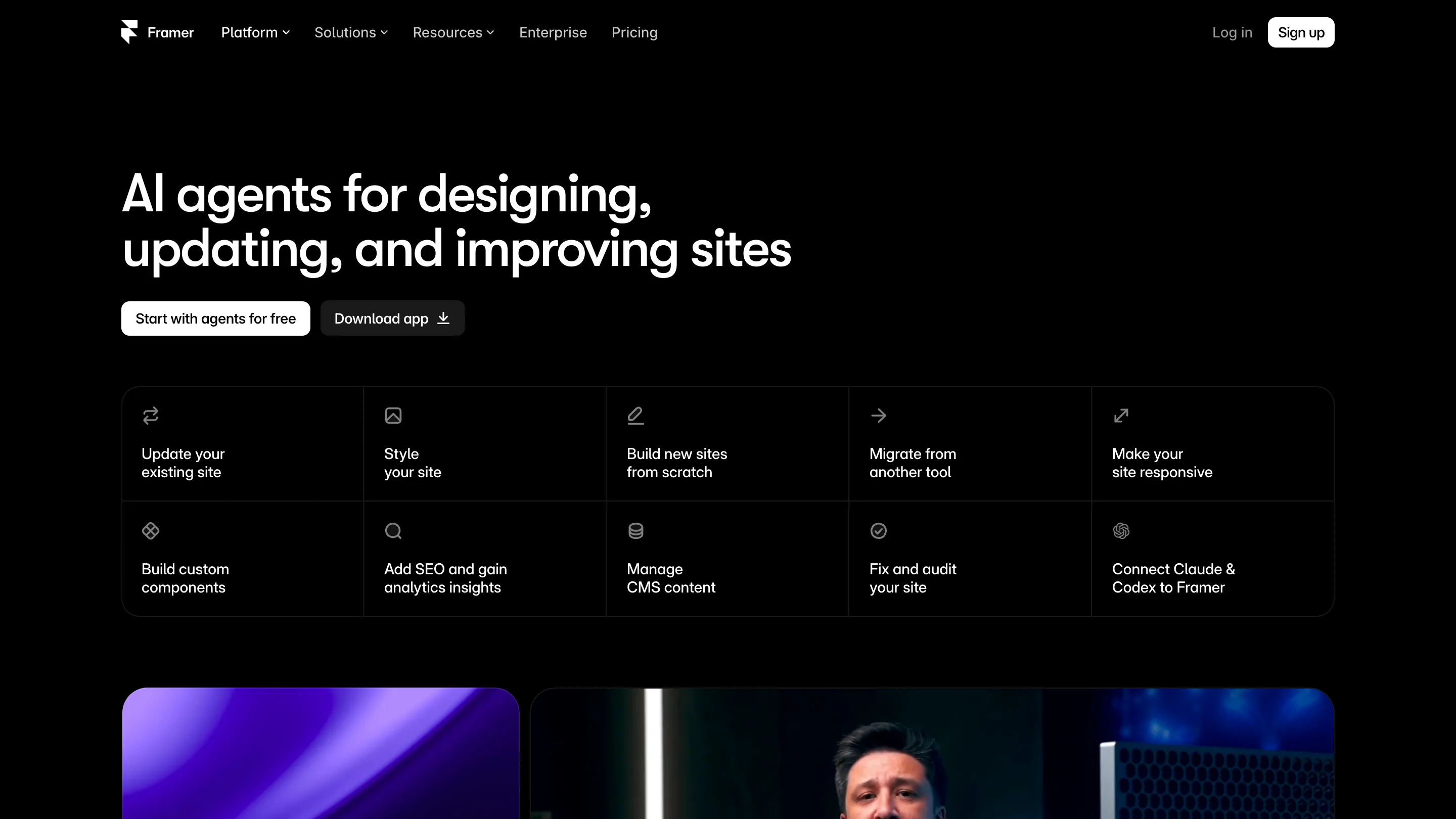
That review step matters more than the connection. An agent that edits forty CMS items in a minute can also get forty items wrong in a minute. A branch lets you read the diff before your client does.
Where it falls short
The cost lives somewhere else. AI usage runs on the agent's own plan or credits, so a heavy CMS job burns your Claude or ChatGPT allowance, not Framer's. Framer's pages don't say which plans get MCP access or where the limits sit, so check that before you build a workflow on it.
The old CLI hasn't gone either. Framer says it still works for jobs like localization, which means two routes into the same project for now. If your team already scripted translations on @framer/agent, leave them there.
And quality is the agent's, not Framer's. The plug gives Claude or Codex access. It doesn't make them good at your grid. Pair it with Framer Skills or a clear brief if you want the output to look like your site.
Open it today if you already pay for one of those AI tools and run a Framer site with a busy CMS. That's where an afternoon of copying turns into a request and a review.