Figma code layers put a live codebase on the canvas
Figma now runs real React on the canvas. You can import your own repo, edit the design, and push the change back to code in one click.
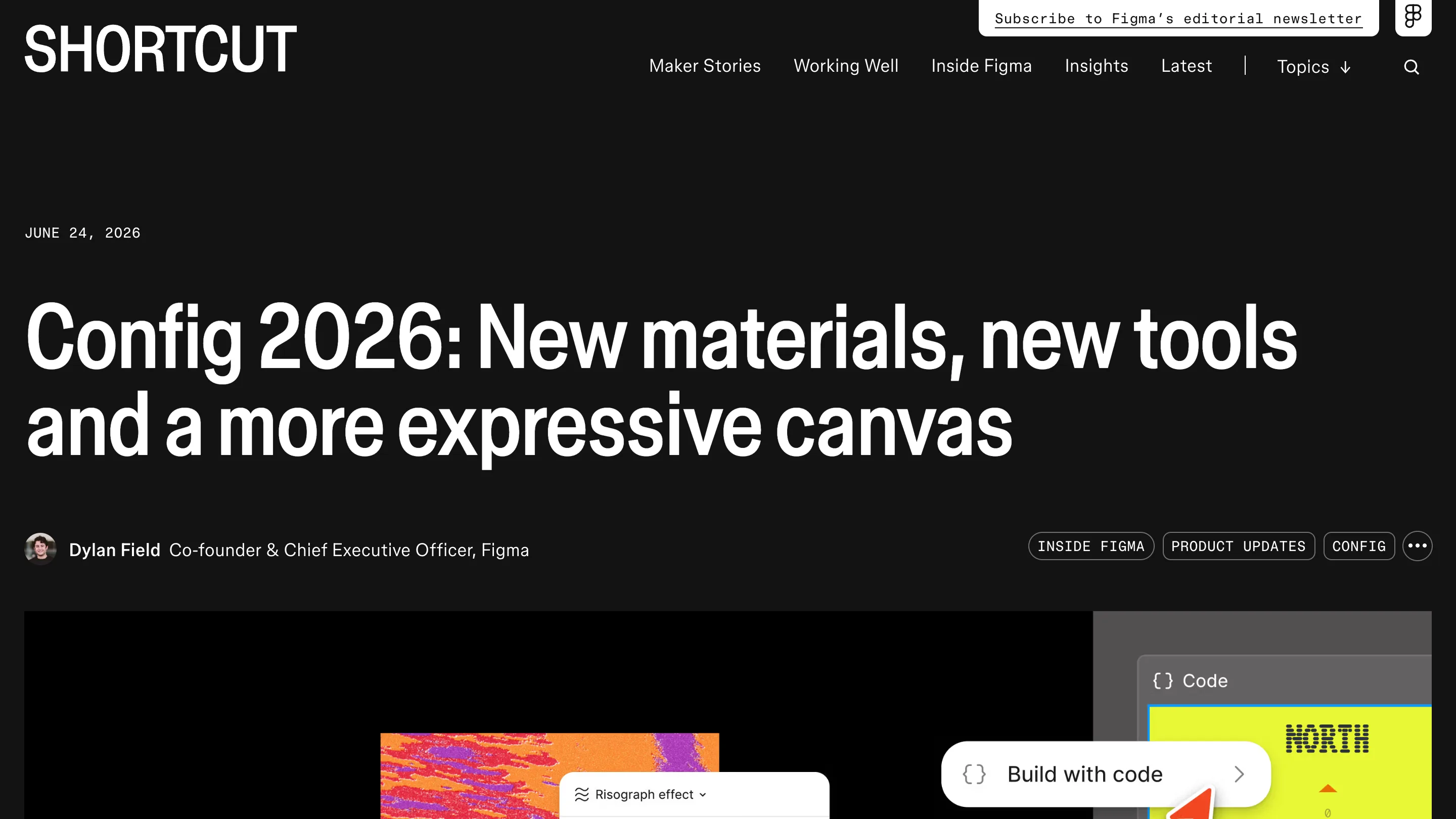
Figma runs real code on the canvas now. Figma code layers, shown at Config 2026 in June and rolling out in closed beta this month, let you place a working React component beside your frames and edit both in the same file. Dylan Field's line for it: code should be treated like any other design material, alongside images and vectors.
Here's what that changes if you open Figma today.
What a Figma code layer is
A code layer is a live, running piece of your product sitting on the canvas. You add one three ways: from the toolbar in Figma Design, by turning an existing frame into code, or by asking the Figma agent to generate it. Once it's there, it behaves like software. Hover states fire. A dropdown opens. You click through a flow instead of imagining it from a static mock.
Designers already duplicate frames to try alternatives. Code layers work the same way, so you can sit two working versions side by side and feel how each one responds, not only how it renders.
Bring your own repo
The part worth trying first: you can import an existing GitHub repository or upload a local folder straight onto the canvas. Your real components load in, styled the way they ship, and you design against them. That closes the old gap where a Figma mock and the built product drift apart over months. Now the built product is the mock.
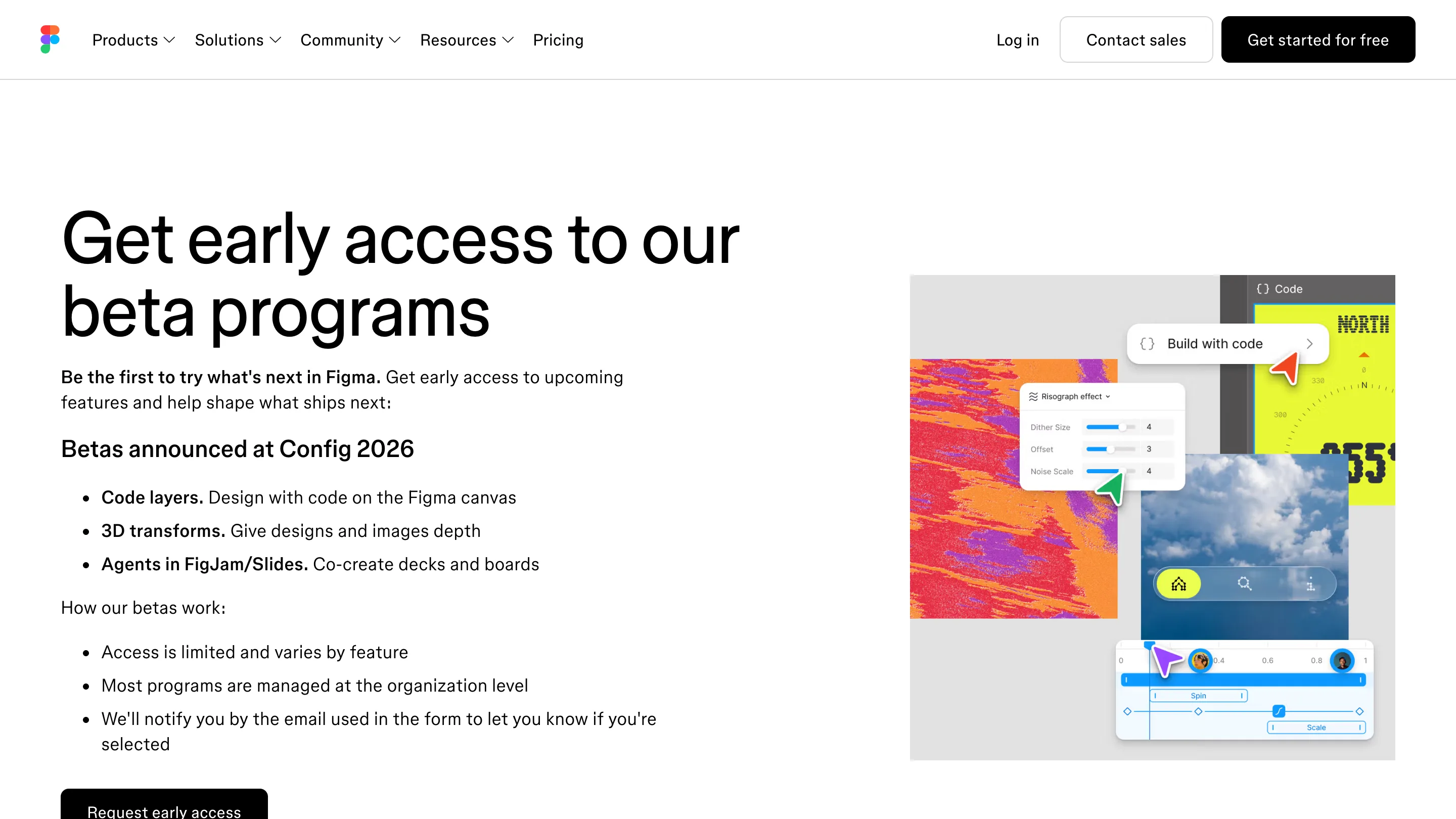
Code layers are in closed beta and access is limited, managed mostly at the org level. You request it through Figma's beta page, and Figma emails the people it picks.
Edit the design, get the code back
The move that earns the feature is extract designs. Point it at a code layer and Figma turns the current state back into editable Figma layers: a single screen, one specific state, or a full flow, your pick. You move things, resize, tune spacing the way you always have. One click sends those edits back into the code.
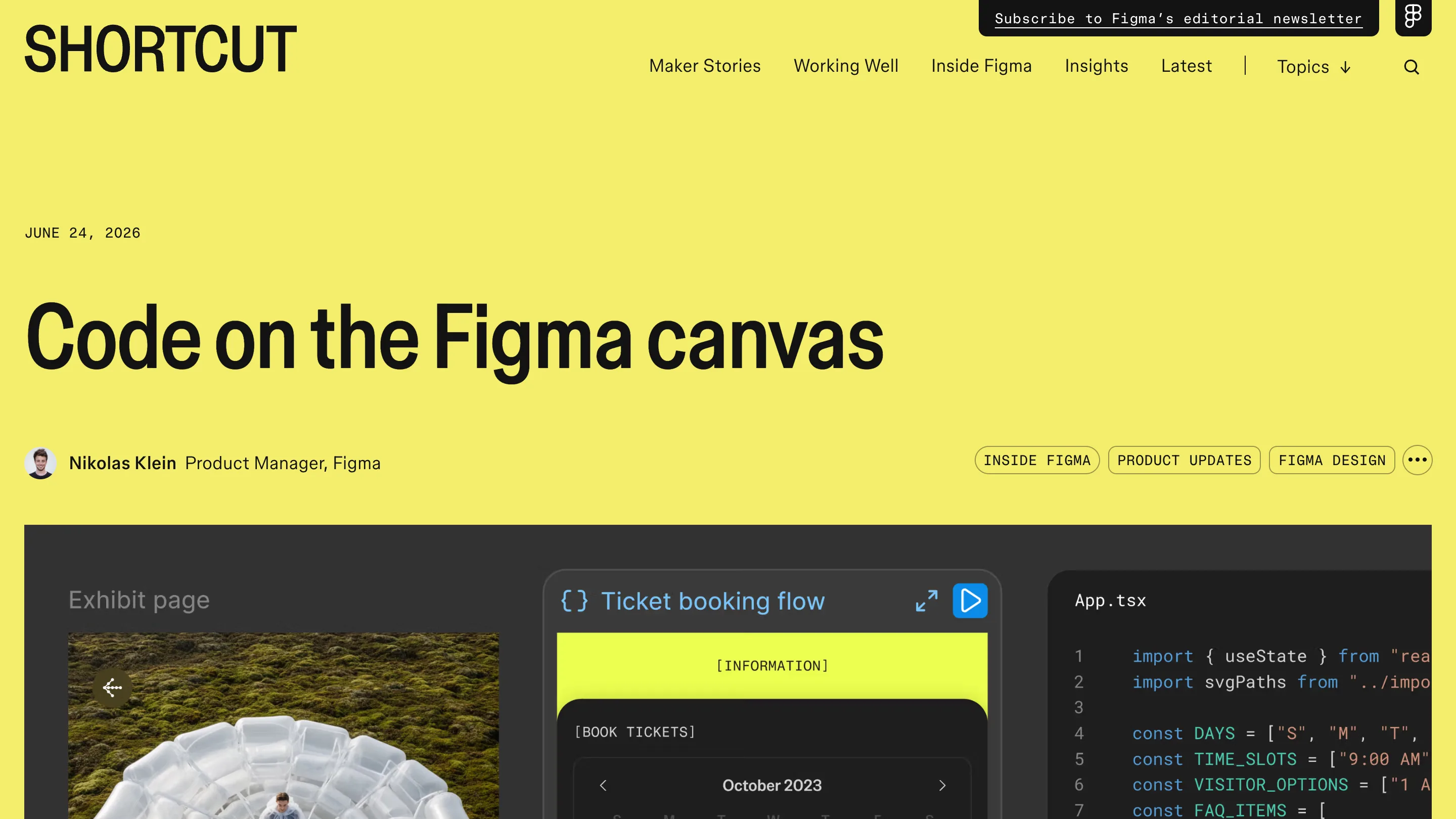
When you need to be precise, you annotate in the code editor and ask the agent to make the change, or you go in and write it yourself. The agent generates a new version each time and keeps the original, so comparing directions costs nothing. Because the layer lives in the shared file, a teammate can comment or prompt against the same component you're holding.
Where it lands, and where it doesn't
This is aimed at teams whose designers already read a little code and whose engineers already live in the repo. If your handoff today is a PDF and a Slack thread, code layers won't fix that in week one. React is the supported target, so a Vue or Svelte shop waits. And closed beta over the next few weeks means most people are on the waitlist, not shipping with it yet.
The direction is clear enough to plan around. Figma is pushing the canvas down into the codebase while coding tools like Cursor and Replit push code up toward design. For a designer deciding what to learn this quarter, an afternoon spent in a code layer against your own repo will tell you more than any recap. Credit to Figma for making the design and the build one artifact instead of two.