Figma Motion puts a timeline on your canvas
Figma Motion adds keyframes, presets, and an animation timeline straight into the design file. Here is what it changes for the day-to-day.
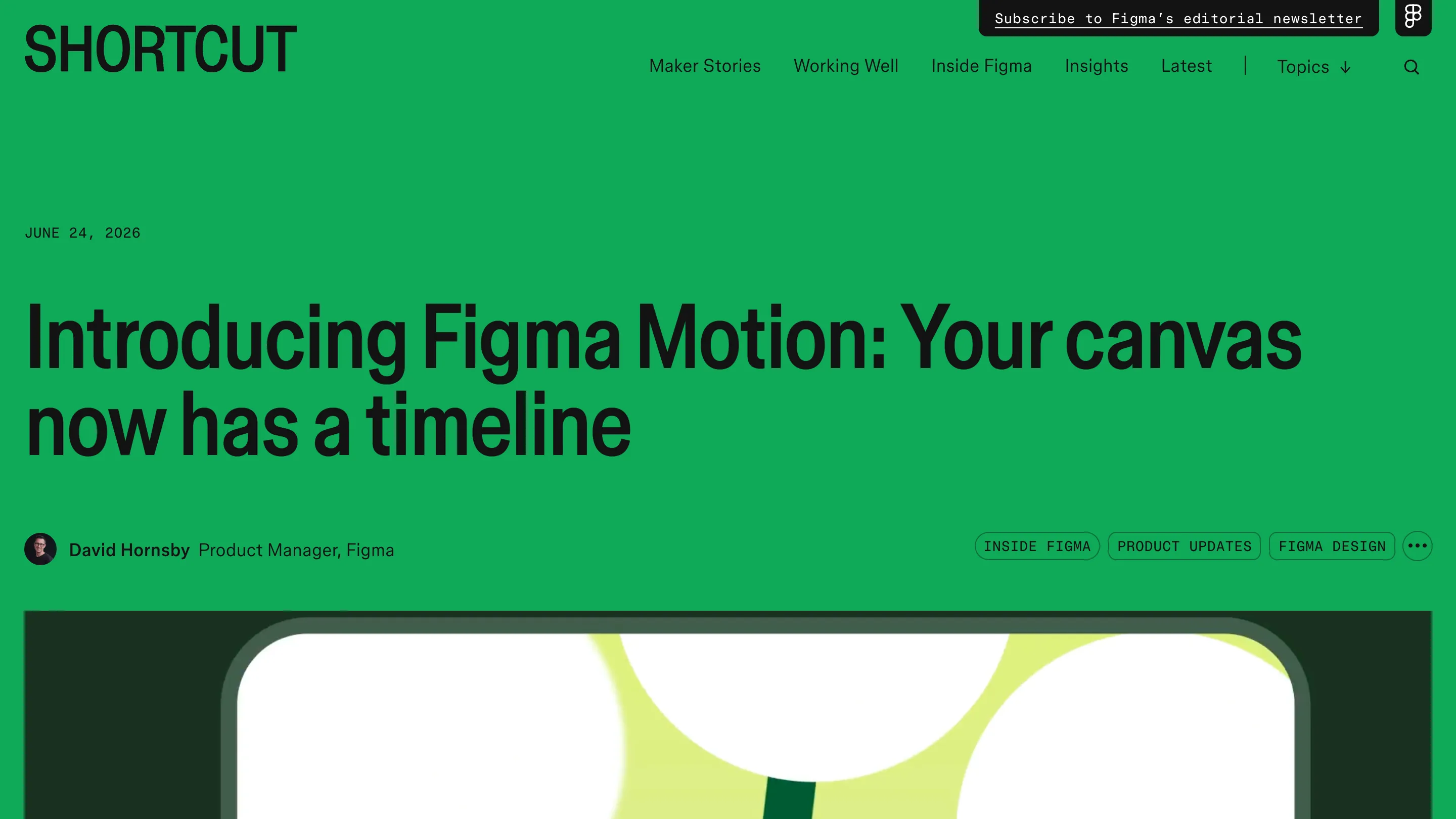
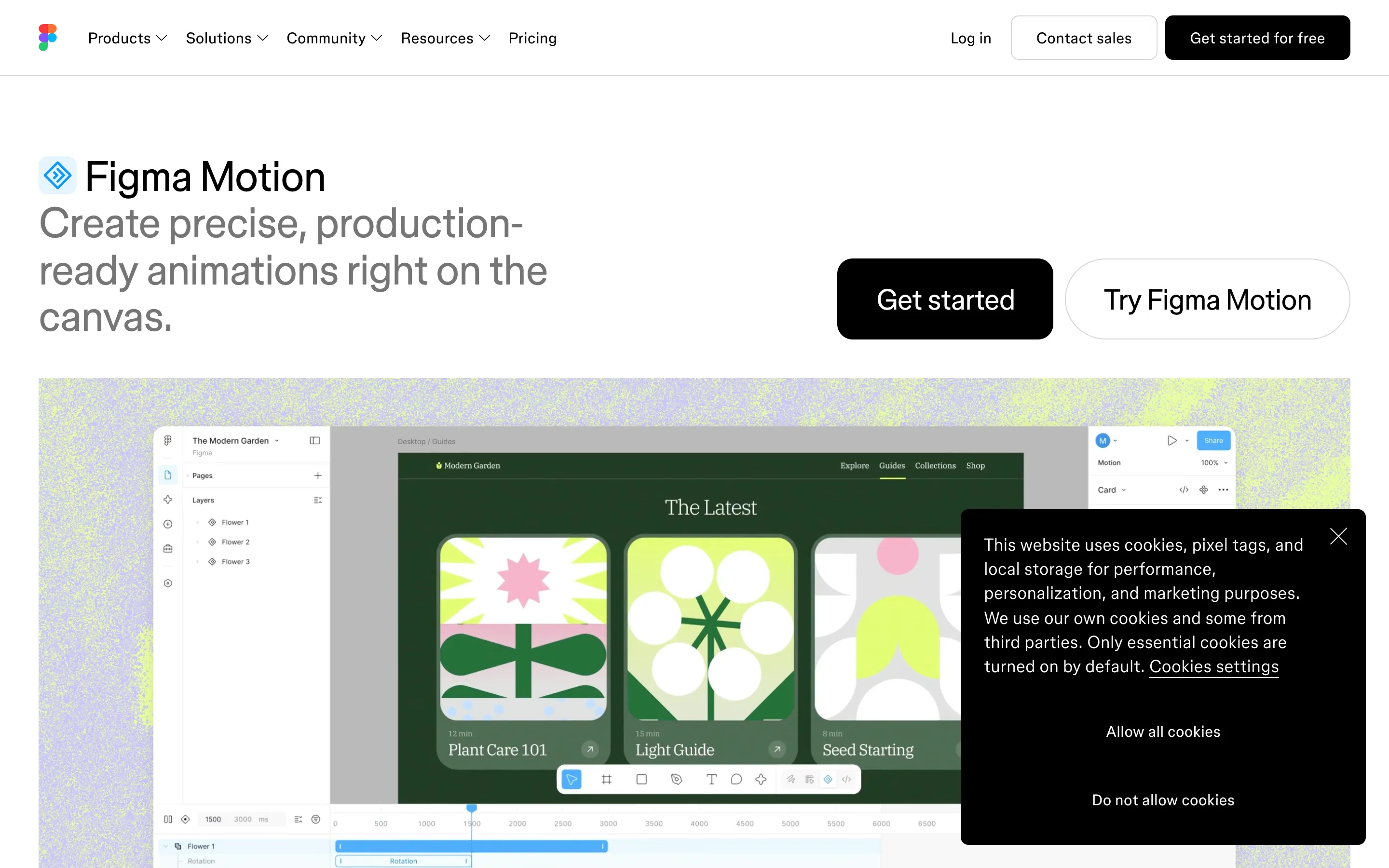
Figma Motion, in open beta since June 24, lets you animate on the same canvas where you design. No roundtrip to After Effects or a separate prototyping tool just to show how a transition should feel. Switch a frame into Motion mode and the animation lives in the file, next to everything else.
The timeline, on the canvas
Motion mode drops a timeline beside your design. You keyframe position, scale, rotation, and opacity independently. Drag a layer to shift its timing, scrub to preview any moment. Turn on auto-keyframing and it records every change you make while the playhead is moving, so you animate by moving things and let Figma write the frames.
Presets cover the first pass. Fade, move, scale. Stack them on the timeline to play together, or drag to sequence one after another. It reads like the design tools you already know, which is the point.
What Figma Motion changes about handoff
Motion handoff has always been lossy. A designer builds the animation in one tool, exports a video, and a developer eyeballs the timing to rebuild it in CSS. Figma keeps the animation in the file instead. Animate a component once and it applies everywhere that component shows up, the way a color token or a text style does.
In Dev Mode the timeline is read-only but fully inspectable. Every timing value, every easing curve, every keyframe is readable without guessing. A developer copies the code straight out in CSS, JSON, or React and motion.dev, or pushes the animation context to a coding agent over the Figma MCP server. Exports run to MP4, GIF, WEBM, or animated SVG.
The agent does the tedious part
You can describe the motion in plain words and let the Figma agent lay down the keyframes, grounded in your components and tokens. Then you take over and tune the easing by hand. That split is the sensible use of AI here. It handles the repetitive scaffolding, you keep the taste decisions.
Where it falls short
It's open beta, so expect rough edges and shifting details. Exports depend on your plan: Starter seats get motion with limited exports, paid plans unlock the design system integration and the agent features. If you build production-grade interactive animation in Rive or ship complex Lottie files, Figma Motion won't replace that workflow yet.
What it does replace is the constant context-switch for the everyday stuff, the fade, the slide, the scale on a real screen. That work now stays where the screen already lives. For a lot of product teams, that alone is worth opening today.