Figma 3D transform tilts layers and hands over the CSS
Figma 3D transform rotates any layer on three axes, puts perspective on the frame and exports as CSS. It is in open beta on every plan.
Figma 3D transform lets you tilt a layer in space, set the camera on its frame, and hand a developer the CSS that draws it. It shipped on 12 November 2026 as an open beta, on every plan, for anyone with a Full seat and edit access to the file. If you've ever faked a tilted phone mockup with a skew and a prayer, this is the feature to open today.
What Figma 3D transform does
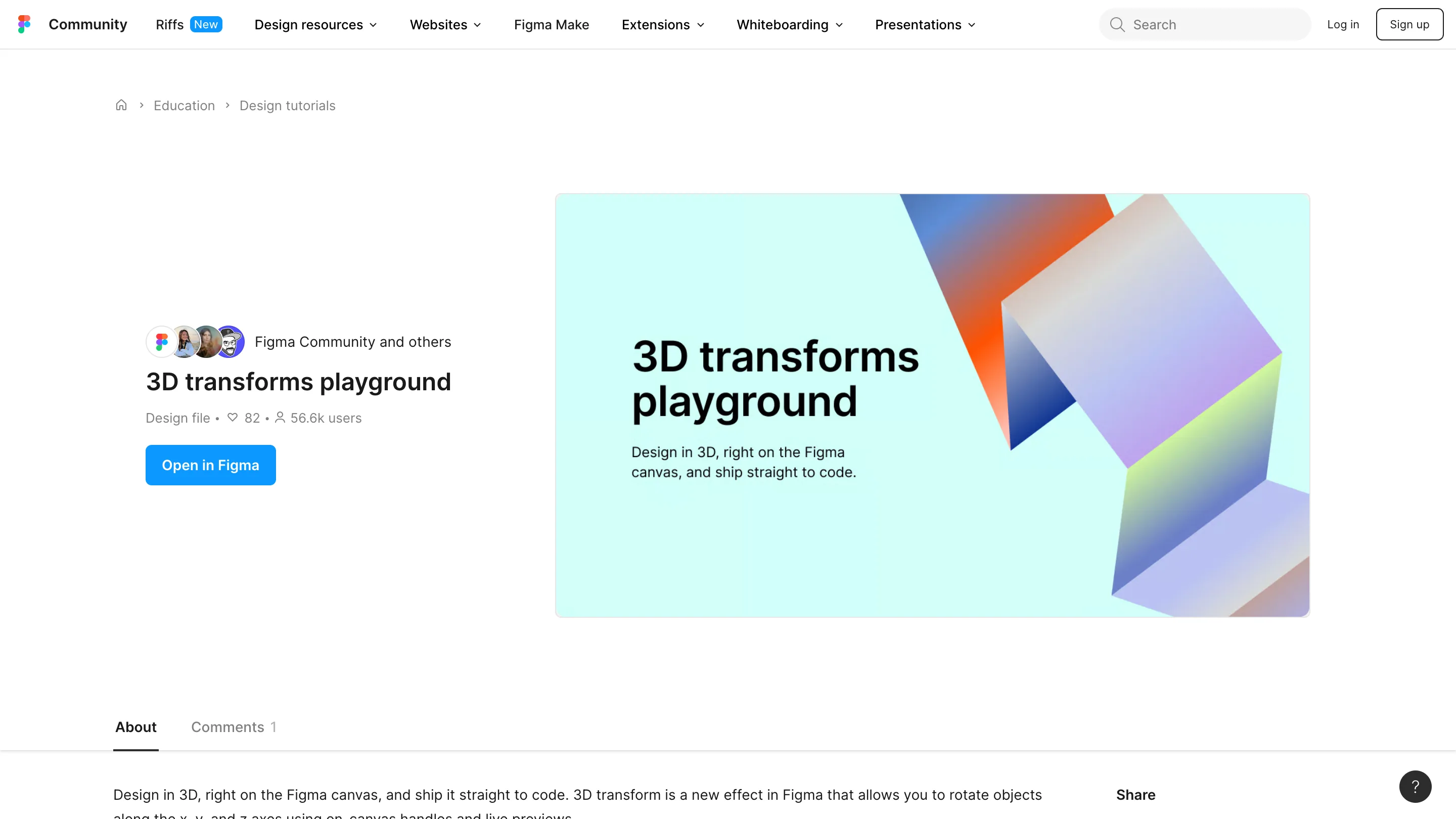
It's an effect, so it lives where your shadows and blurs live. Select a layer, press the plus in Effects, pick 3D transform. Handles appear on the canvas: drag them to rotate around X (tilt forward or back), Y (tilt left or right) or Z (spin in the plane of the canvas), or type the degrees. Depth pushes the layer toward you or away. An origin control moves the pivot, so a card can swing from its left edge like a door instead of turning on its center.
It works on vectors, images, frames, components and text, and it's non-destructive. The text stays live text. The component stays an instance. Turn the effect off and you're back to the flat layer you started with, which is the whole difference from the old route of flattening a screen to an image and distorting it.
Perspective belongs to the frame
The depth you see comes from a second effect, Perspective, and it goes on the parent frame. Its value is a distance in pixels, the camera's distance from the scene. Smaller brings the camera closer and exaggerates the angle; larger flattens it out. Figma sizes the slider's range to the selection, so you aren't hunting through thousands of pixels on a small card.
Putting the camera on the frame is the right call. Every child shares one vanishing point, the way a browser does it, so three tilted cards in a row look like they're in the same room.
Turn on Keep nested layers 3D on that frame and the children keep their own rotation and depth inside one shared space, close enough that they can cut through each other. That has a price. The frame loses opacity, blend modes, shaders, effects and clip content, and its own fills and strokes are hidden. When you need those back, Turn into flat plane presses the whole scene onto the frame's 2D surface.
Motion and code come with it
Figma Motion can keyframe Rotate X, Rotate Y, Depth and Perspective, so a card flipping over or a hero image settling into place now lives on the same timeline as the rest of the frame. Rotate Z isn't keyframeable yet, which rules out a plain spin.
The handoff is the part that saves real hours. In Dev Mode a 3D layer reads as CSS: Depth becomes translateZ, Perspective becomes perspective, and Keep nested layers 3D becomes transform-style: preserve-3d. Those are the properties a front-end developer would have reached for anyway, so what you approve on the canvas is what the browser can draw. Coding agents can also read and build these layers through the Figma MCP server, though agent work spends AI credits.
Where it falls short
It's a beta, and it behaves like one in the corners. The locked properties under Keep nested layers 3D will bite the first time you want a translucent 3D stack. Missing Z keyframes mean some motion still goes back to After Effects or code. And there are no lights, no materials, no meshes: this is CSS-style planes in space, the same model the browser uses. For a lit 3D object you still want Spline or Blender.
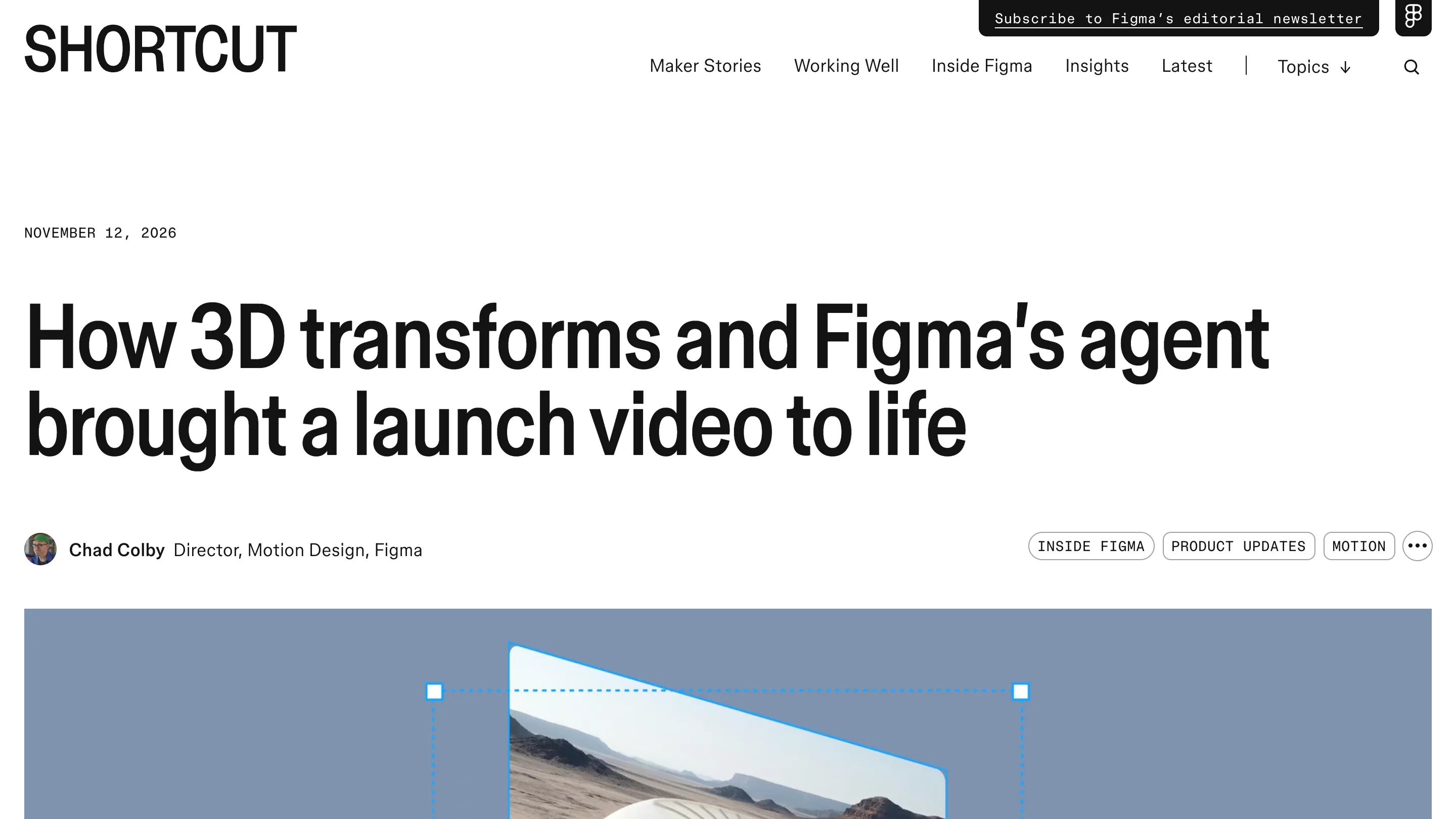
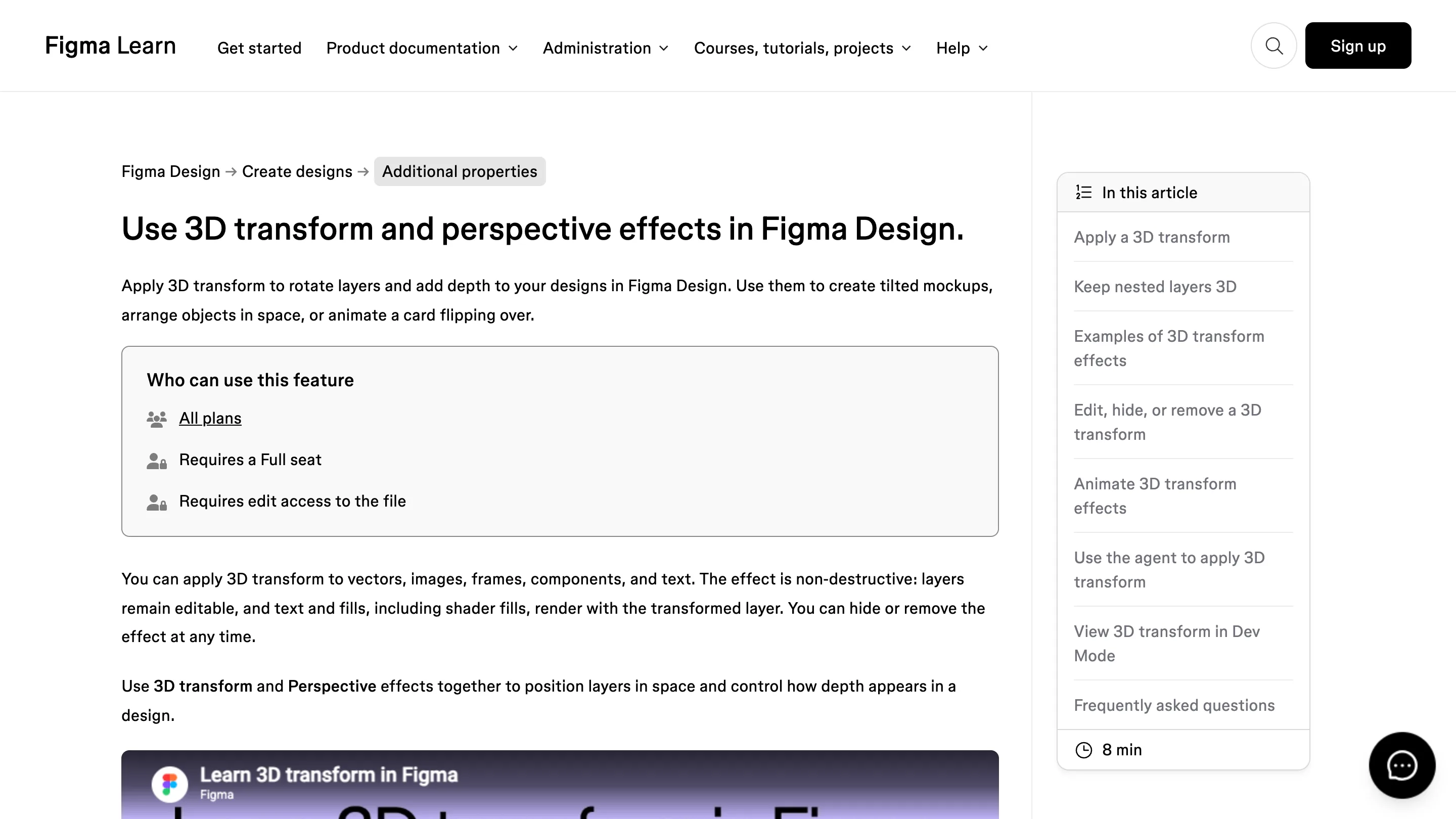
For tilted mockups, card stacks, spatial layouts and flip animations, it replaces a pile of workarounds. The Figma help article covers every control, the Community playground file has ready-made scenes to pull apart, and Chad Colby's Shortcut piece shows how the Brand Studio built the launch video with it. Try it on a mockup first, and hold it back from a client file whose layout depends on it until the beta label comes off.