

Figma's AI agent is out of beta and now runs on credits
Since 6 October the Figma agent costs AI credits: 3,000 a month on a Professional full seat, no rollover. Design leads now budget for prompts.
Figma's AI agent left beta on 6 October 2026, and on the same day it started spending AI credits. For product designers that's the real news of the release. The agent in Figma Design and Weave is now a metered tool, and every prompt comes out of a monthly allowance someone on your team will have to watch.
What Figma shipped on 6 October
The Figma release notes list the changes that came with general availability. The agent got faster. It can search your Figma files from inside the chat, and you can attach a file to a prompt for context. You can watch a teammate's agent work live on the canvas. And libraries can now carry guidelines: a markdown file of rules and best practices the agent reads before it touches your components. Generative plugins went to general availability the same day.
The agent is open to full seats on Professional, Organization and Enterprise plans. Collab and Dev seats can use it only inside draft files. Starter, Education and Government plans don't get it.
How Figma AI credits work now
During the beta, the agent was free. Since 6 October it draws Figma AI credits, and the cost moves with the job: Figma says agent usage depends on how complex the prompt is, how many actions the agent takes and how much context you hand it. Weave tools work differently, with a set price per tool, the way Remove Background has always cost a fixed amount.
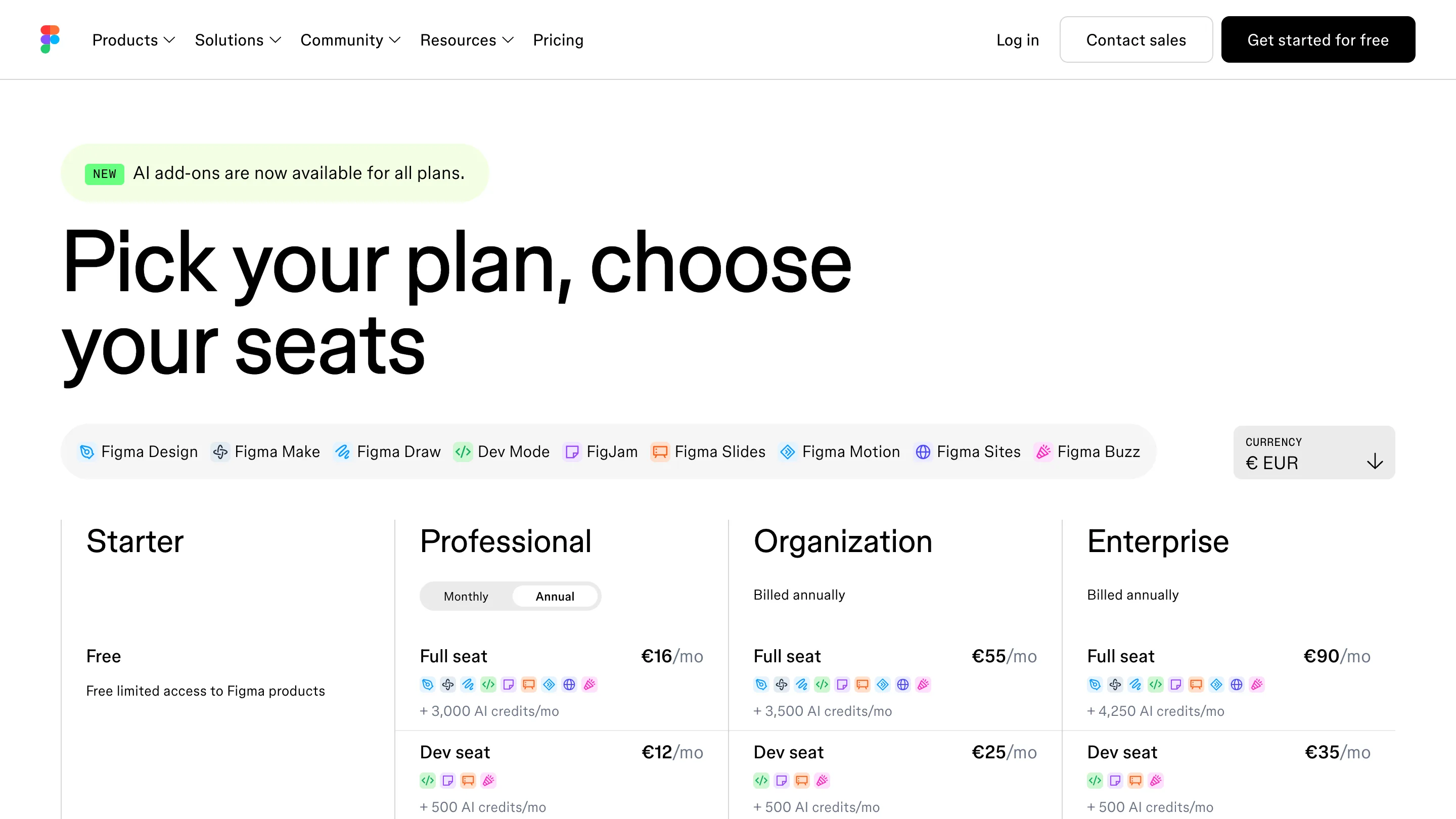
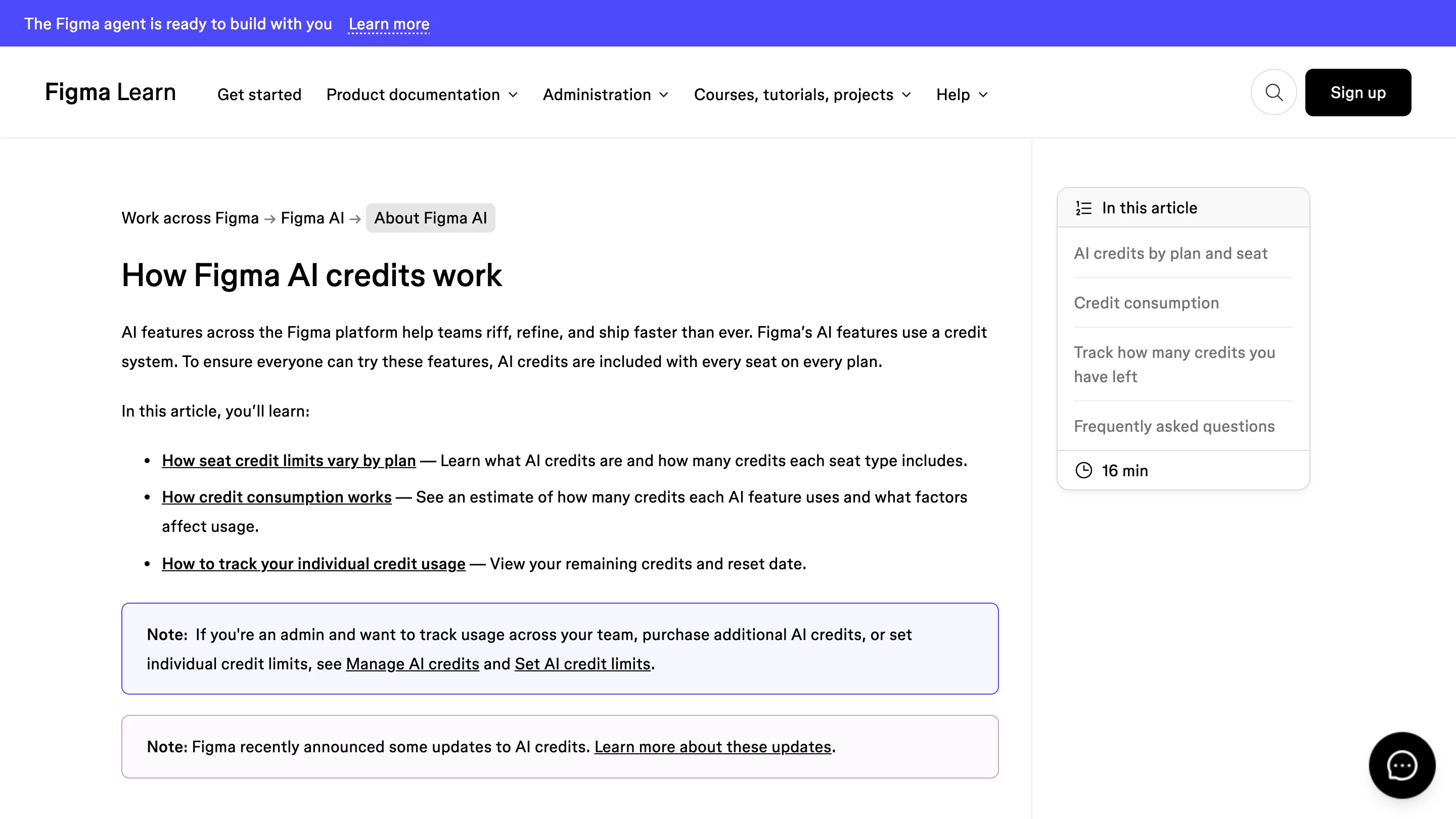
The allowance sits on the seat. A full seat gets 3,000 credits a month on Professional, 3,500 on Organization and 4,250 on Enterprise. Dev, Collab and View seats get 500. Starter seats get 500 too, with a cap of 150 a day. Credits reset monthly, don't roll over, and can't be passed to a colleague who ran short.
When you hit zero, Figma shows a message in the product and stops every AI action until the reset date, unless an admin buys more. Admins have two ways to top up: a monthly subscription pooled across the plan, or pay-as-you-go with a spending cap. Seat credits go first, then the subscription pool, then pay-as-you-go. Admins can also give each person full access, a custom monthly limit, or none at all.
Figma softened the change in advance. On 25 August it raised the credits in its add-on packages without touching the price: twice as many on Professional, 1.6 times as many on Organization and Enterprise. The seat allowance itself stayed the same.
Why it matters for people who make digital products
A free agent is a toy you try on a Friday. A metered one is a line in the budget, and that changes who decides how it gets used. On most teams that person will be a design lead or an ops manager looking at the admin dashboard, and they'll want to know which work is worth the credits.
The variable cost is the part to watch. A prompt that asks the agent to rebuild a screen from a whole library, with three files attached, costs more than one that renames layers. So the habits that keep an agent cheap are the same ones that keep it accurate: a clean library, a short guidelines file, a precise prompt. Teams that already keep their design system tidy will spend less to get the same result.
It also puts a number on design work that used to be invisible. Once credits show up per person in an admin panel, someone will compare them to output. That's a conversation design teams should start themselves, with their own measure of what a good agent session produced.
What to do this month
Open the admin tab and check what your plan's seats include. Look at the usage from the first week of October, when the meter first ran. Write the guidelines file for your main library before people start prompting against it. And decide now whether the team shares a pool or each designer lives on their seat's allowance, because the default is the second one, and it resets on a date nobody picked.